A-61550 February 2010 2-1
2 Installation
Contents Installing the scanner......................................................................2-1
Installing the Kodak Driver Software - Windows.........................2-1
Attaching the input and output trays ........................................... 2-3
Connecting the power cord and USB cable................................ 2-4
Disconnecting the power cord......................................................... 2-4
Turning on the scanner...................................................................2-5
Installing the scanner This section provides detailed information of the Installation Guide that
is provided with your scanner. Follow these steps in the order they are
provided to install your scanner.
NOTE: If you have already performed all of the steps in the Installation
Guide, skip this section.
Installing the Kodak Driver
Software - Windows
operating systems
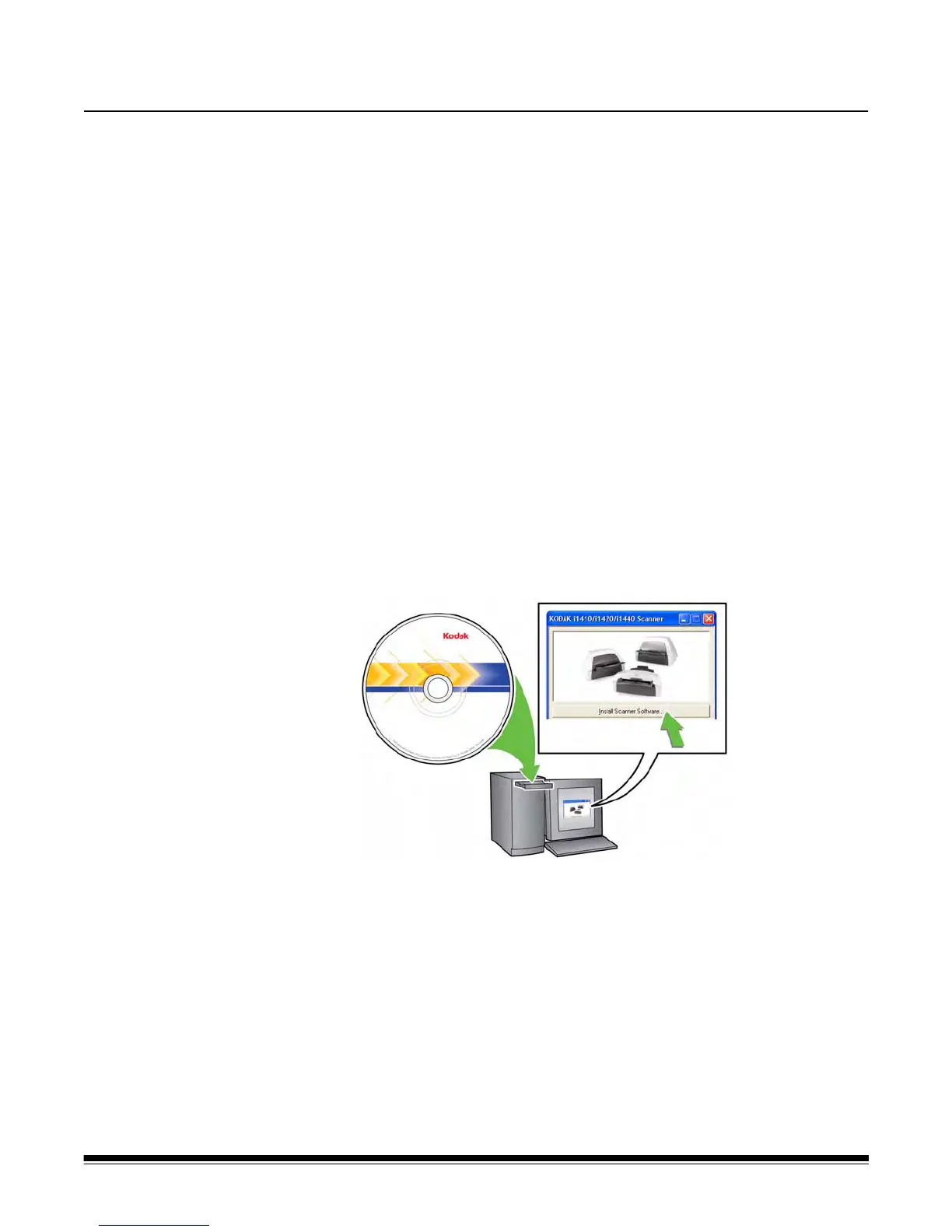
1. Insert the Kodak i1400 Series Scanners Installation CD in the
CD-ROM drive. The installation program starts automatically.
2. Select Install Scanner Software.


 To Next Page