A-61550 February 2010 1-3
Scanner components
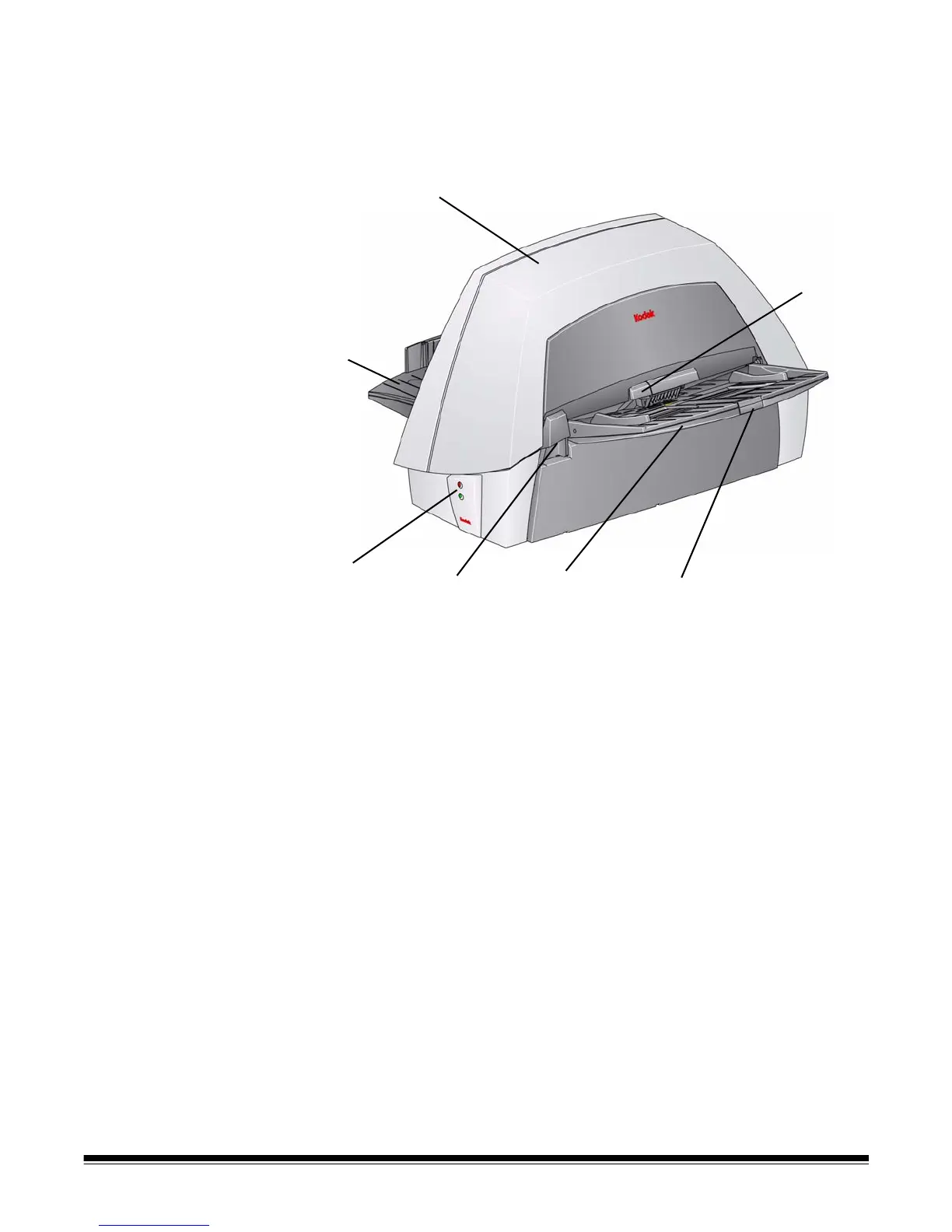
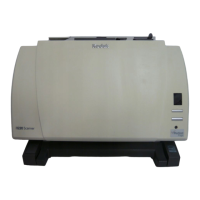
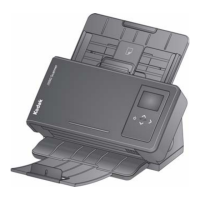
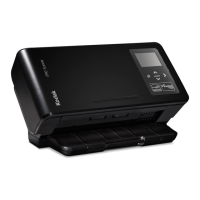
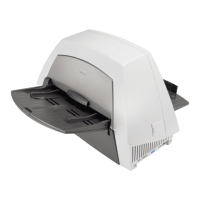
Front view
1 Scanner cover — provides access to the internal components.
2 Output tray — collects the scanned documents.
3LEDs — illuminates and flashes indicating scanner status.
4 Scanner cover release lever — push up to open the scanner
cover.
5 Input tray — holds up to 100 documents (20 lb/75 g/m
2
) in place.
6 Input tray extender — pull this extender out when scanning
documents longer than 21.6 x 27.9 cm (8.5 x 11 inches).
7 Gap release lever — push up to adjust the space between the
feed module and separator module for documents that require
special handling.


 To Next Page