Depth of the blade when stripping should be as deep as possible but not damage the wire.
It may scratch the wire.
In that case, set the numerical value of 《Blade Move Back》 to open the gap of the blade
which once cut in by the numerical value of the 《Blade Move Back》 and strip.
Appropriate value of the 《Blade Move Back》
・1/3 of the value of 《Core Diameter》
・Half of the thickness of the insulation
Input
3.Next is setting of the number of pieces to be processed. Select 《Setting Pieces》 and input the
number with Ten Keys in the same way.
You can set it to 99,999 pieces maximum. For trial processing, 2 or 3 pieces are set up.
Setting of all the processing conditions is completed so far.
・When a setting is error or you want to change it, press the select key again so that you can
change it.
Input
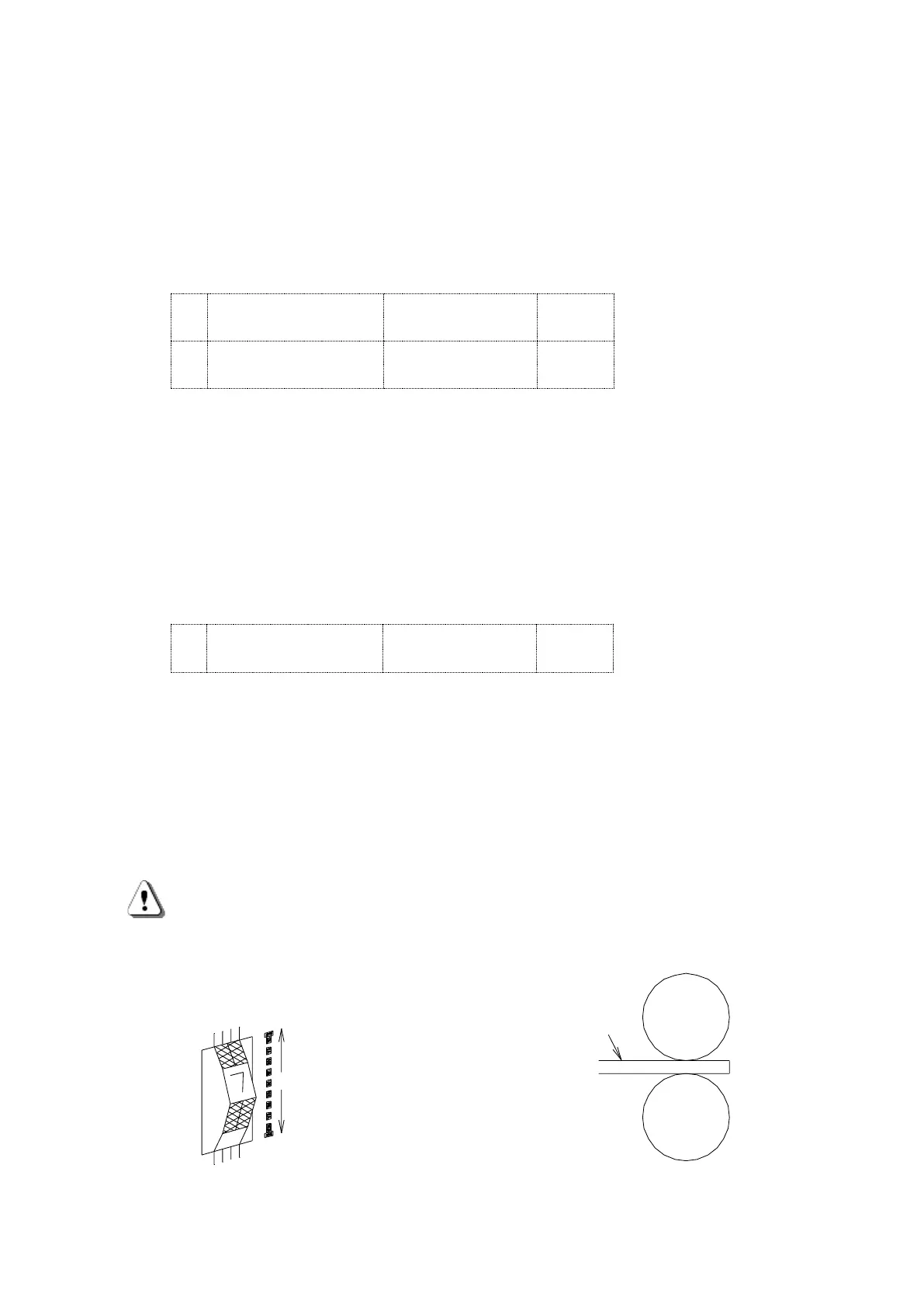
4.Adjustment of the left side roller gap.
Grip the wire to be processed by manipulating the Left side roller UP/DOWN knob and keep
it at the
D
(DOWN) position (the roller stays down).
Adjust the roller gap by turning the roller gap adjustment dial at the front mechanical section
to the level where the wire to be processed is not be pulled out when you pull it. Usually it is
from 180 to 360 degree turn to the downward from the position where the wire sensor light
goes off.
Caution・・・Please note that the gap should be wider or narrower depending on the type of
the wire.
If the roller gap is too narrow, jamming of the wire may occur at the front or
rear of the guide pipe. In that case, widen the roller gap.
→The gap becomes narrower
Adjustment of the roller gap



 To Next Page