17
SCREEN CHECK
Mode for checking the screen display.
Adjust the focus, distortion and size of the image on the screen while watching the
crosshatch pattern. Use the monitor adjustment PCB (See page 34) to make
adjustments.
To return to the main menu screen, press the 1P start button.
Adjusting the screen distortion
COLOR CHECK
Mode for checking the display color.
Make the adjustment using the monitor adjustment PCB (See page 34) so that the
colors of the color bars should appear properly graduated and the background should
become black sufficiently.
To return to the main menu screen, press the 1P start button.
Adjusting the display color
SOUND OPTIONS
Setting the sound options
Mode for setting and checking the sound options.
Press the 1P start button to select an item. Pull the 1P or 2P gun trigger to change
the setting.
To return to the main menu screen, select “SAVE AND EXIT” or “EXIT” and pull the
trigger of the 1P gun.
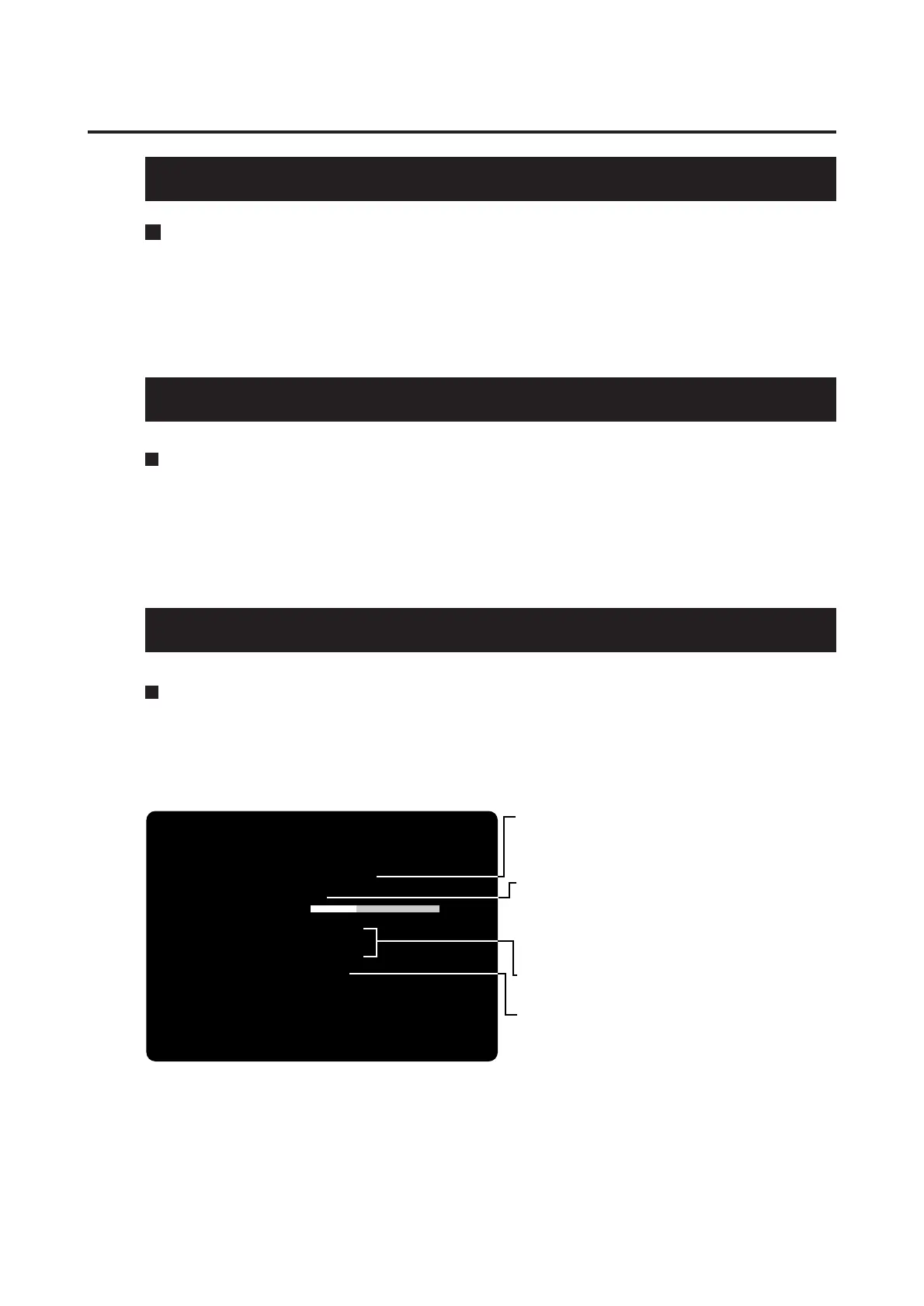
•This screen is just an example.
SOUND OUTPUT
MONAURAL
SOUND IN ATTRACT MODE
ALL THE TIME
SOUND VOLUME
12
SOUND SCALE CHECK1
SOUND SCALE CHECK2
SOUND SCALE CHECK3
FACTORY SETTING
SAVE AND EXIT
EXIT
(NEED TO PULL 1PLYR TRIGGER)
SOUND OPTIONS
1PLYR START = SELECT OPTION
1PLYR AND 2PLYR TRIGGER = MODIFY SETTING
•Turns on and off the demo play sound.
·ALL THE TIME................Sound always on.
·
ONCE EVERY 4 CYCLES
......Sound on every 4 cycles.
·COMPLETELY OFF .......Sound always off.
•Adjusts the volume level of voice and sound effects
in the range of 0 (mute) to 30 (maximum.).
*To raise the sound level, pull the trigger of the 2P
gun.
*To lower the sound level, pull the trigger of the 1P
gun.
•Three different “do, re, mi ... do” musical scales are
heard from the right and left speakers.
•Pull the 1P gun trigger to see if all the settings in this
mode go back to the factory ones.
5 PCB settings














 To Next Page