18
5 PCB settings
GAME OPTIONS
Mode for setting and checking the game options.
Press the 1P start button to select an item. Pull the 1P or 2P gun trigger to modify
the setting.
To return to the main menu screen, select “SAVE AND EXIT” or “EXIT” and pull the
trigger of the 1P gun.
Setting the game options
•This screen is just an example.
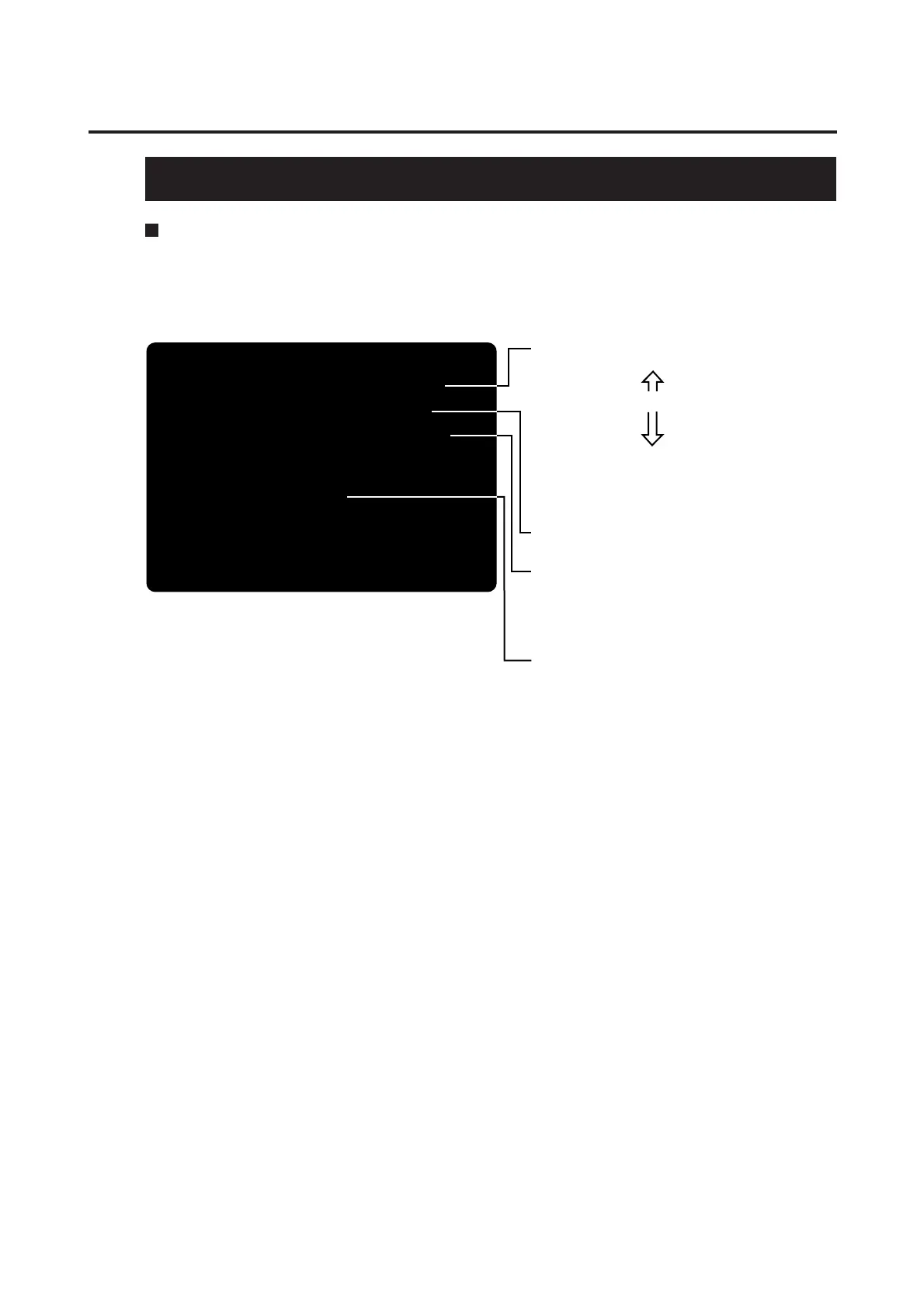
DIFFICULTY LEVEL 4/MEDIUM
PLAYER'S LIFE 4LIVES
BLOOD COLOR LIGHTNING
FACTORY SETTING
SAVE AND EXIT
EXIT
(NEED TO PULL 1PLYR TRIGGER)
GAME OPTIONS
1PLYR START = SELECT OPTION
1PLYR TRIGGER = MODIFY SETTING
•Sets a difficulty level (from the 8 levels).
1/EASIEST Easier
2/VERY EASY
3/EASY
4/MEDIUM ----------- Standard
5/MEDIUM HARD
6/HARD
7/VERY HARD
8/HARDEST Harder
*To raise the difficulty level, pull the
trigger of the 1P gun.
*To lower the difficulty level, pull the
trigger of the 2P gun.
•Sets the player’s life points.
(Presettable to 2 to 5 for one credit)
•Sets the enemies’ blast-out styles
·RED .................. Blast out in red flashes.
·BLUE ................ Blast out in blue flashes.
·DARK BLUE ..... Blast out in navy-blue flashes.
·LIGHTNING ...... Blast out in sky-blue flashes
of lightning. (Factory setting)
•Pull the 1P gun trigger to see if all the settings in this
mode go back to the factory ones.














 To Next Page