21
VIEW BOOKKEEPING INFORMATION
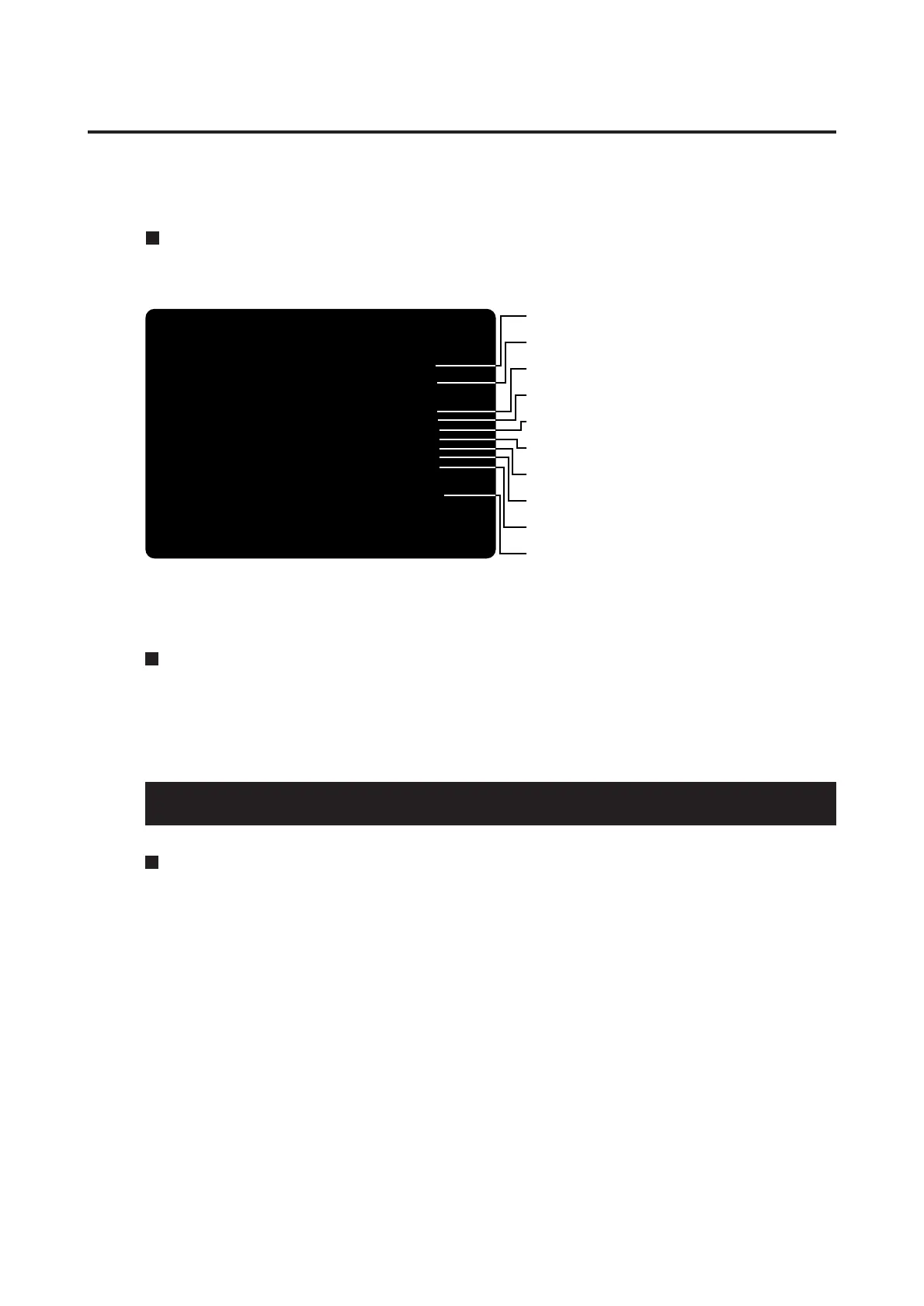
In this mode, the bookkeeping information is displayed. The number of coins for
each of the items can be viewed by coin slot.
•This screen is just an example.
5 PCB settings
SLOT1 SLOT2 SLOT3
TOTAL COINS 10 29 0
TODAY'S COIN 10 29 0
COIN DATA OF LAST 7DAYS
YESTERDAY 0 0 0
-2 DAY 0 0 0
-3 DAY 0 0 0
-4 DAY 0 0 0
-5 DAY 0 0 0
-6 DAY 0 0 0
-7 DAY 0 0 0
LAST 7DAYS AVERAGE
0.0 0.0 0.0
1PLYR START = SELECT ITEM
1PLYR TRIGGER = DO CHECK
VIEW BOOKKEEPING INFORMATION
•Total number of coins after the time being set.
•Number of coins of today.
•Number of coins of yesterday.
•Number of coins of 2 days ago.
•Number of coins of 3 days ago.
•Number of coins of 4 days ago.
•Number of coins of 5 days ago.
•Number of coins of 6 days ago.
•Number of coins of 7 days ago.
•Average number of coins of last 7 days.
MASK ROM CHECK
Mode for checking the MASK ROM on the game PCB.
If the MASK ROM is not in trouble, “OK” is displayed: if in trouble, “BAD” is
displayed. Call the MASK ROM CHECK screen and pull the 1P gun trigger, and the
checking gets started. If the 1P start button is pressed before getting this checking
started, the main menu shows up again on the screen. To return to the main menu
screen after this checking, press the 1P start button.
• If “BAD” appears, immediately turn OFF the main power switch, unplug the power
cord from the receptacle and contact your nearest dealer.
Checking the MASK ROM
Pull the 1P gun trigger and the total coin data of the past 12 weeks are displayed for
each week.
CLEAR BOOKKEEPING INFORMATION
In this mode, the total coin data is cleared. Before clearing, you are asked to
confirm “YES” or “NO” twice. After the data is cleared, the BOOKKEEPING menu
screen shows up again.














 To Next Page