7 Maintenance
I
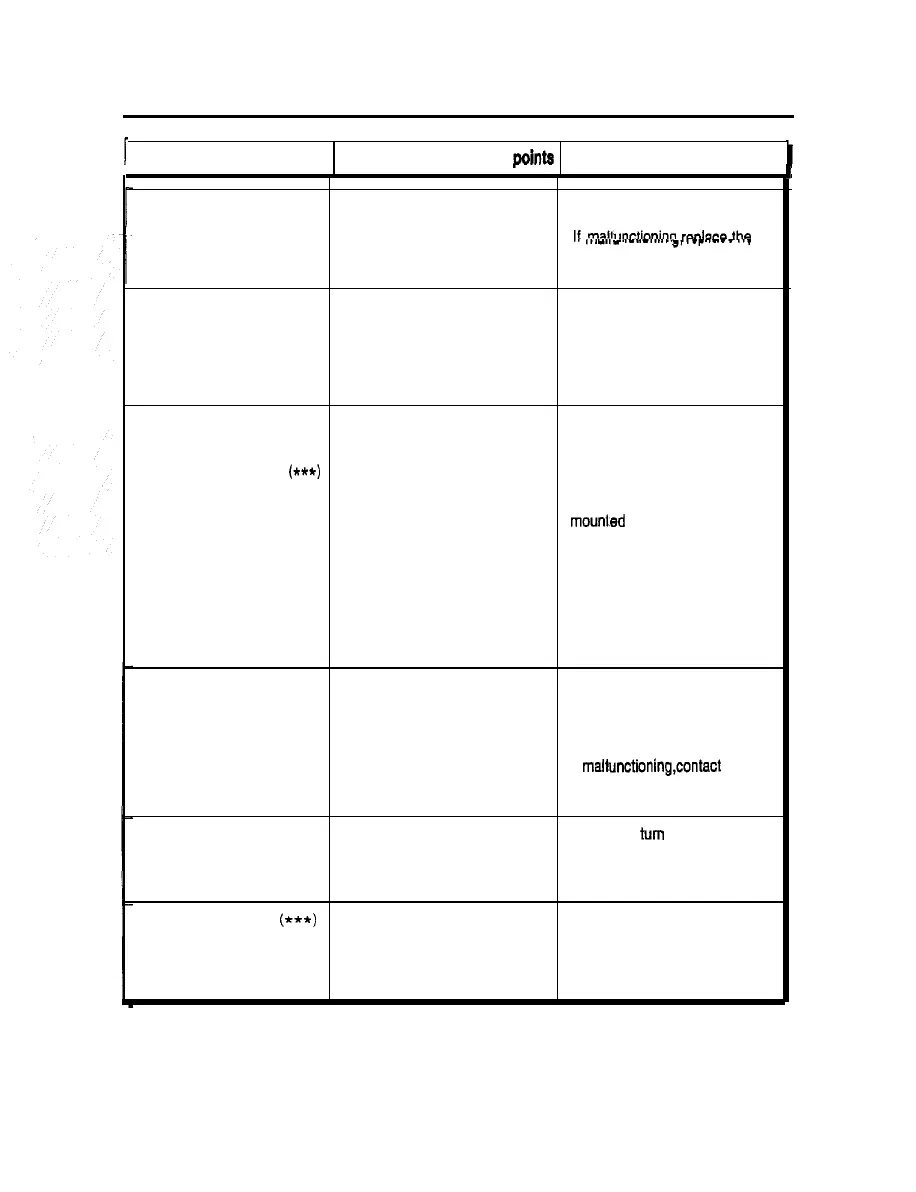
Trouble
Possible causes and check points
Measures
1
L
1 1
I
Coin selector malfunctioning.
Coin selector detective. Check the performance on the
‘I/O CHECK” screen.
If
mal+~~prtinninn
r~nlace
the
,..-.,-
._.._.....
~,
,_r
.---
.._
coin selector or microswitch with
new one.
No sound or too loud (or too soft) Sound level maladjusted.
Make proper setting on the
sound.
“SOUND OPTIONS” screen.
Connectors of speakers
Check the connectors for poor
disconnected.
contact.
Sensor does not react at all or Sensor lead wire is removed. Check if the connector is
reacts abnormally. connected correctly between the
sensor frame and the monitor
“POSITION SENSOR BAD
(**t)
cabinet.
appears when starting up the
machine. Sensor is covered or sensor area Check whether or not the sensor
blocked with something.
mourned at three position is
hindered.
Trouble with sensor
Check the sensor action in ‘I/O
CHECK” mode. If the sensor is
found troubled, turn OFF the
main power switch, unplug the
power code and contact your
nearest dealer.
There is no reaction at all or
occasionally even when the
glove unit is waved.
“GLOVE SENSOR BAD”
appears when starting up the
machine.
Connectors of glove unit
disconnected.
Glove unit defective.
Check the connectors for poor
contact.
Check the performance on the
‘GLOVE CHECK” screen.
if malfunctioning,contact your
nearest dealer.
“BAD” displayed on the
“MEMORY CARD CHECK”
screen in test mode.
Memory card defective. Immediately turn OFF the main
power switch, unplug the power
cord from the receptacle and
contact your nearest dealer.
“HARDWARE ERROR
(***)
Memory card is not set correctly.
Check that the memory card is
displayed on screen.
set correctly.
Memory card is broken.
Contact your nearest dealer.
39













 To Next Page