6
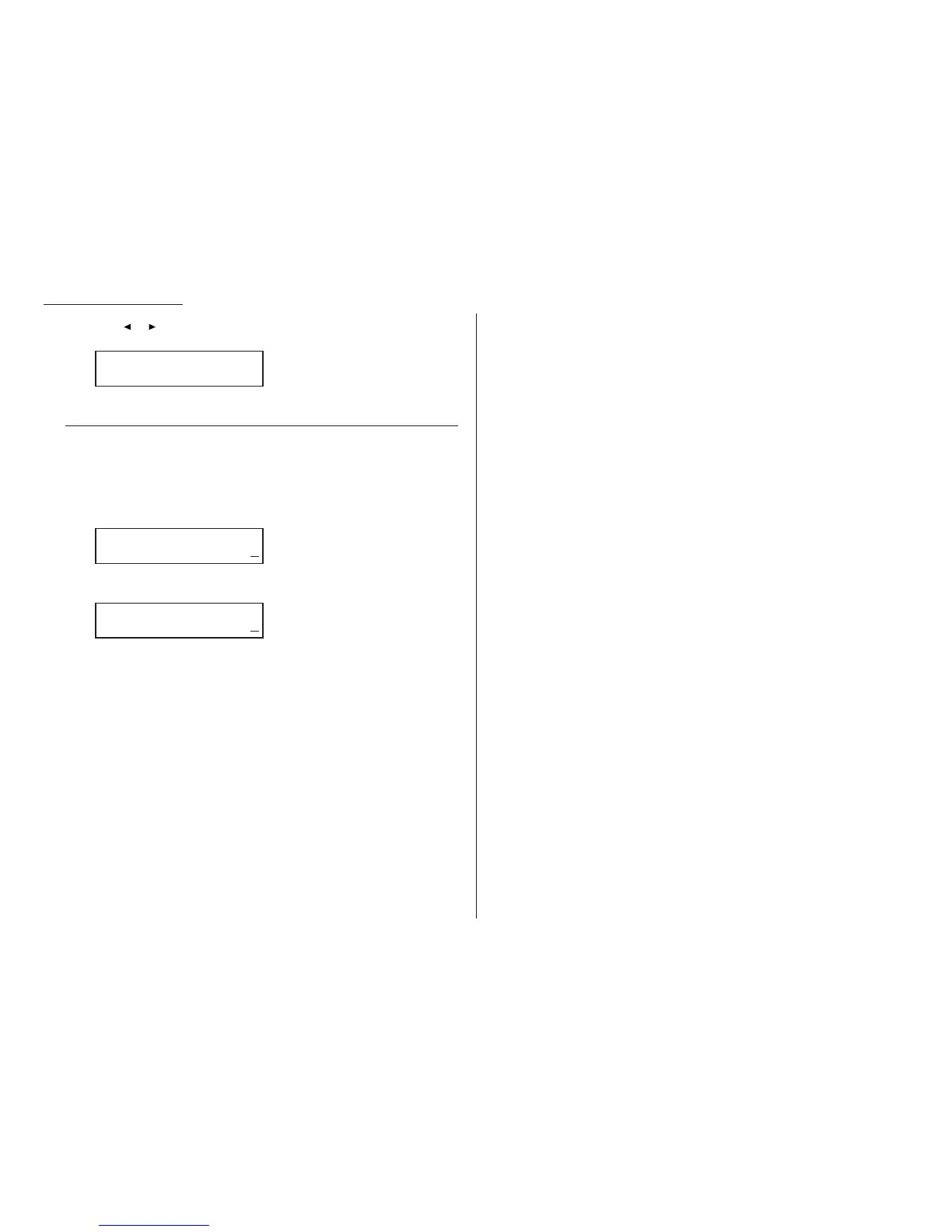
Press or until the setting you want appears. In this example, we’ve cho-
sen On.
7
Press
ENTER
to save the setting.
Setting the number of rings
Default setting: 2 times
You can set how many times your fax machine will ring before answering a call.
Choose from 1 to 9 rings.
1
Press Program key,
B
,2,0,3,
ENTER
. The
LCD
shows:
2
Use the numeric keypad to enter the number of rings you want, from 1 to 9.
Here, we’ve chosen 4 rings.
Note: If you enter the number except 1-9, the machine will beep briefly to
warn you that it can’t accept that setting.
3
Press
ENTER
to save the setting.
# Of Rings
# (1-9):4
# Of Rings
# (1-9):2
Half Page Recpt.:On
/
/Enter
Changing the default settings
4.4





 To Next Page