Changing the copy auto reset time
Default setting: 3 minutes
The machine returns to its initial condition automatically after a certain period of
time. You can change this time from 1 to 10 minutes.
1
Press Program key,
B
,3,0,3,
ENTER
.
2
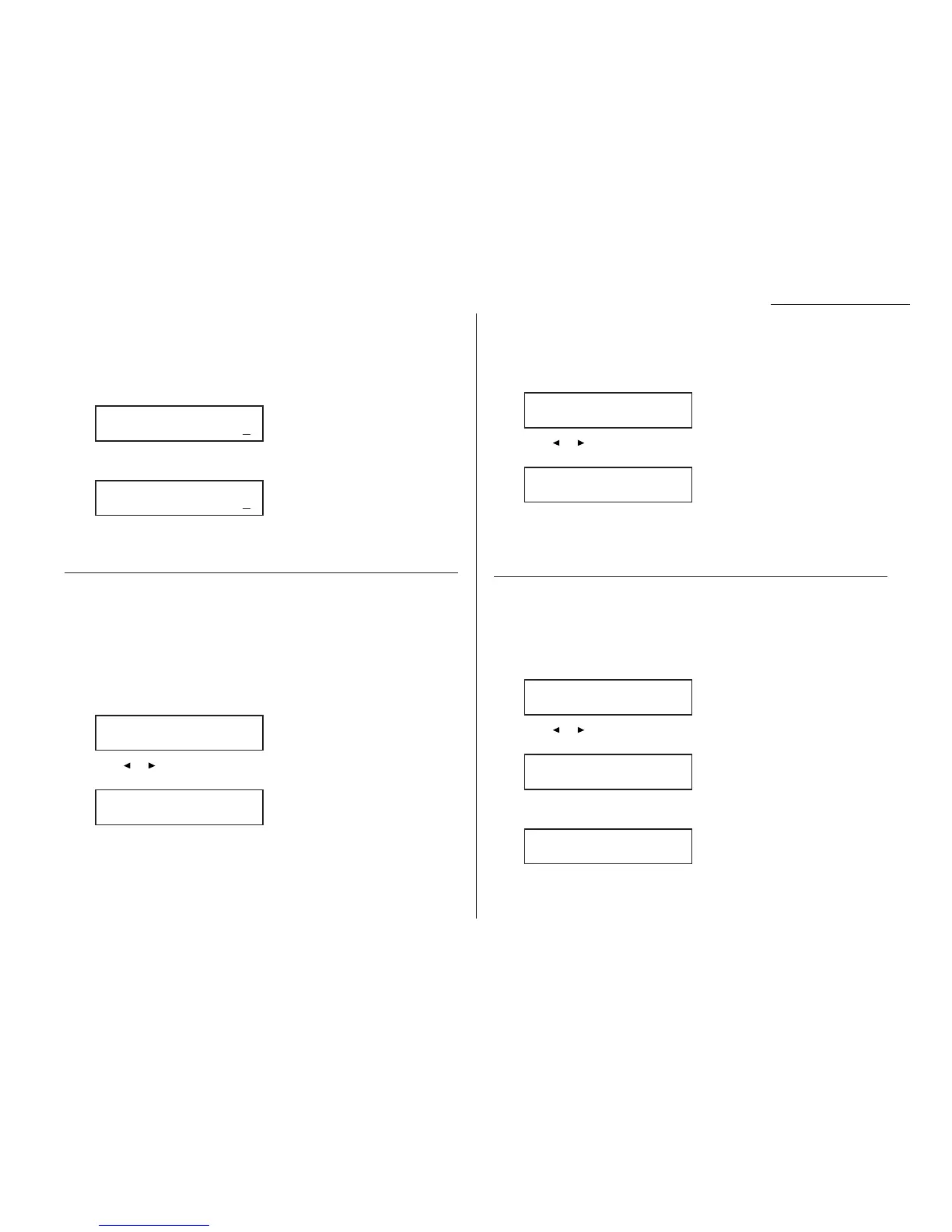
Use the numeric keypad to enter the time you want for the copy auto reset.
Here, we’ve chosen ten minutes.
Note: Enter a leading zero when entering a quantity less than 10.
3
Press
ENTER
to save the setting.
Setting copy auto
Default setting: Auto is set for Recording paper size
The machine automatically selects the recording paper size according to the docu-
ment size and enlargement/reduction rate. You can change it to select the document
size or enlargement/reduction rate automatically, instead of the recording paper
size.
1
Press Program key,
B
,3,0,4,
ENTER
. The
LCD
asks you to select the item
you want to set to Auto:
2
Press or until the item you want appears. In this example, we’ve chosen
Document size.
3
Press
ENTER
to save the setting.
Setting sort copy
Default setting: On
You can set the sort setting to off for default setting by following procedure.
1
Press Program key,
B
,3,0,6,
ENTER
.
2
Press or until the setting you want appears.
In this example, we’ve chosen Off.
3
Press
ENTER
to save the setting.
Helpful Tip: You can override the setting of sort copy by pressing
SORT
before you
press
START
to make copies.
Setting Negative/Positive
Default setting: Off
If you frequently use the Negative/Positive (reversing black and white areas), you
can set it to on for default setting by following procedure.
1
Press Program key,
B
,3,0,7,
ENTER
.
2
Press or until the setting you want appears.
In this example, we’ve chosen On.
3
Press
ENTER
to save the setting. The machine returns to the standby mode
with following display:
Copy <Nega/Posi> 1
A4 Auto 100%
Nega/Posi :On
/
/Enter
Nega/Posi :Off
/
/Enter
Sort Copy :Off
/
/Enter
Sort Copy :On
/
/Enter
Copy Auto:Doc. Size
/
/Enter
Copy Auto:Paper Size
/
/Enter
Auto Reset Time
(01-10):10
Auto Reset Time
(01-10):03
Changing the default settings
4.7










 To Next Page