Page counter
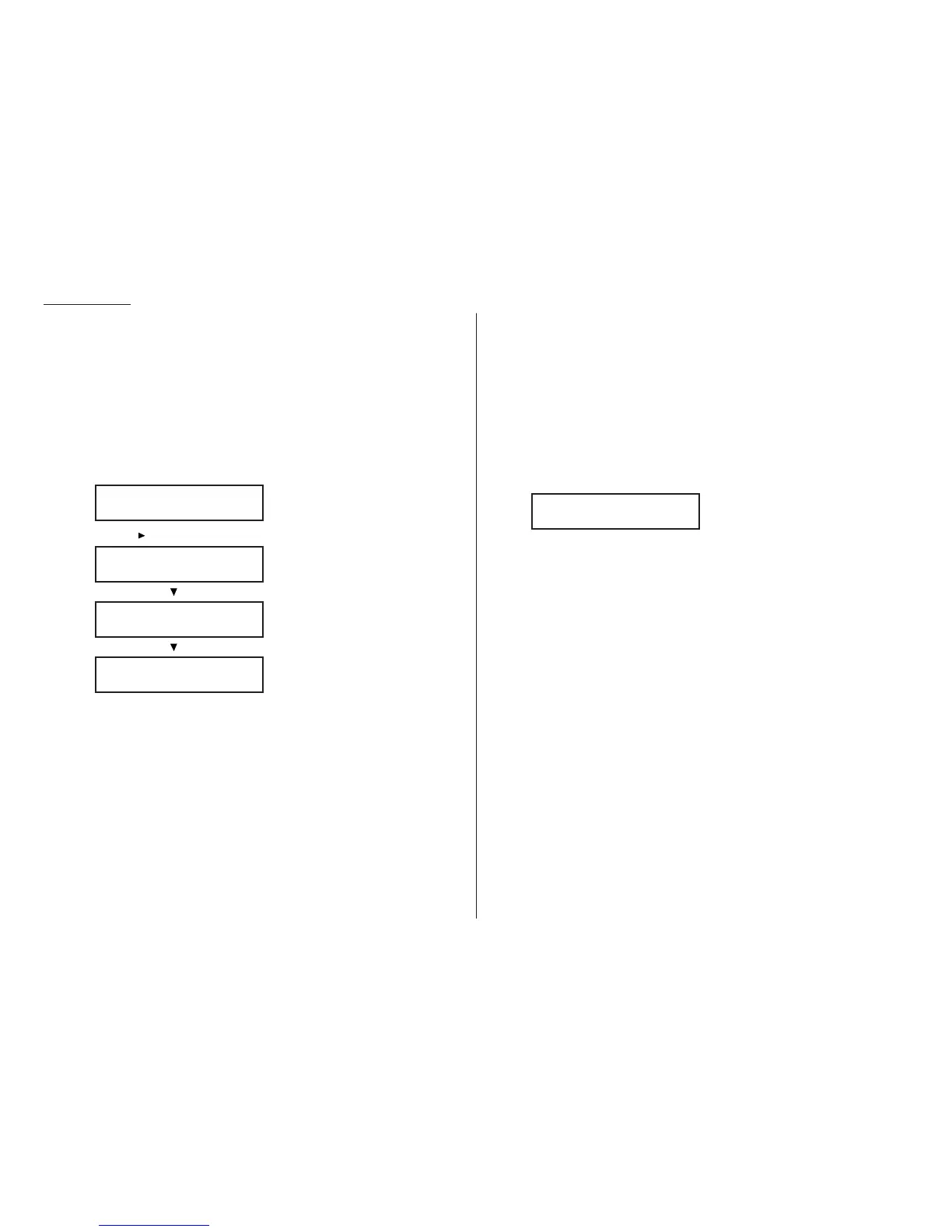
You can confirm the number of total printed pages on the
LCD
.
• Total — The total pages your machine has printed.
• Copy — The total pages printed for copying.
• Fax — The total pages printed for received fax messages.
• Printer — The total pages printed for list printing and PC printing.
Note: PC printing is available only when your machine has the
optional printer controller kit installed.
1
Press
COPY COUNT
. The
LCD
shows the total pages your machine has printed
up to the present:
2
Pressing , the
LCD
will change as follows:
3
When you finished confirming, press
STOP
.
The machine will return to standby mode.
The power of Multi-Access
Your fax machine’s Multi-Access feature sharply reduces the time you might spend
waiting for the machine to finish its work. Multi-Access is a more powerful version
of what already is a pretty powerful feature, called dual access. While a fax with nor-
mal dual access allows you to do two things at once, Multi-Access allows you to do
four operations at once. For example, even if the machine is (1) printing a copy, (2)
transmitting from memory and (3) scanning documents for a different memory
transmission, you can still (4) program the machine.
Note: If your machine is Konica 7013:
The MFX-1300 cannot printing and scanning at same time.
If you try to scanning the document during the machine is printing, the
following message will be shown:
• If the machine is printing the lists, the machine will scan the document
after the printing is finished.
• If the machine is printing the stored document or received document,
the machine will pause the current printing job and it will give priority
to scanning the document. After scanning is finished, the machine
resumes the printing job.
OK: Will Scan Soon
Printer :000005679
/
/Stop
Fax :000006412
/
/Stop
Copy :000014702
/
/Stop
Total :000026813
/
/Stop
Advanced features
3.24










 To Next Page