Advanced features
Erasing a Macro key
1
Press
MACRO PROGRAM
twice,
ENTER
. The
LCD
shows:
2
Press the Macro key (
M
1 or
M
2) you want to erase. Here, we’ve chosen
M
2.
3
Press
ENTER
. The
LCD
shows:
Important: If you want to quit without erasing the Macro key you’ve
selected, press
CANCEL
. The machine will return to step 2.
4
Press
ENTER
to erase the job.
To erase another Macro key, repeat steps 2–4. Or press
STOP
to return to standby
mode.
Printing a list of your Macro keys
Your fax machine can print a list of the Macro keys.
The list includes:
(1) each key’s Macro key number
(2) the name of the job stored in the Macro key
To print a list of Macro keys, press Program key,
E
,1,1,7,
ENTER
.
Setting the speed for Macros
You can adjust the speed of one step in the Macro key.
1
Press
MACRO PROGRAM
three times,
ENTER
. The
LCD
shows:
2
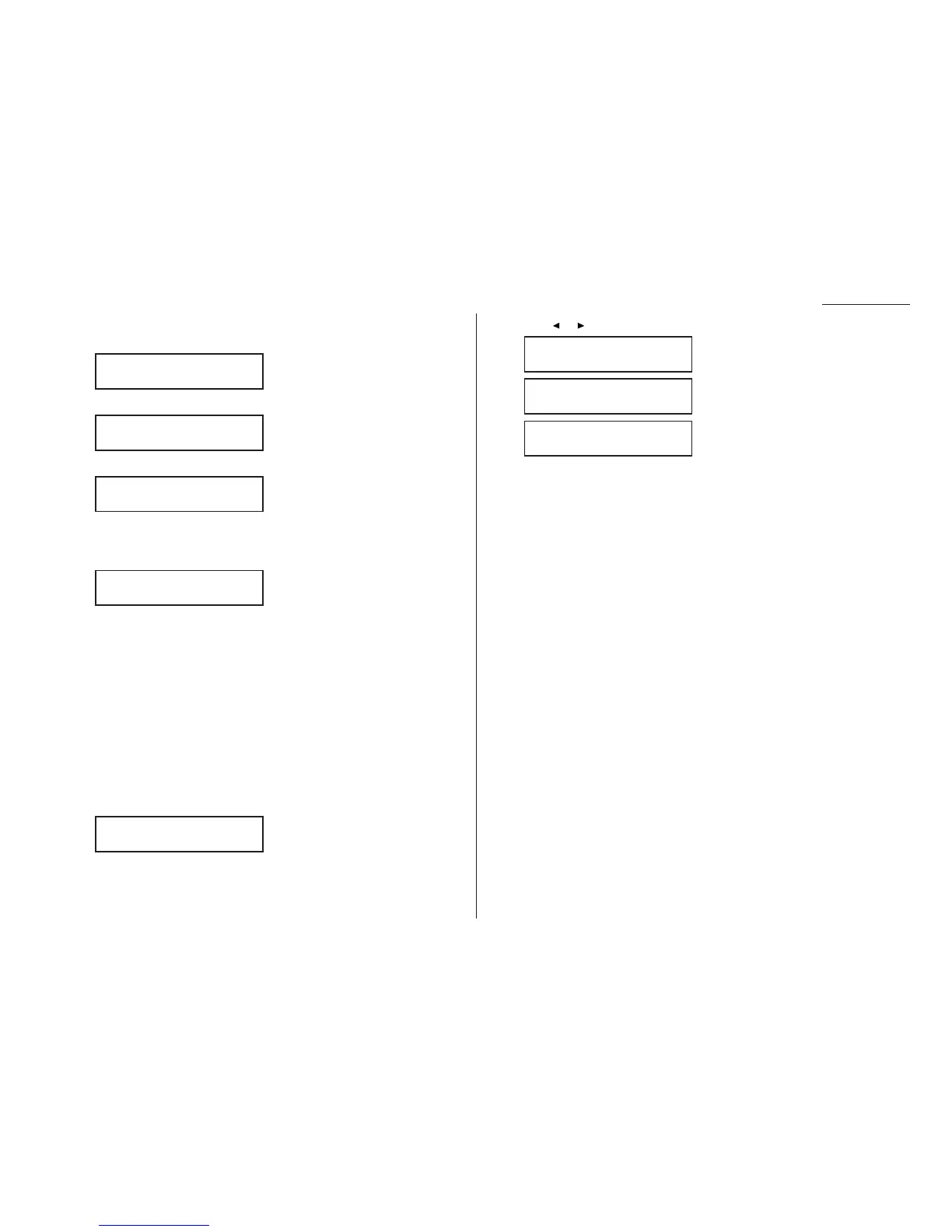
Press or until the mode you want appears. The possible settings are:
3
Press
ENTER
to save the setting.
Macro Speed :Fast
/
/Enter
Macro Speed :Slow
/
/Enter
Macro Speed :Norm
/
/Enter
Macro Speed :Norm
/
/Enter
Erase Macro
** Complete **
Erase Macro
Check Enter/Cancel
Select Macro Key
M2:Batch box list
Select Macro Key
M1:Activity journal
3.19










 To Next Page