FAX Screen Set - (continued)
14-16
1. Open the FAX Key Operator Mode (See "Entering Key Opera-
tor" (p. 14-2)).
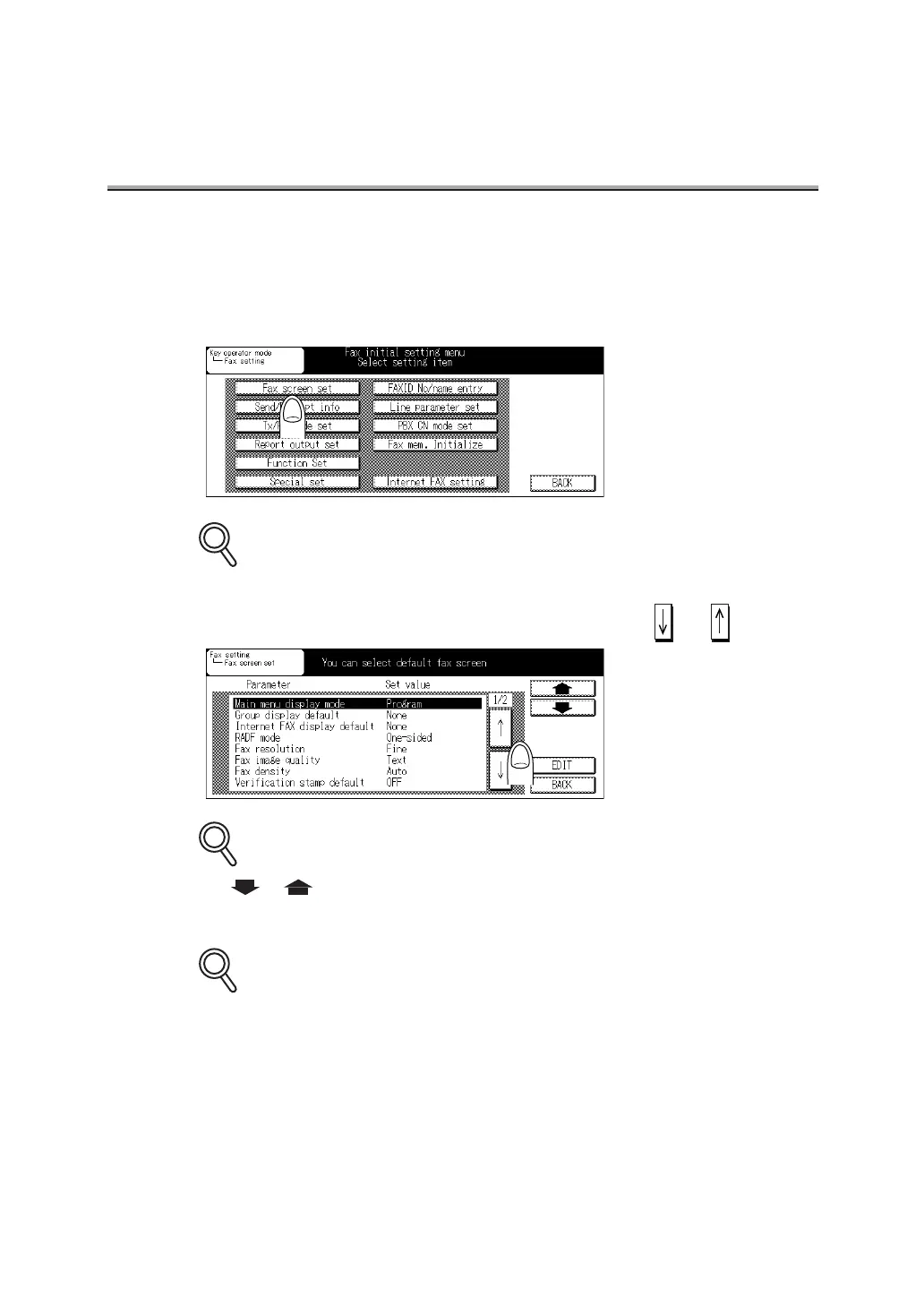
2. Press FAX screen set.
Some items may not be displayed depending on the optional settings.
3. Select the parameter you wish to set, using or .
Use or to go to the next or previous screen.
4. Press EDIT to switch values until the desired value appears.
To exit, press BACK.
DETAILS
DETAILS
DETAILS



 To Next Page