14-15
FAX Screen Set
In this mode, you determine the initial settings of the Fax Basic screen.
• Main menu display mode: Program* / Group / Abbr / Key pad
• Group display default: None* / Group 1 / Group 2 / Group 3 / Group 4
• Abbr display default: None* / A- / D- / G- / J- / M- / P- / T- / W- / No.etc
• Internet Fax display default None * / A- / D- / G- / J- / M- / P- / T- / W- / No.etc
• RADF mode: One-sided * / Two-sided / Cover+2 sided
• FAX resolution: Normal / Fine* / S-Fine
• FAX image quality: Text* / Photo / Text / Photo
• FAX density: Auto* / LIGHTER / NORMAL / DARKER
• Verification Stamp ON/OFF*
• Auto reset timer: OFF / 30 / 60* / 90 / 120 / 150 / 180 / 210 / 240 / 270 / 300
• Tx / Rx auto display change: ON / OFF*
• FAX screen first: ON / OFF*
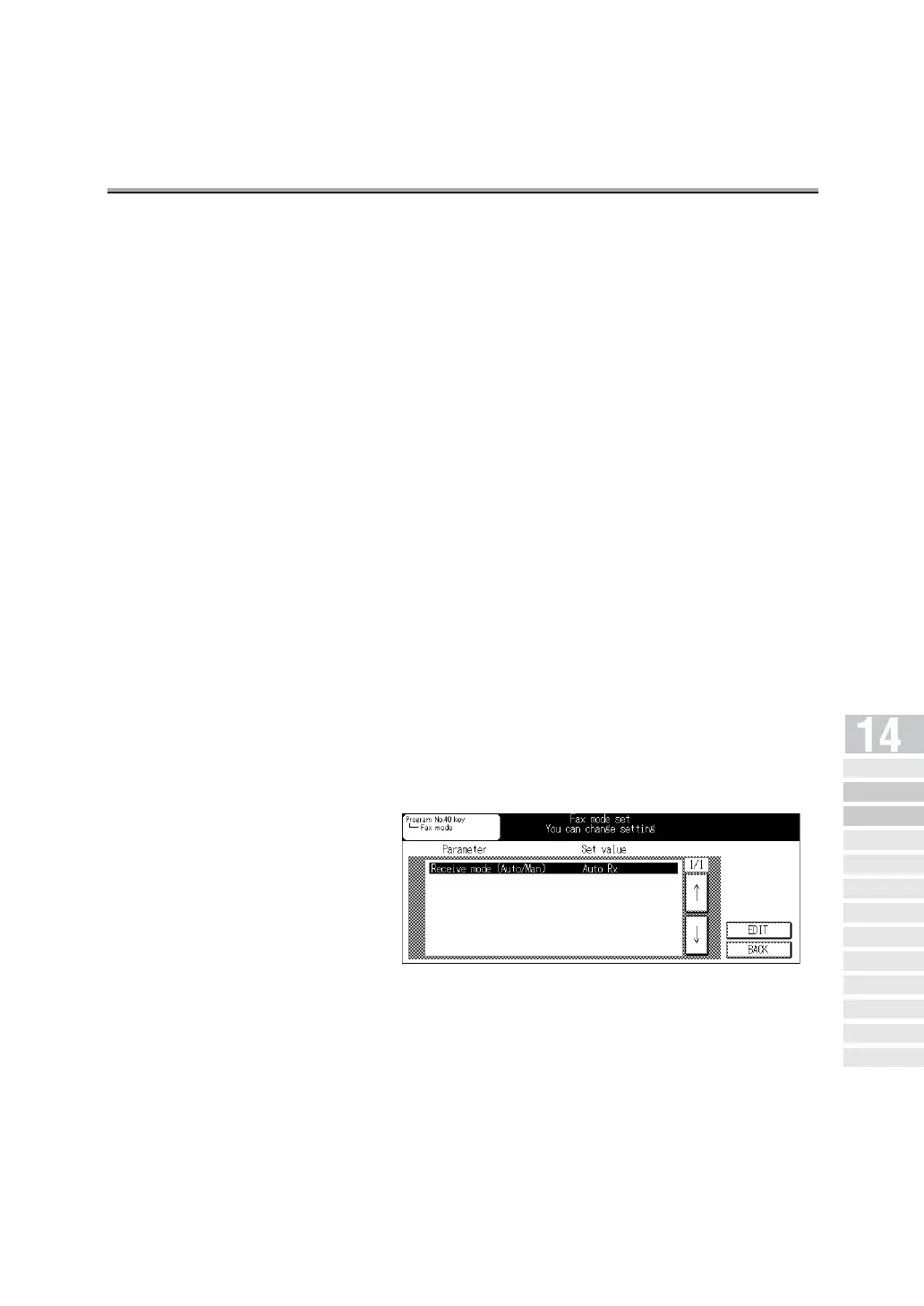
• Program No.40 key set: Program* / Fax mode
Sets the operation when the Program No. 40 key is
pressed.
• When you select [Program], the contents registered in
the key is activated.
• When you select [Fax mode], the Fax mode screen will
appear. The program dial No. will be 01-39 and [Fax
mode] is indicated for No.40.
* indicates factory default setting.
Key Operator
Screen
FAX Key
Operator Mode
FAX Screen Set
Setting FAX ID/
Name
Se nder I nfo rmation /
Re ce pt ion Ti me
Line Parameter
Set
Transmission/Reception
Mode Options
PBX (Pr ivate Branch Ex chang e)
Connection Mode Options
Report Output
Set
Initiali zing the FAX
Image Memory
Function Set
Setting a Special
Parameter
Setting the Internet
Fax Functions



 To Next Page