Function Set - (continued)
14-34
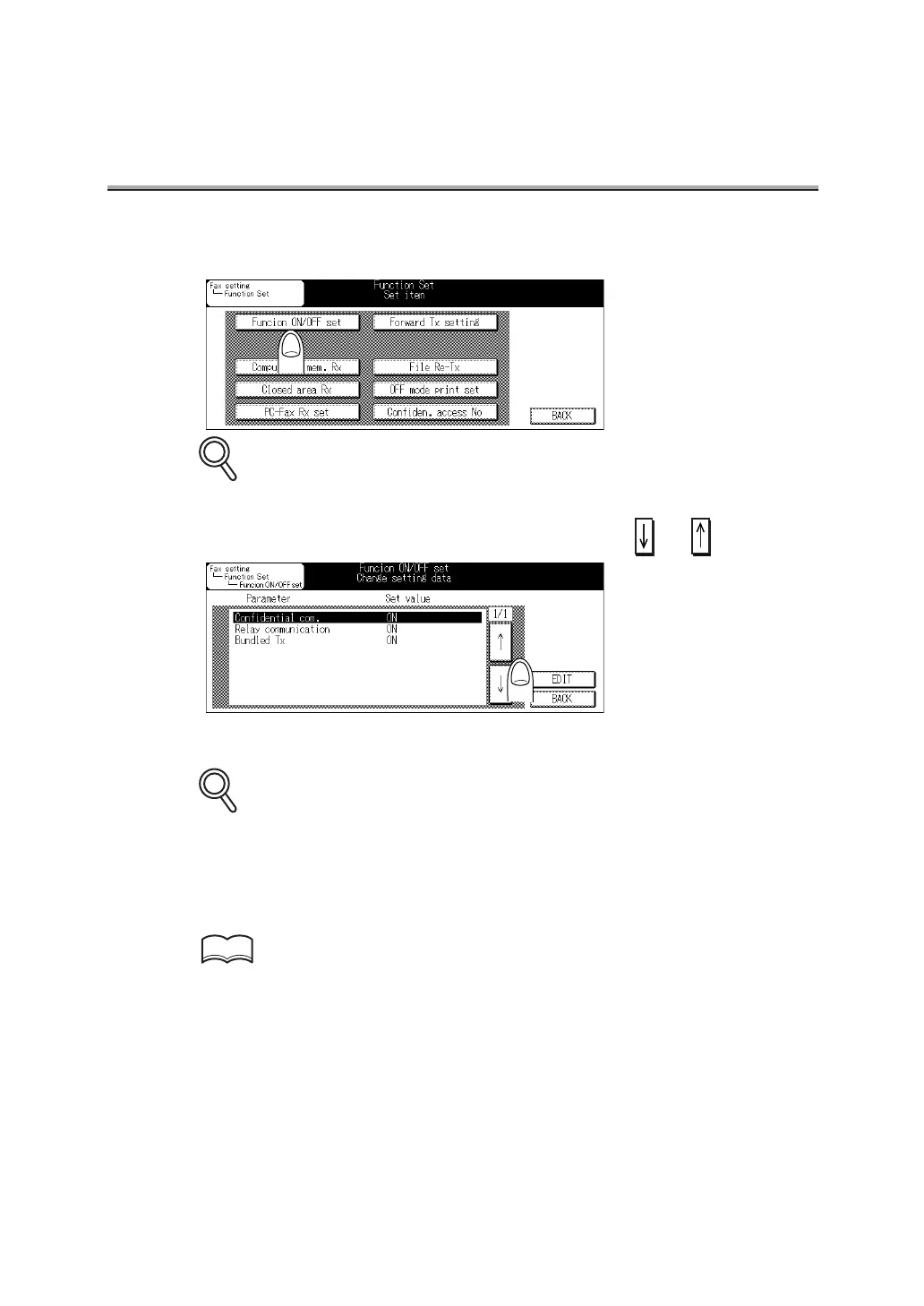
3. Press Function ON/OFF set.
Some items may not be displayed depending on the optional settings.
4. Select the function you wish to set, using or .
5. Press EDIT to set ON or OFF.
To exit, press BACK.
6. Press BACK twice.
The value of the parameter is changed and you return to the FAX Key Operator Mode
screen.
Refer to (p. 14-5) to exit from the Key Operator mode.
DETAILS
DETAILS
HINT



 To Next Page