Function Set - (continued)
14-40
Setting up retransmission
The retransmission function can be enabled or disabled. If enabled, you may retransmit docu-
ments held in memory that failed to transmit (even after redialing attempts) perhaps due to a
communication error, but held in memory for a certain length of time. You can designate a
destination that is not the same as the one you designated in the earlier transmission
attempts.
• File Re-Tx : ON/OFF*
• File keep time : 12*/24/48/72 hours
* indicates factory default setting.
If retransmission is enabled, the document held in memory for later retransmission will be
marked Re-Tx in JOB LIST.
1. Open the FAX Key Operator Mode (See "Entering Key Opera-
tor" (p. 14-2)).
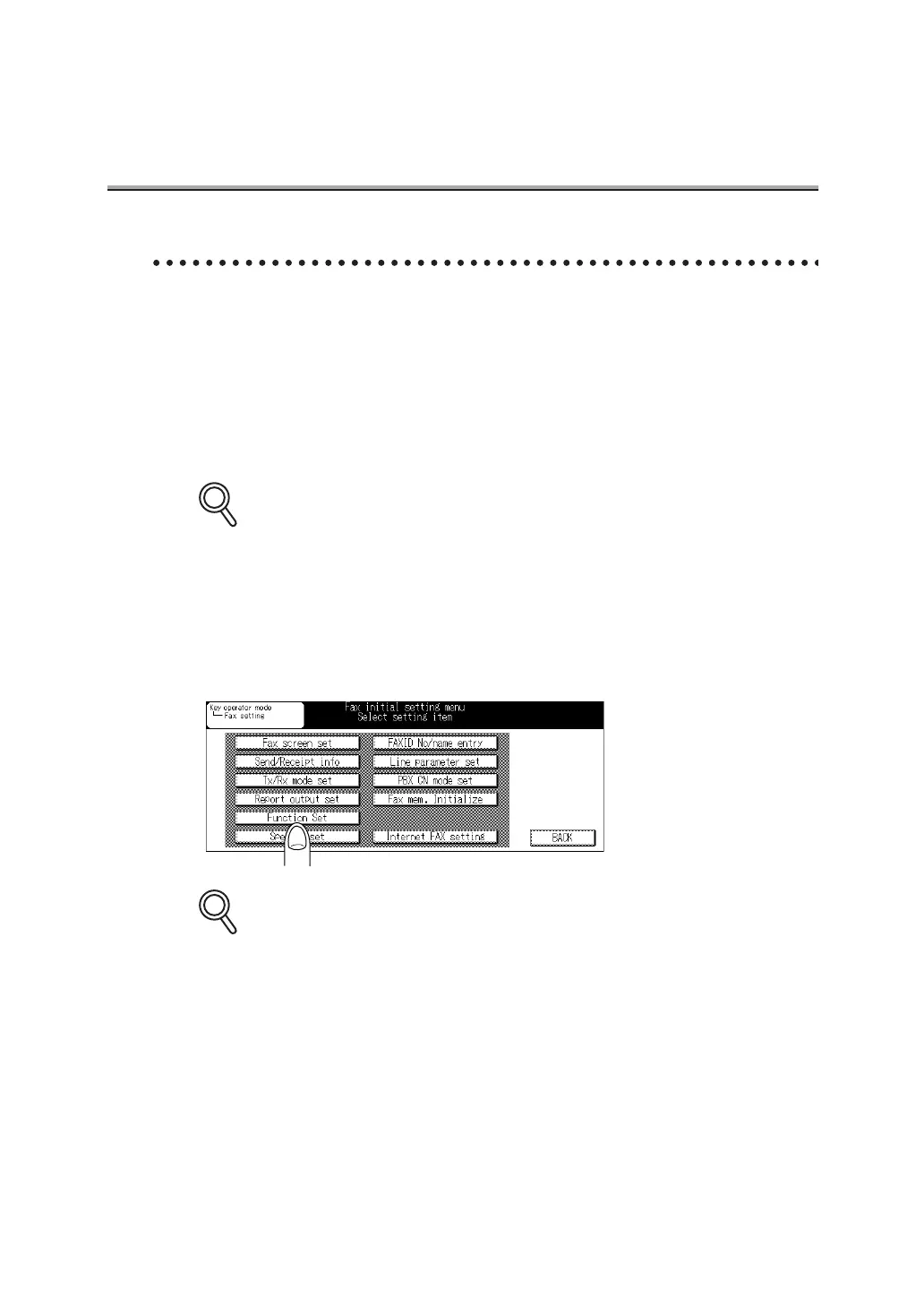
2. Press Function Set.
Some items may not be displayed depending on the optional settings.
DETAILS
DETAILS



 To Next Page