Function Set - (continued)
14-41
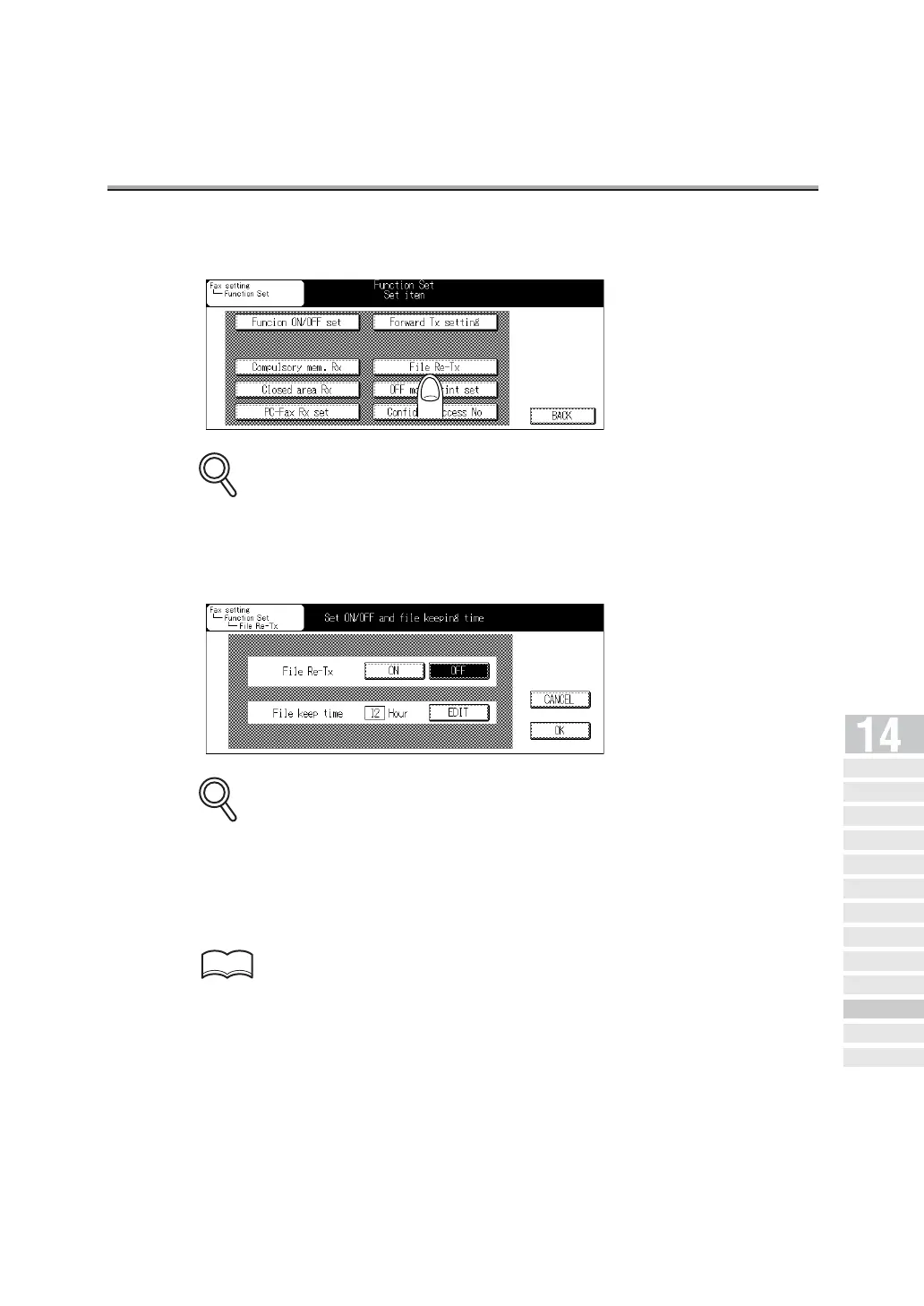
3. Press File Re-Tx.
Some items may not be displayed depending on the optional settings.
4. Press ON. Then press EDIT and select the length of time for
holding the document in memory.
• You can set the document holding time to 12, 24, 48 or 72 hours.
• To stop setting up, press CANCEL.
5. Press OK and then BACK.
The setting is changed and you return to the FAX Key Operator Mode screen.
Refer to (p. 14-5) to exit from the Key Operator mode.
DETAILS
DETAILS
HINT
Key Operator
Screen
FAX Key
Operator Mode
FAX Screen Set
Setting FAX ID/
Name
Se nder I nfo rmation /
Re ce pt ion Ti me
Line Parameter
Set
Transmission/Reception
Mode Options
PBX (Pr ivate Branch Ex chang e)
Connection Mode Options
Report Output
Set
Initiali zing the FAX
Image Memory
Function Set
Setting a Special
Parameter
Setting the Internet
Fax Functions



 To Next Page