Placing the Original on the Machine - (continued)
2-21
Transmitting Originals by Using both the RADF and the Platen
Glass
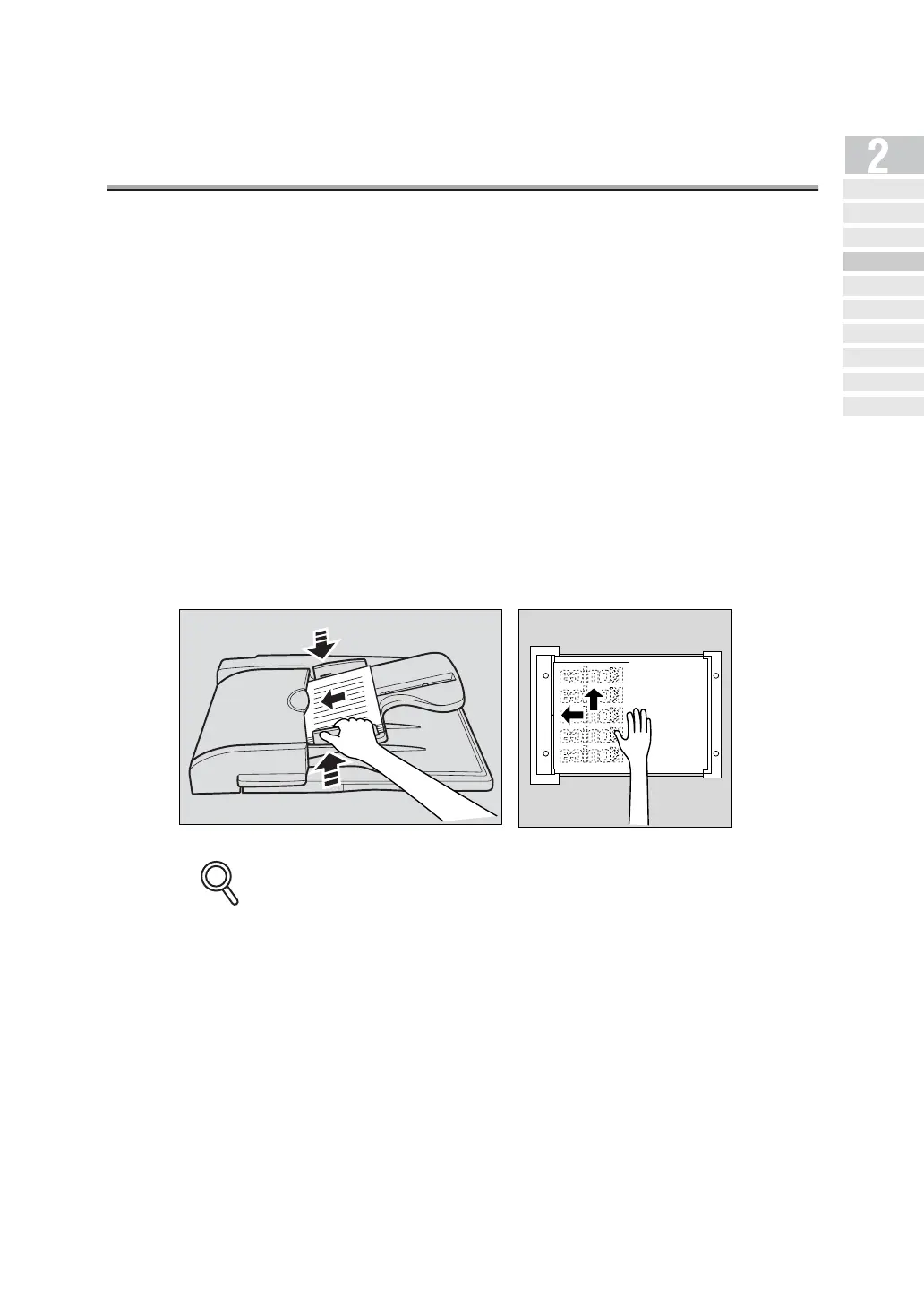
You can scan originals by using both the RADF and the platen glass and you can also scan
the large amounts of originals by placing them on the RADF in several times. In such cases,
memory transmission will automatically be used.
1. If the FAX Basic screen is not displayed, press [FAX] on the
control panel to open the FAX Basic screen.
2. Select a remote station.
3. Set the desired functions as necessary.
4. Place the original on the RADF or the platen glass and press
STORE then press [START].
Documents placed on the RADF take precedence over those on the platen glass.
5. Place the next original on the RADF or the platen glass and
press [START].
Repeat this procedure until all originals to be sent have been scanned.
The scanned originals are stored in memory.
DETAILS
Simple Internet
Fax Transmission
Transmi tt ing Do cument s to
Internet Fax/Computer
Transmit tin g to Both
Co nv en tio na l F ax an d E- Mail
Placing the Original
on the Machine
Setting Transmission
Conditions
Method for Specifying
Ad dr ess e s
Scanning
Canceling
Transmission
Co nfi rming Re se rved
Do cum en ts
Co n f ir min g
Communicatio n Result s



 To Next Page