Placing the Original on the Machine - (continued)
2-20
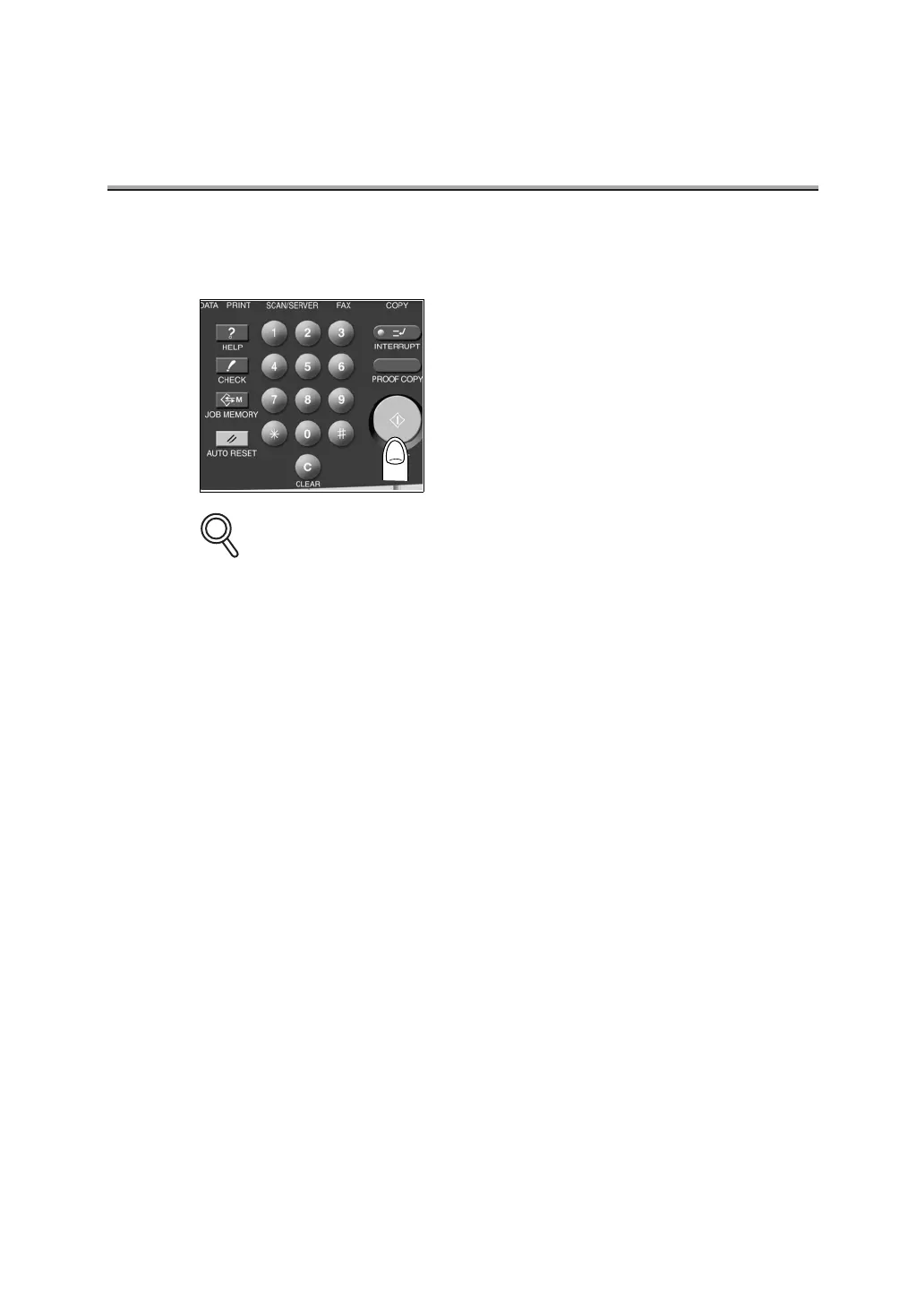
6. Press STORE to reset the store mode and press [START].
Transmission begins.
Should Memory overflow occur when the original document is being scanned, you have two
options: Transmit the part of the original that has been read (scanned), or redo the proce-
dure from the beginning. If memory overflow happens frequently, install additional the mem-
ory. For details, call your service representative.
DETAILS



 To Next Page