11
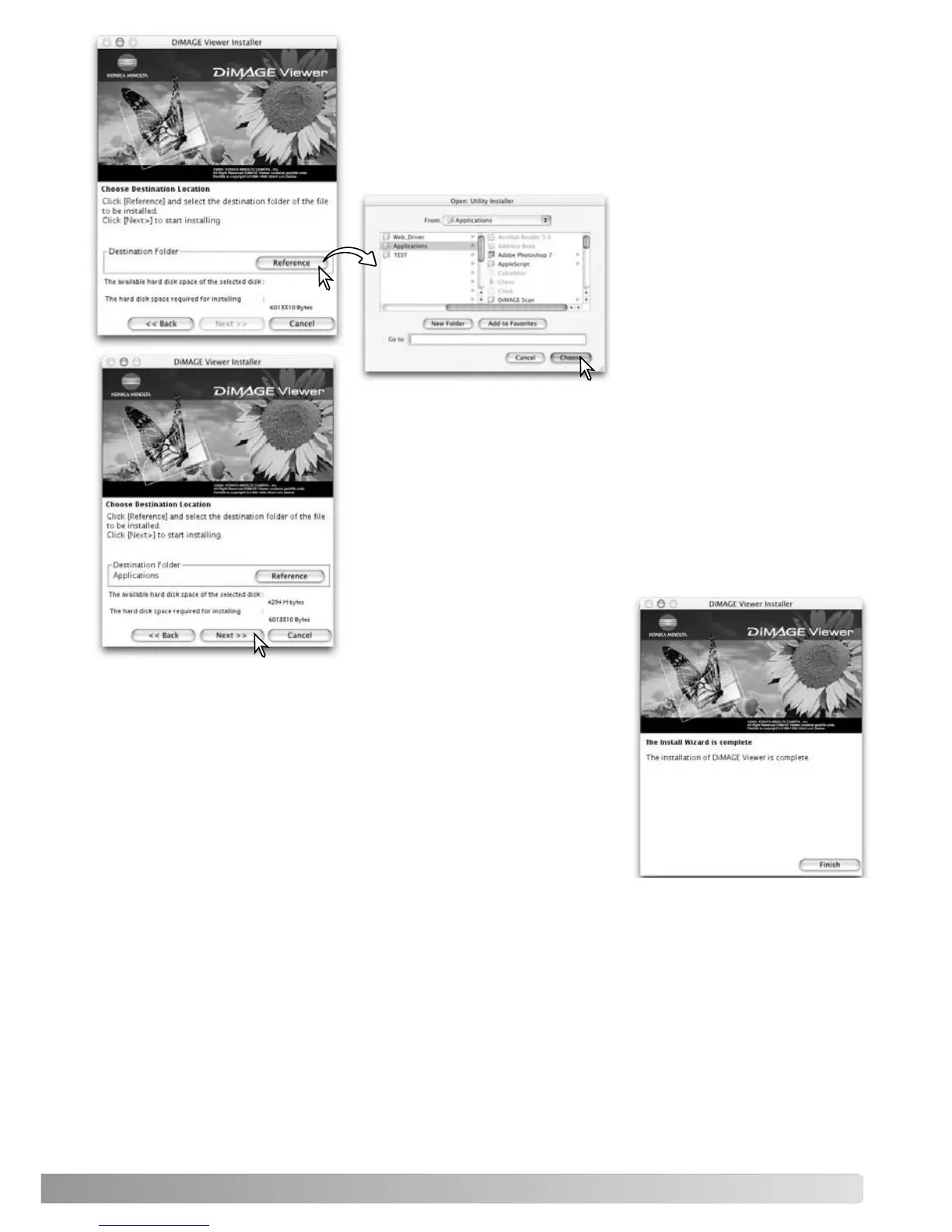
The location for the DiMAGE Viewer files must be specified. Click
the reference button.
Confirm the installation location on the installer screen. Click “Next
>>” to install the DiMAGE Viewer.
A window will appear when the software has been installed. Click
“Finish” to exit the installer.
Using the folder-selection dia-
log box, select the location
where the software should be
installed. Click “Choose.”



 To Next Page