29
FLIP AND ROTATE IMAGES
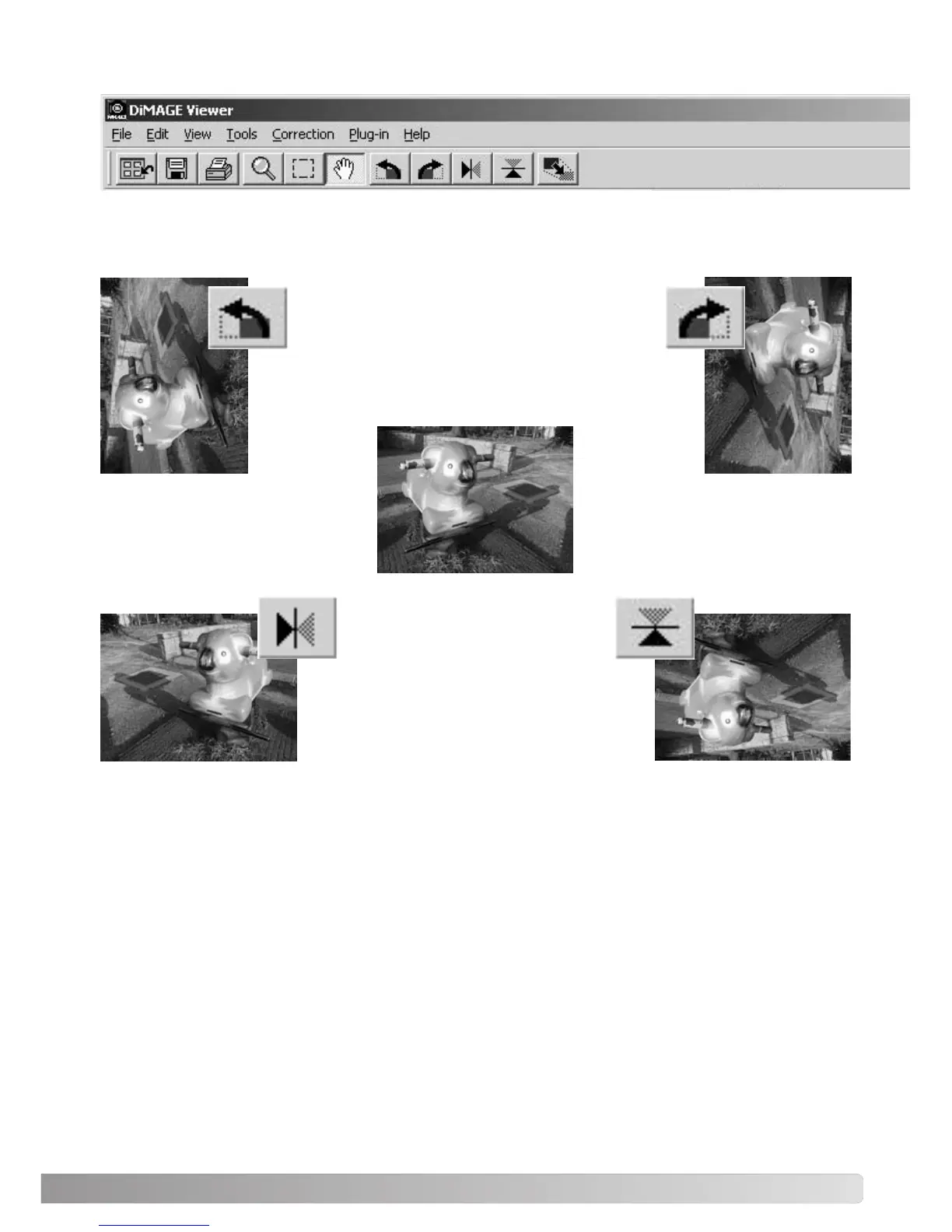
Original image
Flip - when an image is flipped, it
will create a mirror image.
Rotate - the rotate-right button rotates the
thumbnail 90° clockwise and the rotate-left
button rotates the thumbnail 90° counterclock-
wise each time the buttons are clicked.
The orientation of the displayed image can be changed with the flip and rotate buttons on the tool bar
or with the tool menu. Any changes to image orientation will be applied to the thumbnail image in the
index display.



 To Next Page