49
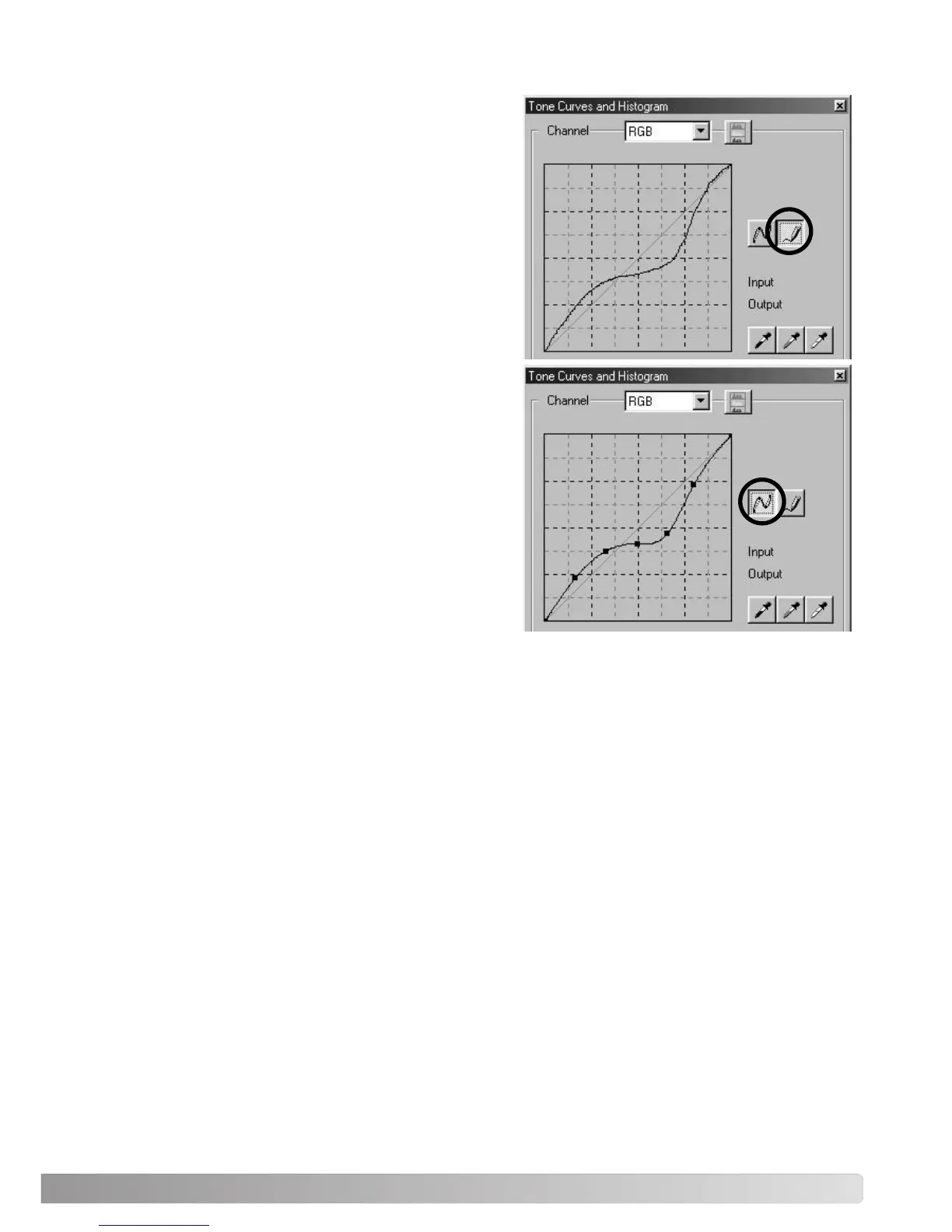
DRAWING TONE CURVES BY FREEHAND
Click the freehand-curve button (1). The mouse point-
er changes to the pencil tool when placed in the tone-
curve box.
Click and drag the pointer to draw a new curve.
Extreme image manipulations are possible with the
freehand curve tool.
To smooth a rough freehand curve, click the smooth-
curve button (2). Nodes will be automatically placed
on the curve and can be adjusted with the mouse.
With extreme freehand curves, the smooth curve but-
ton may significantly change the shape of the curve.
Click the undo button to return to the original free-
hand curve.
1
2



 To Next Page