65
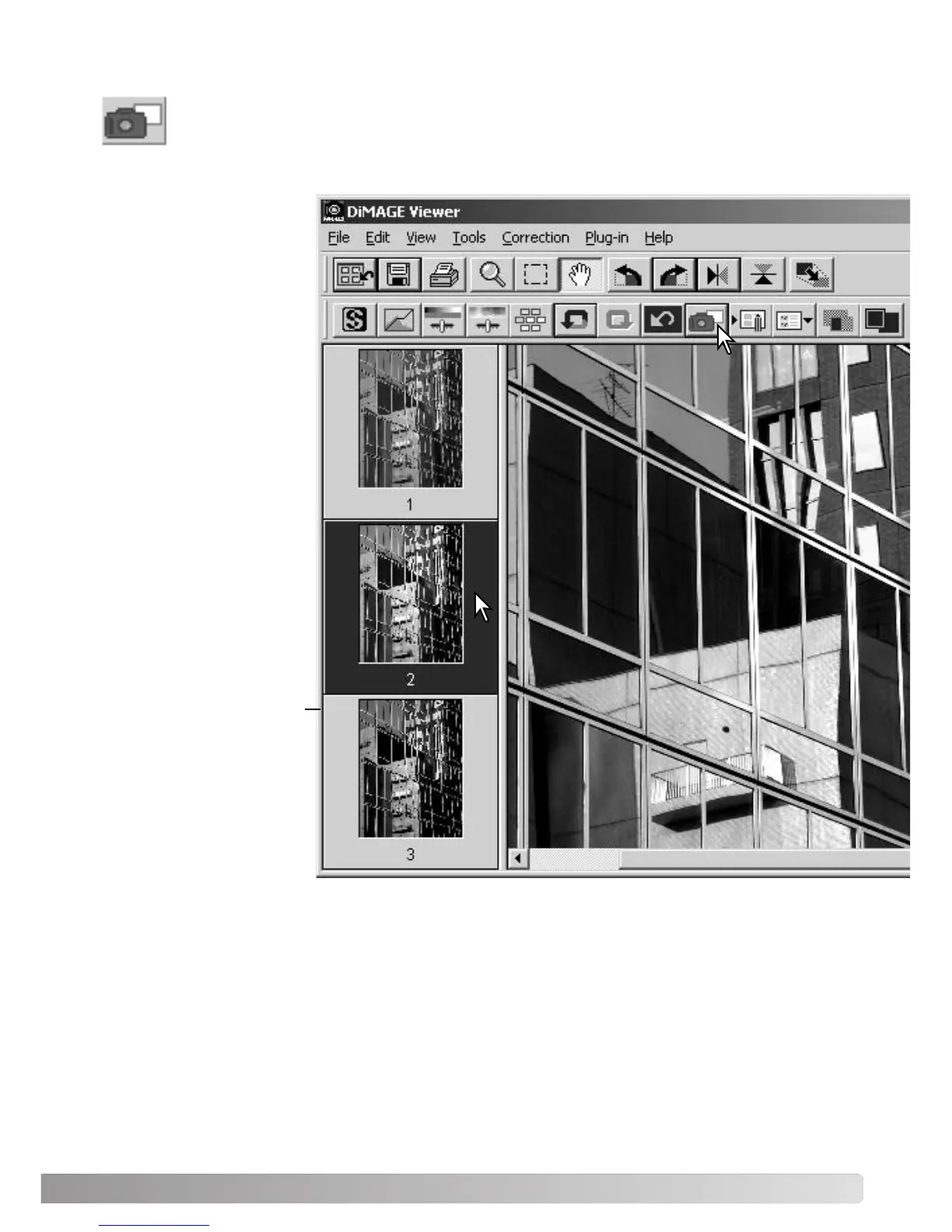
TRACKING IMAGE CORRECTIONS - SNAPSHOT BUTTON
Image corrections can be stored temporarily as a thumbnail next to the displayed image.
Simply click the snapshot button on the tool bar or select the snapshot option from the cor-
rection menu to create a thumbnail with the current image corrections.
To return to a previous
image correction, click on
the corresponding thumb-
nail. The thumbnail image
will replace the displayed
image. The number of
snapshots that can be
made is only limited by the
computer memory. To
delete a snapshot, click on
the thumbnail and press
the keyboard delete key.
Snapshot display area



 To Next Page