67
LOADING IMAGE-CORRECTION JOBS
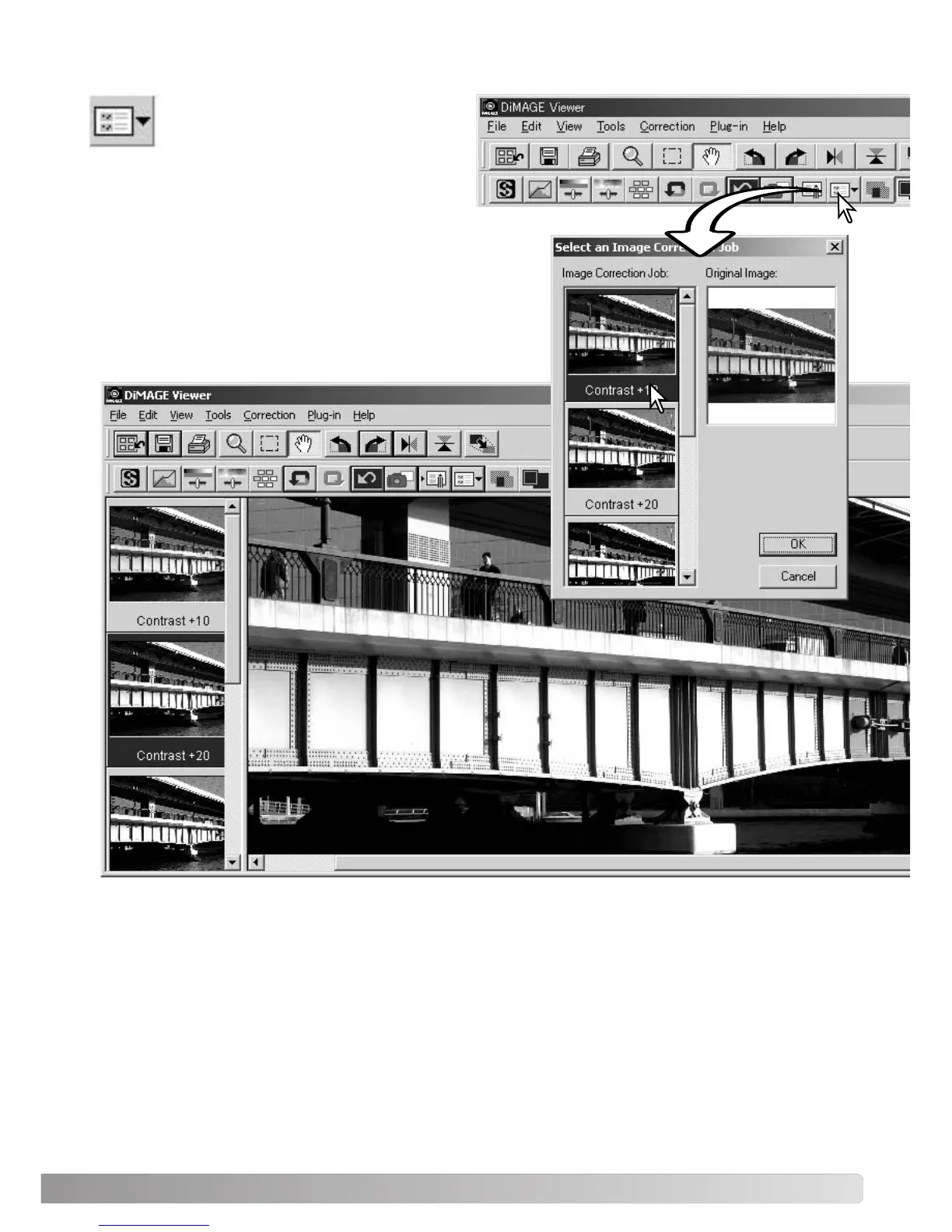
Display the image to be corrected in the
image-correction window. Click the load
image-correction Job button or select the
load-image-correction-Job option from the correc-
tion menu to load a saved image-correction set-
ting.
Click on an image-correction Job thumbnail to select it.
Click the OK button to apply the Job to the displayed
image.
Jobs are loaded into the snapshot display area. Multiple
Jobs can be loaded.



 To Next Page