30 BASIC IMAGE PROCESSING
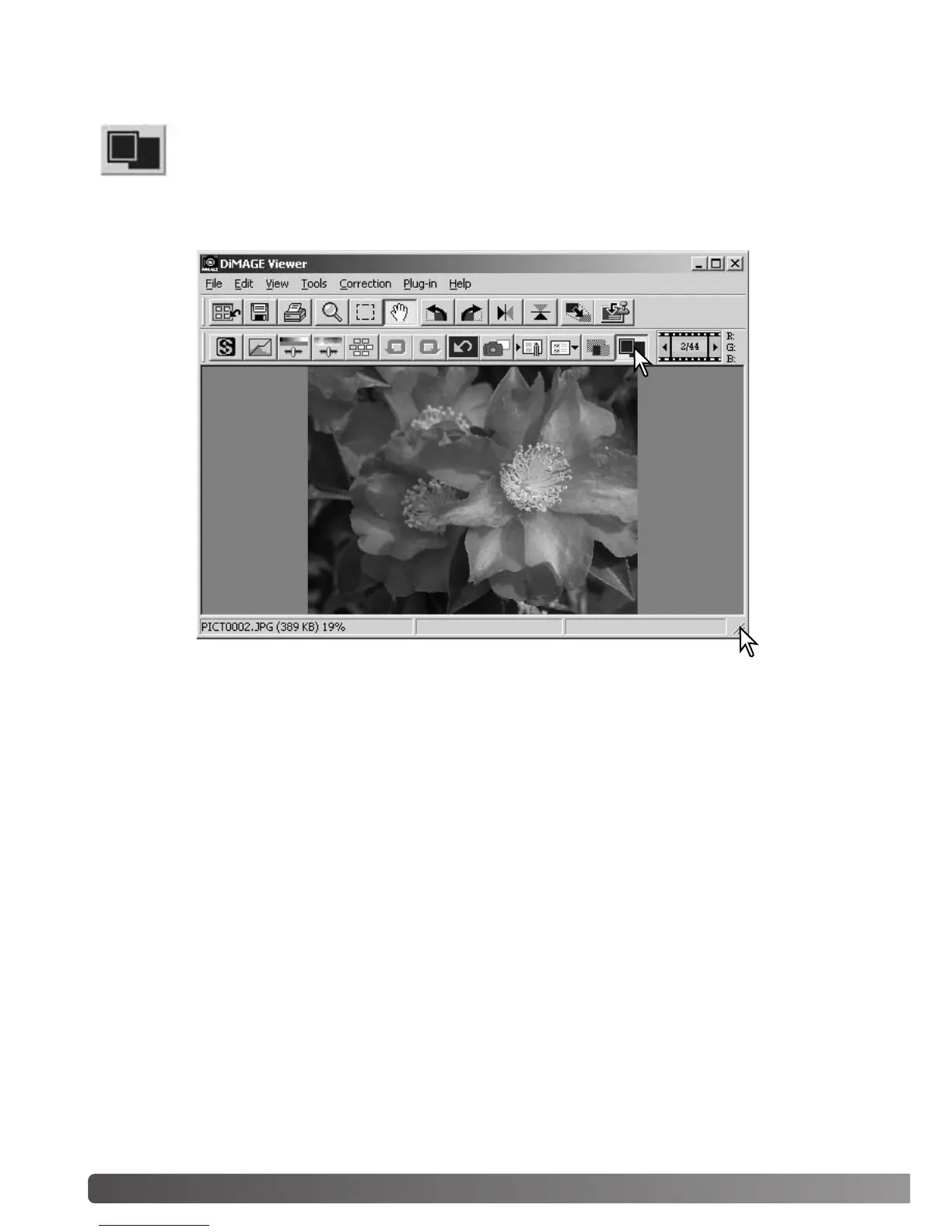
Normally, an image is displayed based on its size and resolution. When the image is too
large for the display area, clicking the fit-to-window button will automatically resize the
image to fit the display area. Clicking the button again displays the image at its original
size. The grab and zoom tool cannot be used with the fit-to-window function.
CONTROLLING THE IMAGE DISPLAY
Fit-to-window button
Resizing the viewer window
The utility window can be resized by clicking and dragging the bottom right corner. If the fit-to-window
function is active, the displayed image will automatically adjust to fit the display area.



 To Next Page