74 MOVIE ENHANCER
MOVIE ENHANCER
QuickTime must be installed on the com-
puter system for the Movie Enhancer to be
used. For QuickTime system requirements,
see page 7.
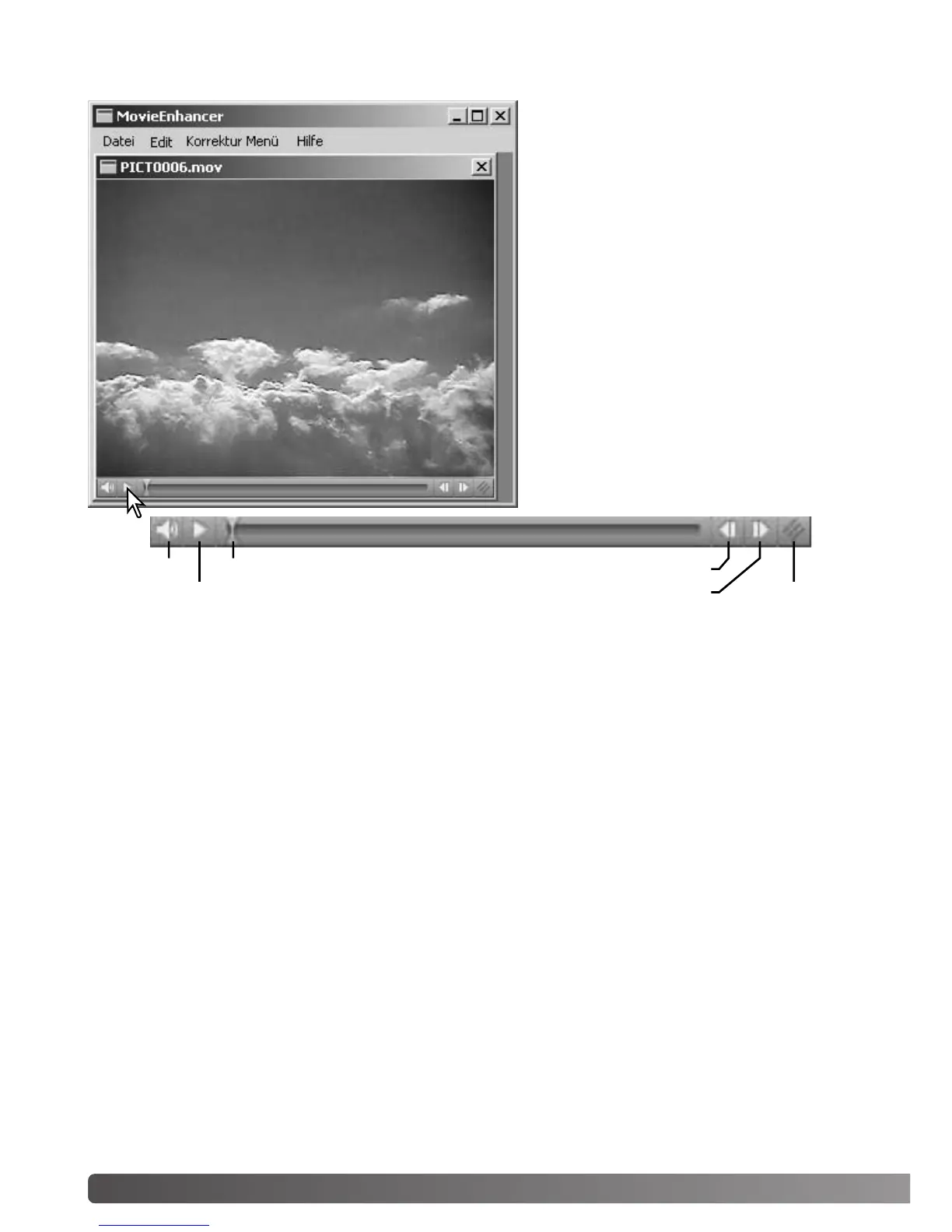
To open a movie file in this application,
simply double click on the thumbnail in the
DiMAGE Viewer thumbnail display. To play
the movie clip back, use the controls at the
bottom of the screen. Only MOV or AVI for-
mat images can be opened.
Volume
Play / Pause
Jog slider
Forward
Reverse
Resize
When the resize button is clicked and dragged, there is a maximum limit to how large the screen
area can be. The jog slider is used in editing (p. 76).



 To Next Page