36 BASIC IMAGE PROCESSING
COMPARING PRE AND POST CORRECTION IMAGES
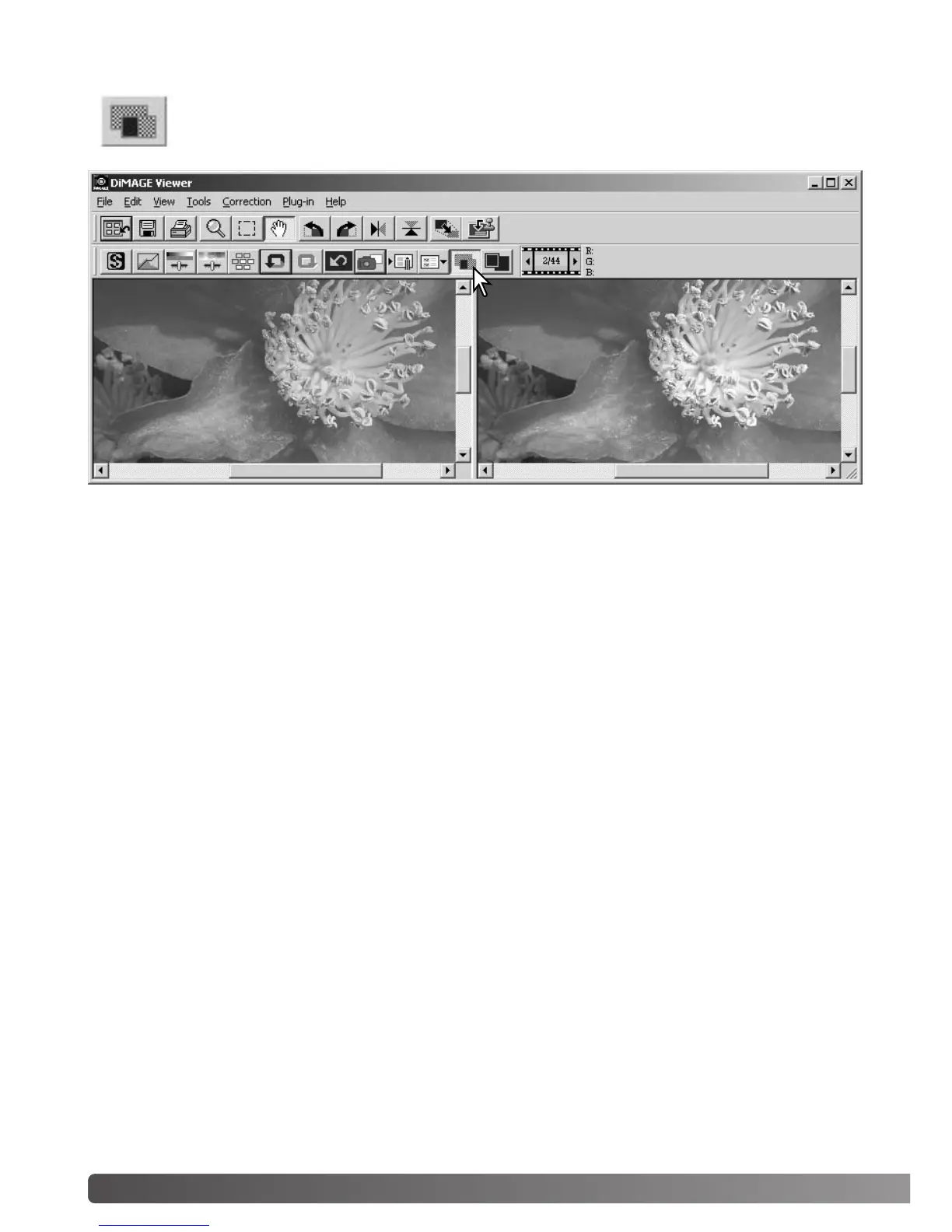
Clicking the comparison display button divides the image display area in two. The original
image is on the left and the corrected image is on the right. To display the corrected image
only, click the comparison display button again.
Original image Corrected image
Changes made with the magnifying tool, grab tool, or scroll bars on one image will be applied to the
other. Using the fit-to-window button automatically resizes both images to fit the display area.



 To Next Page