14 IMPORTING AND EDITING IMAGES
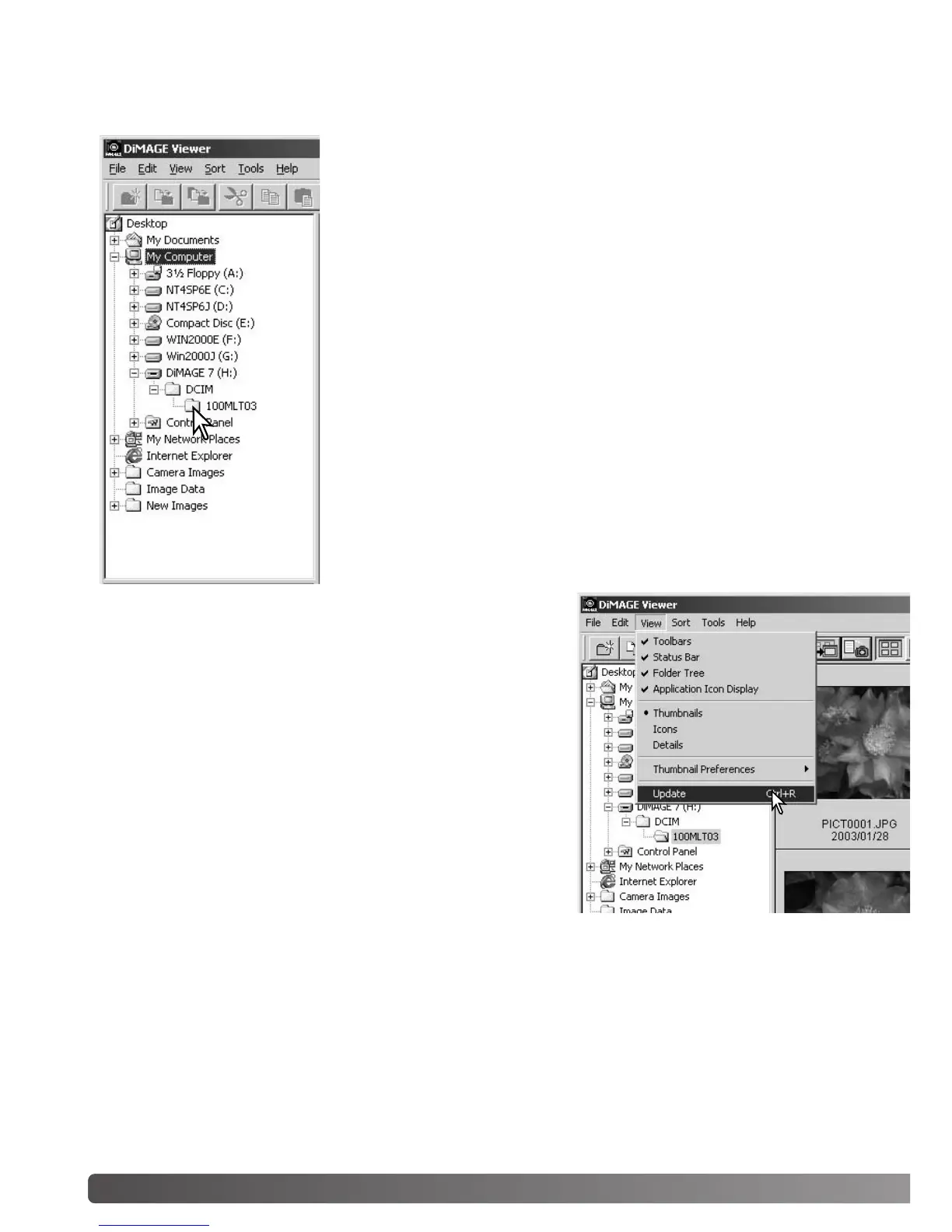
Images can be loaded directly from a digital camera or from image
folders saved in the computer. Simply use the folder tree to select the
file containing the images. For information on the camera’s folder
organization, and connecting the camera to the computer, refer to the
camera’s instruction manual.
Click on the positive (+) nodes to display the contents of a folder.
Click on a negative (–) node to hide the folder contents.
Click on the image folder to load the images. All still-image, audio,
and movie files in the folder will be loaded.
LOADING IMAGE FILES
UPDATING THE THUMBNAIL WINDOW
If any changes are made to the folder tree or thumbnail dis-
play, for example, the camera is disconnected from the com-
puter, the window can be updated. Select the update option
from the view menu to update the DiMAGE Viewer.
IMPORTING AND EDITING IMAGES



 To Next Page