17
CHANGING THE THUMBNAIL FORMAT
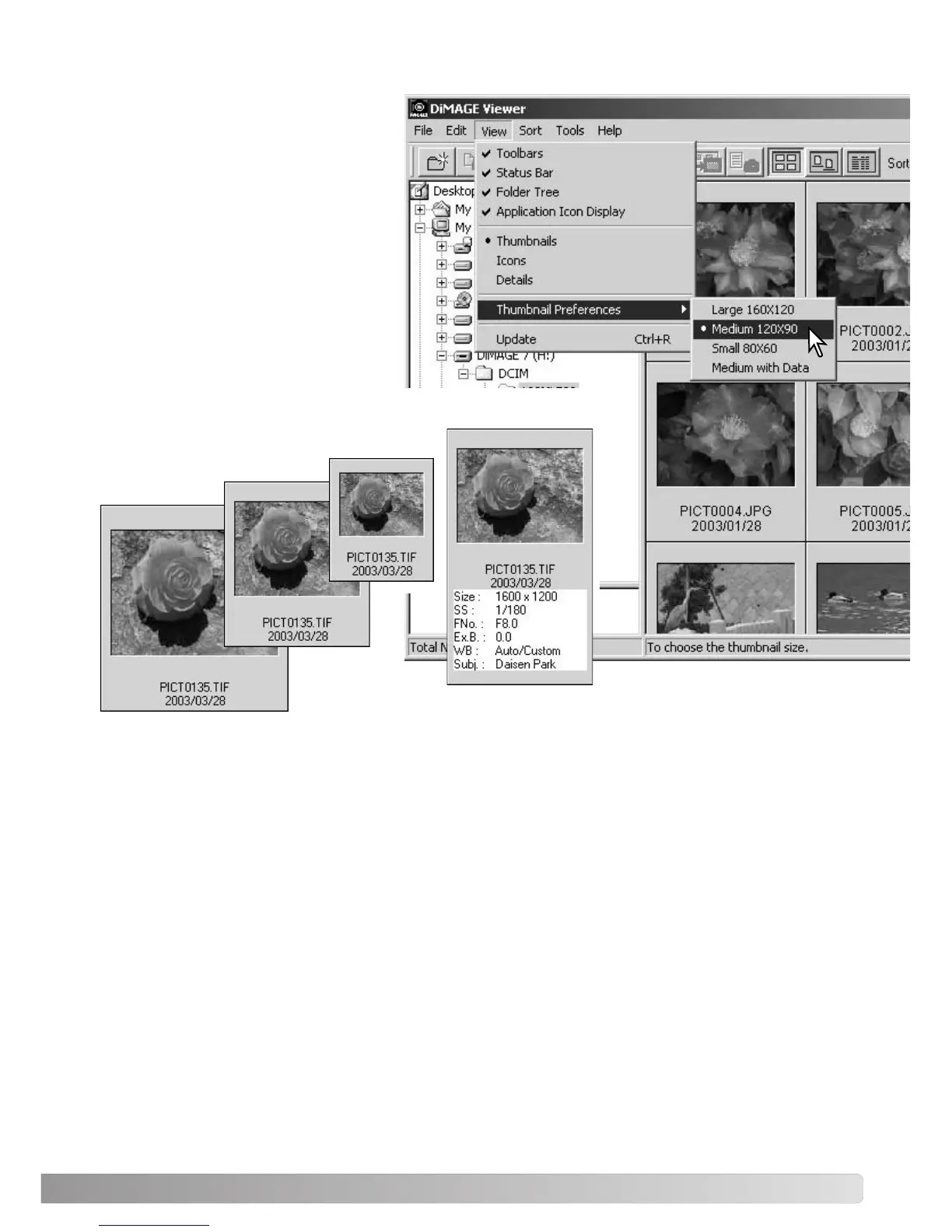
The thumbnail format can be changed.
Four format are available: large, medi-
um, small, and medium with data.
To change the format, highlight the
Thumbnail Preferences option on the
view menu to display the format
options. Highlight and click the desired
thumbnail format; the thumbnail display
will change accordingly.
Large
Medium
Small
Medium with data
To edit or add a
subject line in the
data display see
page 25.



 To Next Page