66 ADVANCED IMAGE PROCESSING
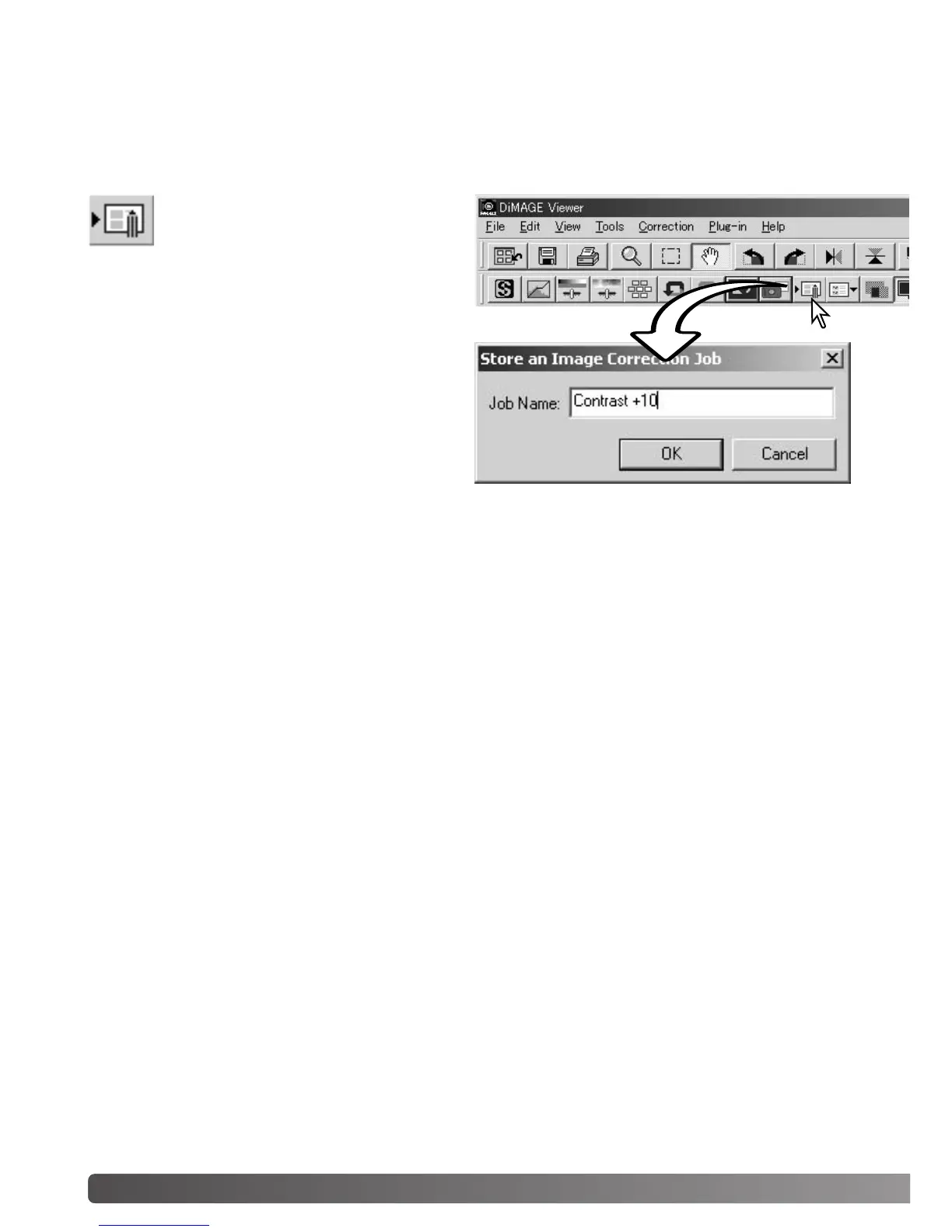
All corrections applied to an image can be saved as an image-correction Job. The Job can be loaded
into the utility at any time and applied to different images. This is a time-saving function when a large
number of images need too be processed with the same correction settings.
Click the save image-correction Job but-
ton or select the save-image-correction-
Job option from the correction menu to
save the current image-correction set-
tings.
Enter the Job name. Click the OK button to save
the settings.
SAVING IMAGE CORRECTIONS



 To Next Page