53
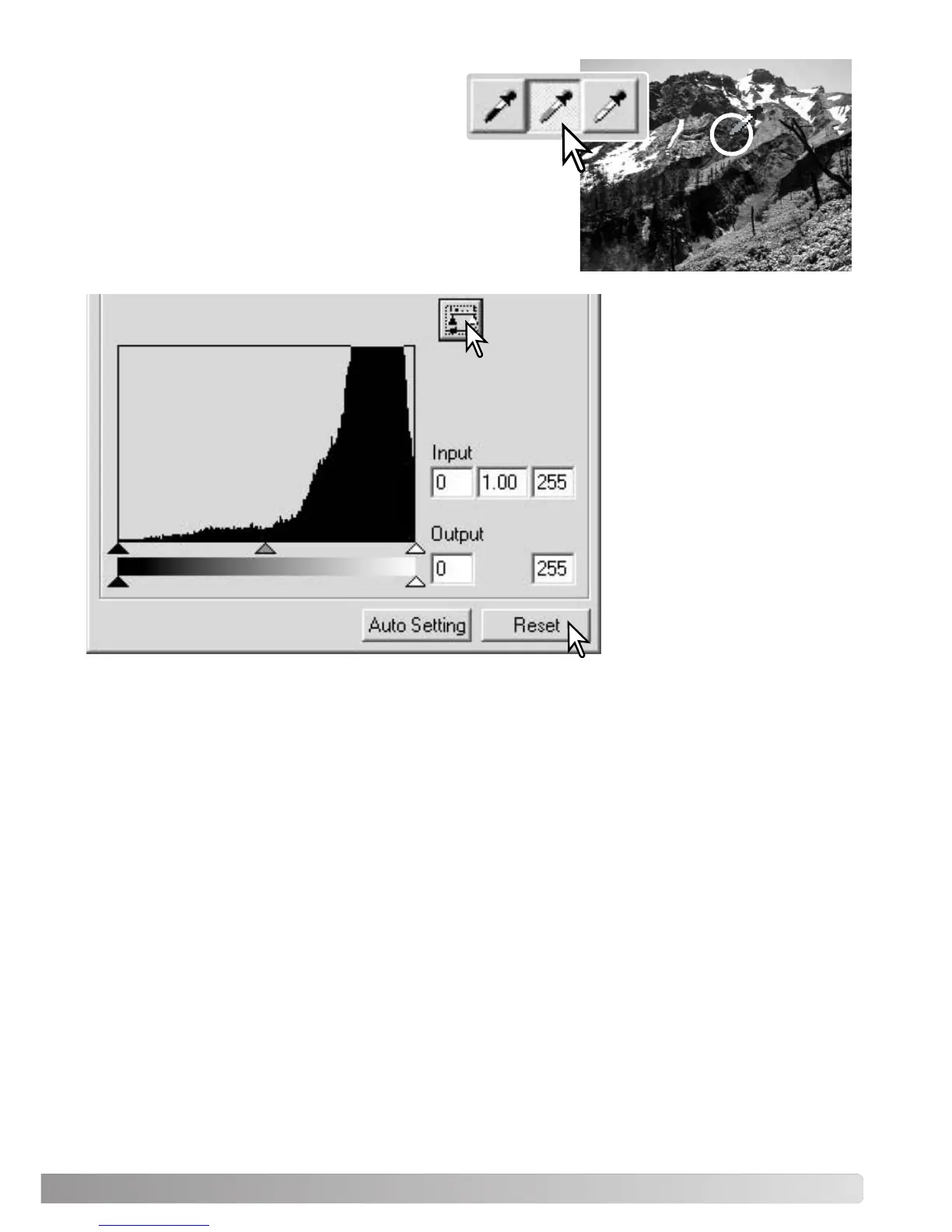
Click and hold the apply button
to show the change on the his-
togram.
Click the reset button to cancel
all corrections.
Click the gray-point button. The grey point
controls the color of the image.
With the dropper tool, click a neutral area of the image to be
defined as the gray point. The area used to calibrate the gray
point must be neutral. The brightness level of the area is not
important, but if the area has a definite color, the image will
not be color balanced correctly.



 To Next Page