59
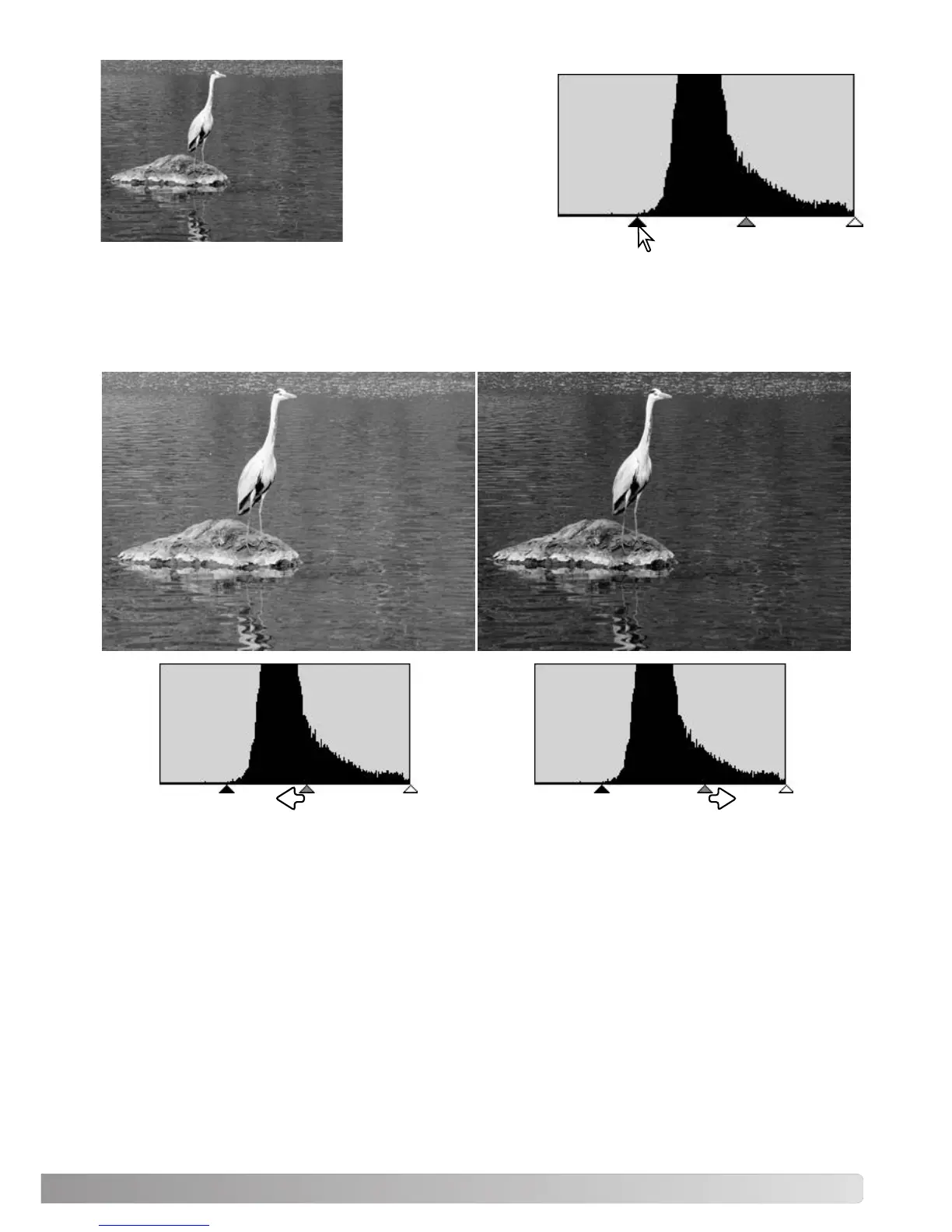
By moving the shadow
slider to the right to set
the black level to where
the pixel distribution
begins, image contrast is
improved.
The gamma slider can be used to change the relative distribution of the tones in the image. By mov-
ing the gamma slider to the left toward the shadows, the image becomes lighter. By moving the
gamma slider in the opposite direction, the image becomes darker. However, unlike the brightness
control in the brightness, contrast, and color-balance palette (p. 33), details are not lost in the shad-
ows or highlights.



 To Next Page