10 BIOS
The BIOS Setup is used to view and configure BIOS settings for the board. The BIOS Setup is accessed by
pressing the <Del> -key after the Power-On Self-Test (POST) memory test begins and before the operating
system boot begins.
The BIOS settings will be loaded automatically when loading “Restore Default” see “Save & Exit” menu. In
this Users Guide the default settings are indicated by bold. Please notice that “Restore User Defaults”
might have different set of default values.
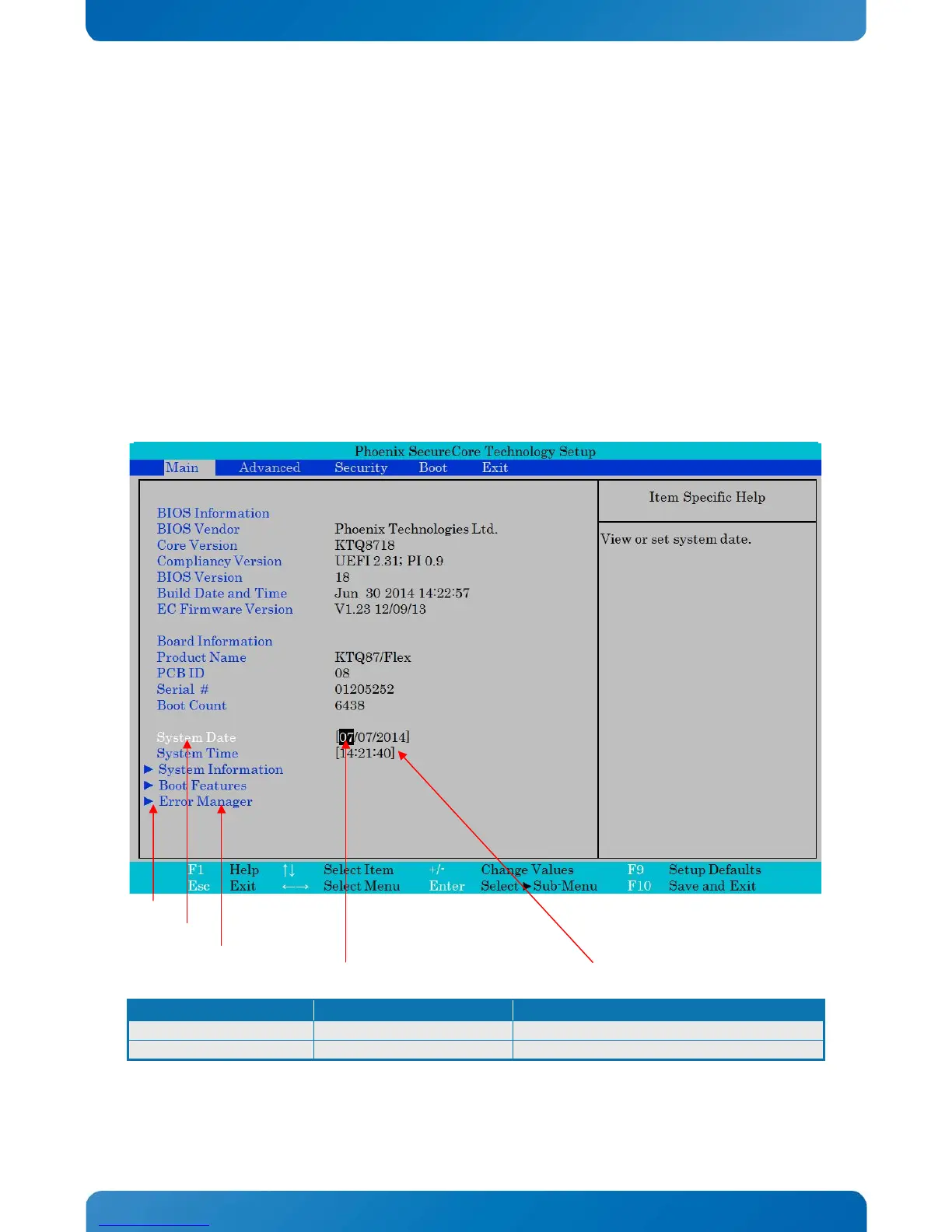
10.1 Main
Sub Menu available.
White text for actual selected function which can be modified.
Blue text for functions (not all can be modified).
Black background for actual selection. Black text actual settings.



 To Next Page