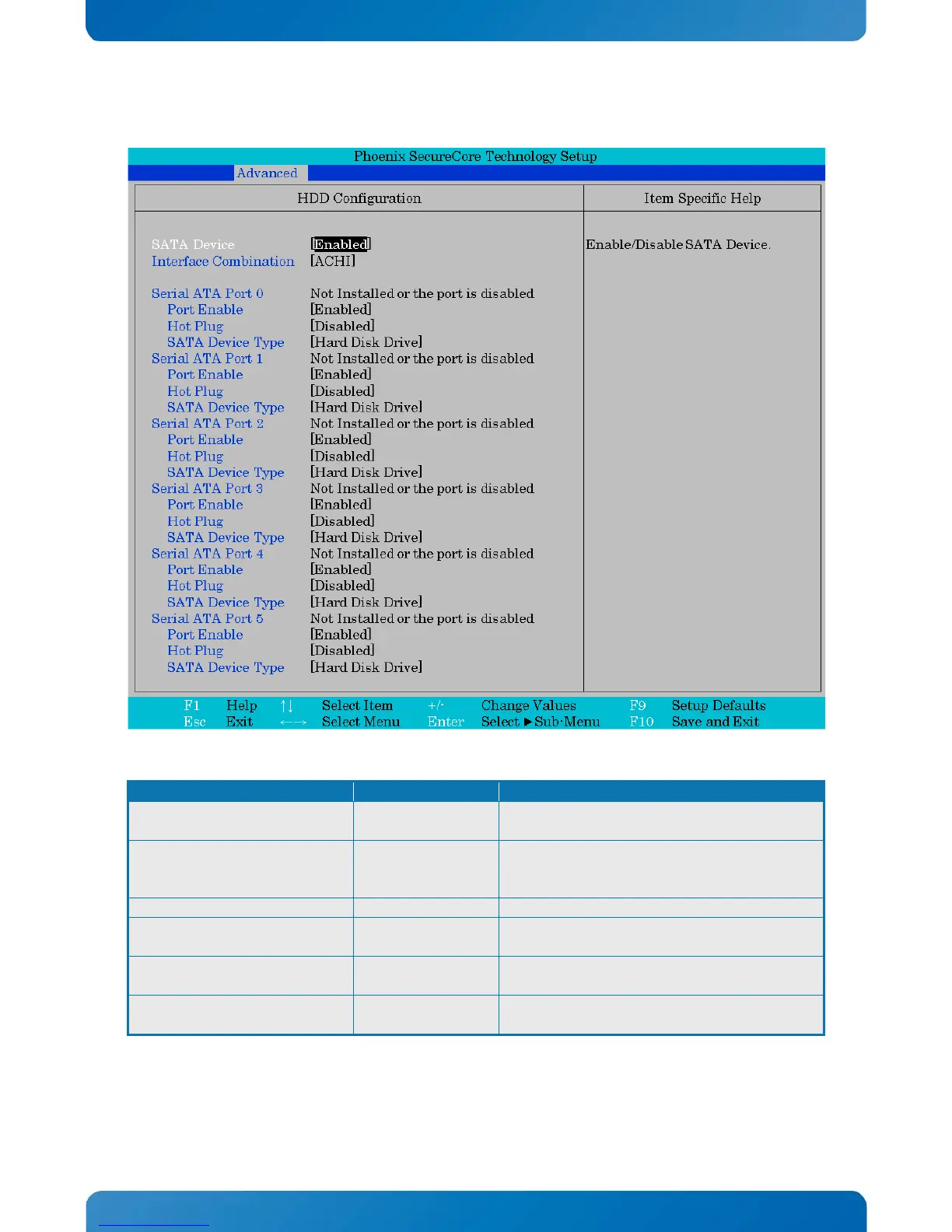
KTD-N0882-I Page 73 BIOS - Advanced
Phoenix SecureCore Technology Setup
HDD Configuration Item Specific Help
SATA Device
Interface Combination
Serial ATA Port 0
Port Enable
Hot Plug
SATA Device Type
Serial ATA Port 1
Port Enable
Hot Plug
SATA Device Type
Serial ATA Port 2
Port Enable
Hot Plug
SATA Device Type
Serial ATA Port 3
Port Enable
Hot Plug
SATA Device Type
Serial ATA Port 4
Port Enable
Hot Plug
SATA Device Type
Serial ATA Port 5
Port Enable
Hot Plug
SATA Device Type
[Enabled]
[ACHI]
Not Installed or the port is disabled
[Enabled]
[Disabled]
[Hard Disk Drive]
Not Installed or the port is disabled
[Enabled]
[Disabled]
[Hard Disk Drive]
Not Installed or the port is disabled
[Enabled]
[Disabled]
[Hard Disk Drive]
Not Installed or the port is disabled
[Enabled]
[Disabled]
[Hard Disk Drive]
Not Installed or the port is disabled
[Enabled]
[Disabled]
[Hard Disk Drive]
Not Installed or the port is disabled
[Enabled]
[Disabled]
[Hard Disk Drive]
Enable/Disable SATA Device.
Enable/Disable SATA Device.
Interface Combination
Select the SATA controllers operation mode.
Serial ATA Port x (x = 0 – 5)
Enable/Disable this port.
Hot Plug
Designates the port as Hot Pluggable. Note:
Requires hardware support.
Hard Disk Drive
Solid State Drive



 To Next Page