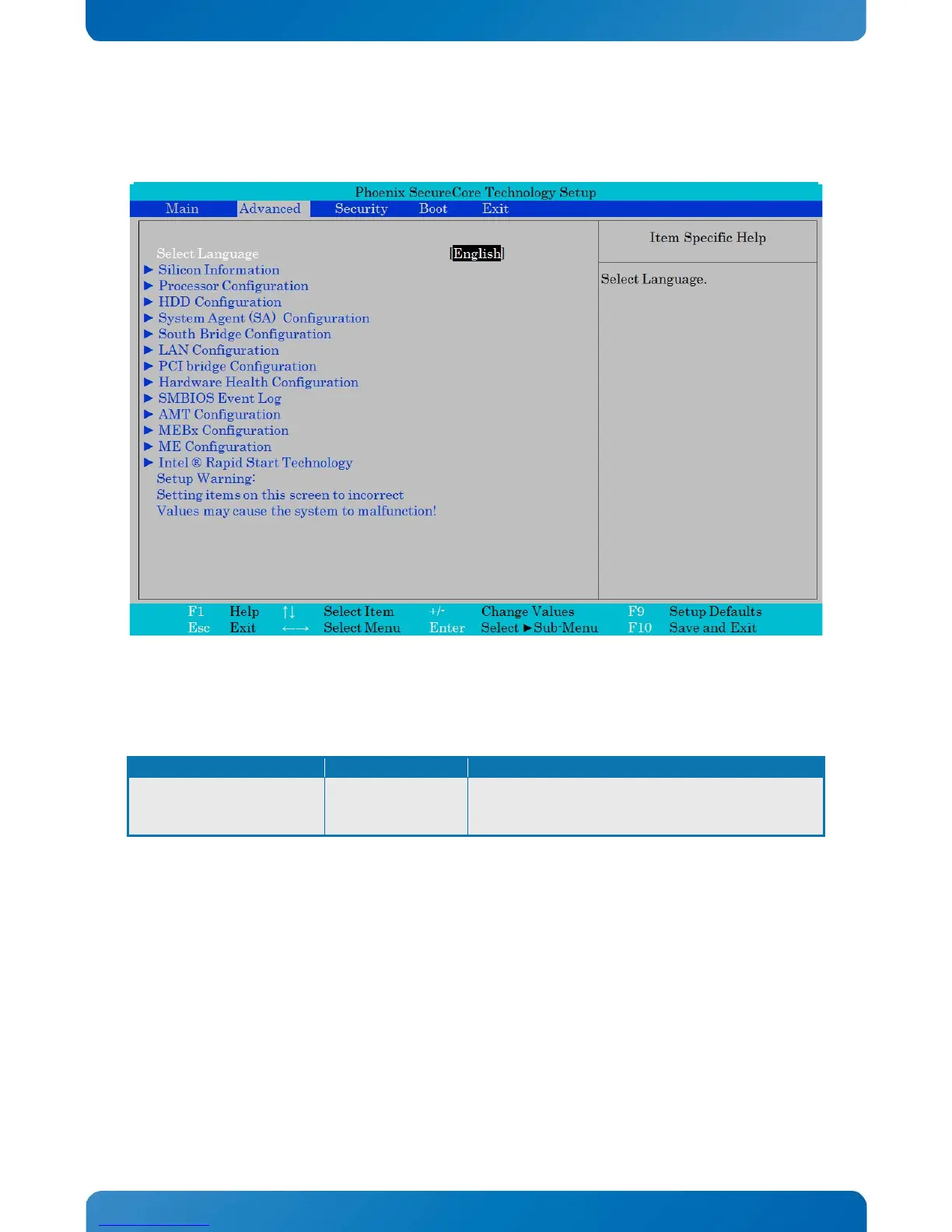
Select Language
► Silicon Information
► Processor Configuration
► HDD Configuration
► System Agent (SA) Configuration
► South Bridge Configuration
► LAN Configuration
► PCI bridge Configuration
► Hardware Health Configuration
► SMBIOS Event Log
► AMT Configuration
► MEBx Configuration
► ME Configuration
► Intel ® Rapid Start Technology
Setup Warning:
Setting items on this screen to incorrect
Values may cause the system to malfunction!
The Advanced (main) menu contains only submenu selections which will be described in more details on
the following pages.
In order to make a selection of a submenu activated the ↑↓ keys until the requested submenu becomes
white color, then activate the <Enter>.



 To Next Page