13
Playing a rhythm pattern
EXPAND
QUEUEQUEUE
GLOBAL
DECAYSP 2
TUNESP 2
NO
PROGRAM KIT
PATTERN EDIT
DECAYSP 1
TUNESP 1
SELECT SAVE SELECT SAVE
LIVE ACCENTLOOP STEP MOTIONCHAIN
>
1, 2
1.
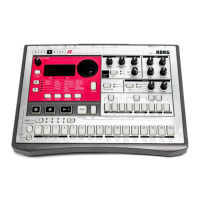
Press the (PLAY) buon. The rhythm paern of the currently selected
program is played.
2.
To stop playing, press the (PLAY) buon again.
TIP
Press the (PLAY) buon while holding down the SHIFT buon to
pause. To resume from Pause mode, press the
(PLAY) buon while
holding down the SHIFT buon again.
Using mixer knobs and kit controls
SP 2 ATTACK
DECAYSP 2
TUNEHT
DECAYHT
DECAY
DECAY CH DECAY
OH DECAYTUNETUNE
BD SD HT OHCHLT
BASS DRUM SNARE DRUM HIGH HATS SAMPLE 1/2TOMS
CLAP
ATTACKSP 1
DECAYSP 1
TUNE
DECAYLT
LT
1
1
1
1.
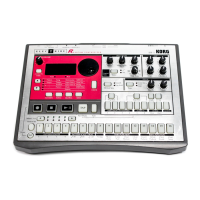
Use the knobs in the mixer section to adjust the volume of the bass drum and
snare, and the control knobs to change the tuning.
TIP
The balance of each part of the drum kit adjusted here can be saved for
each drum kit.
Changing the tempo
Turn the TEMPO knob to set the tempo of the paern. The tempo seing range is
from 56.0 to 240.0 BPM. The tempo is saved for each program; however, use the
global parameter ("OPERATIONS (Buon 1)" p.44) to set whether to use the tem-
po for each program or to give priority to the tempo with the TEMPO knob turned.


 To Next Page