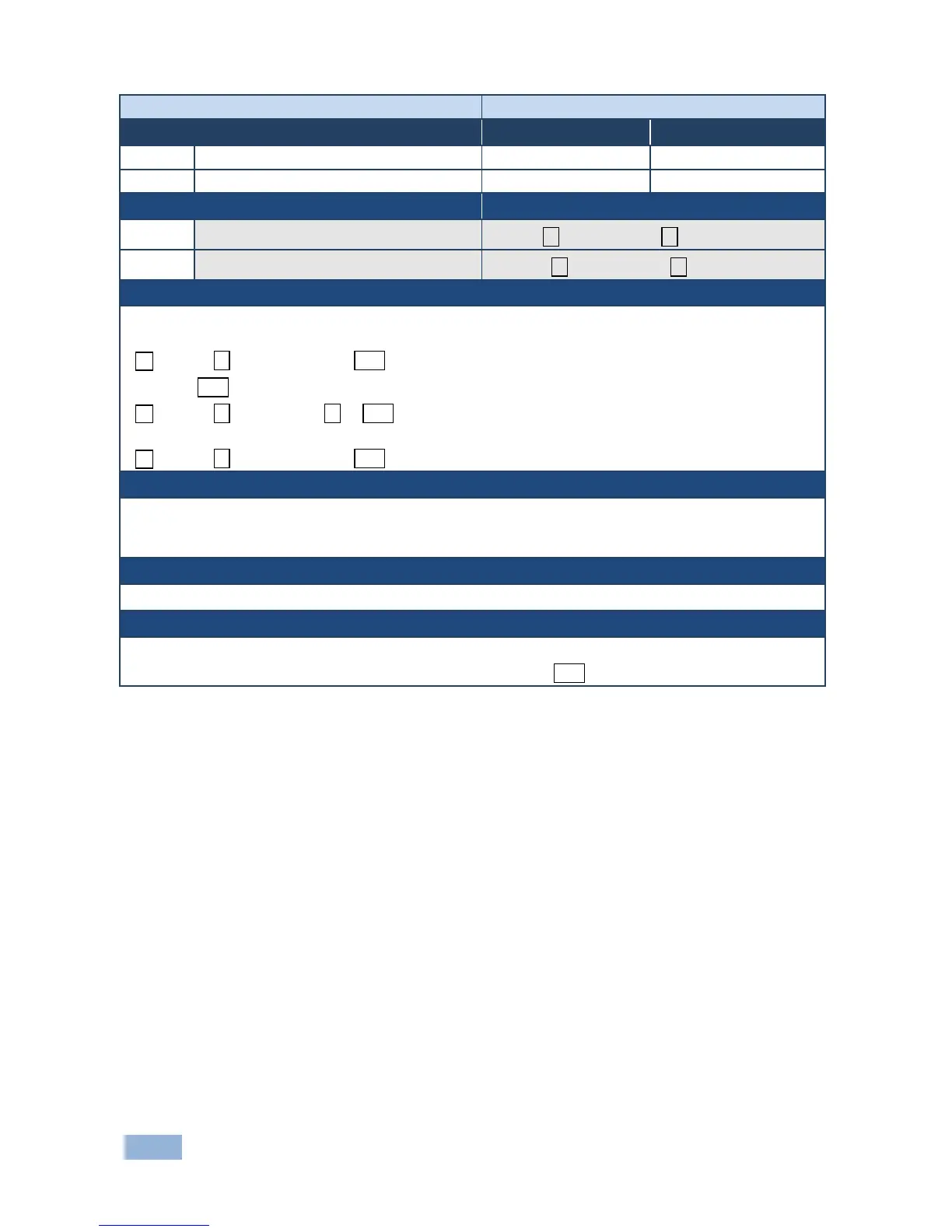
Set EDID data from device
Get EDID support on certain input/output
#GEDID?␠stage, stage_id ␍
Set:
Multi-line response:
~nn@GEDID␠stage,stage_id,size␍␊
EDID_data␍␊
~nn@GEDID␠stage,stage_id␠OK␍␊
Get:
~nn@GEDID␠stage,stage_id,size␍␊
stage - input/output
stage_id - number of chosen stage (1.. max number of inputs/outputs)
size - EDID data size. For Set, size of data to be sent from device, for Get, 0 means no EDID support
Response is sent to the com port from which the Set (before execution) / Get command was received
For Get, size=0 means EDID is not supported
For old devices that do not support this command, ~nn@ ERR 002␍␊ is received



 To Next Page