Chapter 1 Overview
1-6 ADP, Inc.
Timeclock Display
The Series 4000 timeclock is equipped with a backlit liquid crystal display to
provide users with information such as:
! Current time
! Mode in which the timeclock is operating
! Transaction prompts
! Messages
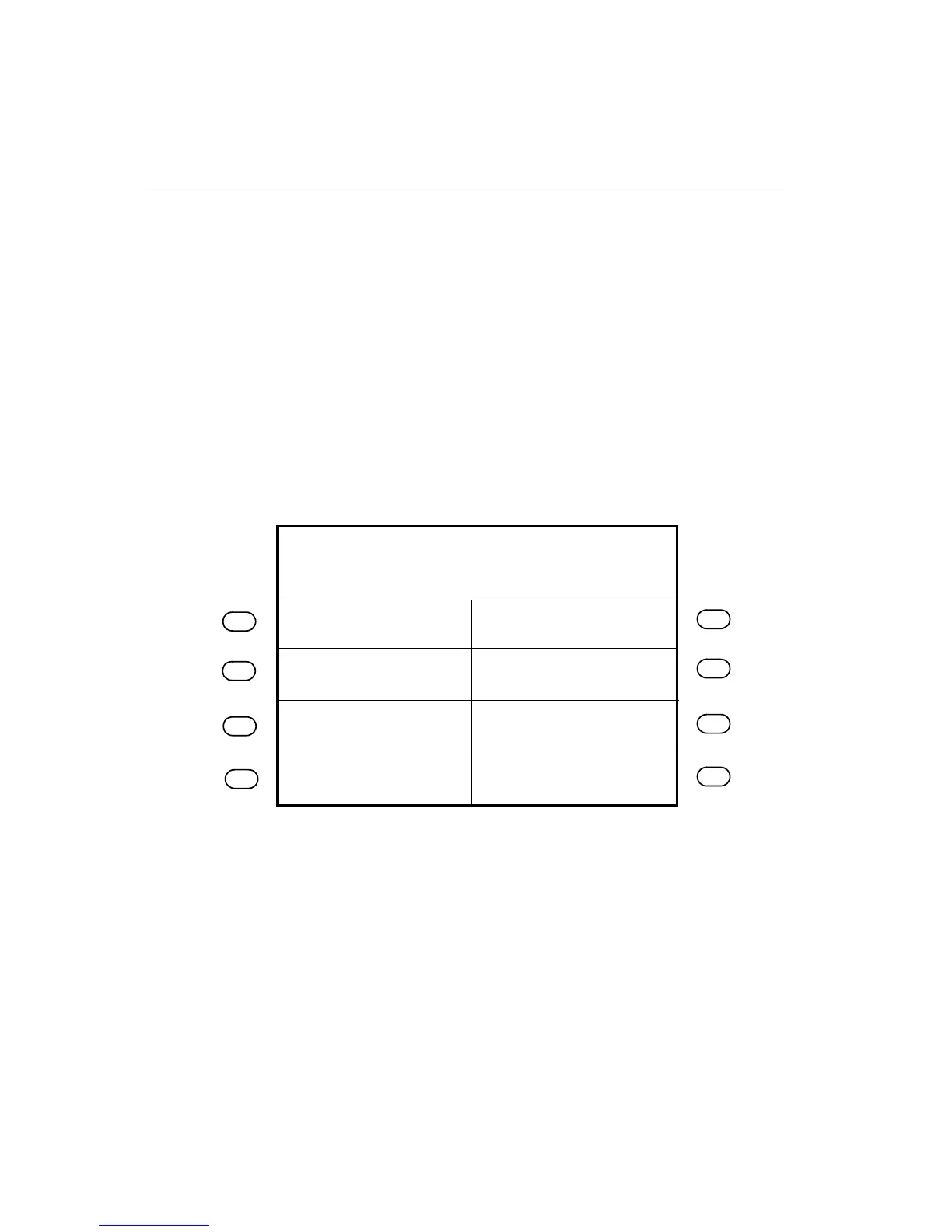
The LCD display is a 1/4 VGA display that presents you with possible functions,
transaction steps, and transaction output.
The following figure shows a sample idle display:
When you have more than 8 soft keys configured on the timeclock, the More soft
key appears on the first screen and the 8th soft key appears on the second screen.
You use the More soft key to access the second screen.
Review Punches
Punch Status
Employee Report
Current Schedule
Fri24-Aug-2001
Global message area
2:03
PM
Future Schedule



 To Next Page