Chapter 4 Maintaining the Timeclock
4-24 ADP, Inc.
Replacing the Backup Battery Charger Board
1. Before you begin, collect data from the timeclock using your host application
software. For more information, see the “Using the Host Application
Software to Collect Data” section on page 4-10.
2. Open the timeclock’s cover by using the security wrench to loosen the
security screw on the right side of the timeclock.
3. To disconnect and remove the battery charger board, you must first remove
the transformer. Do the following:
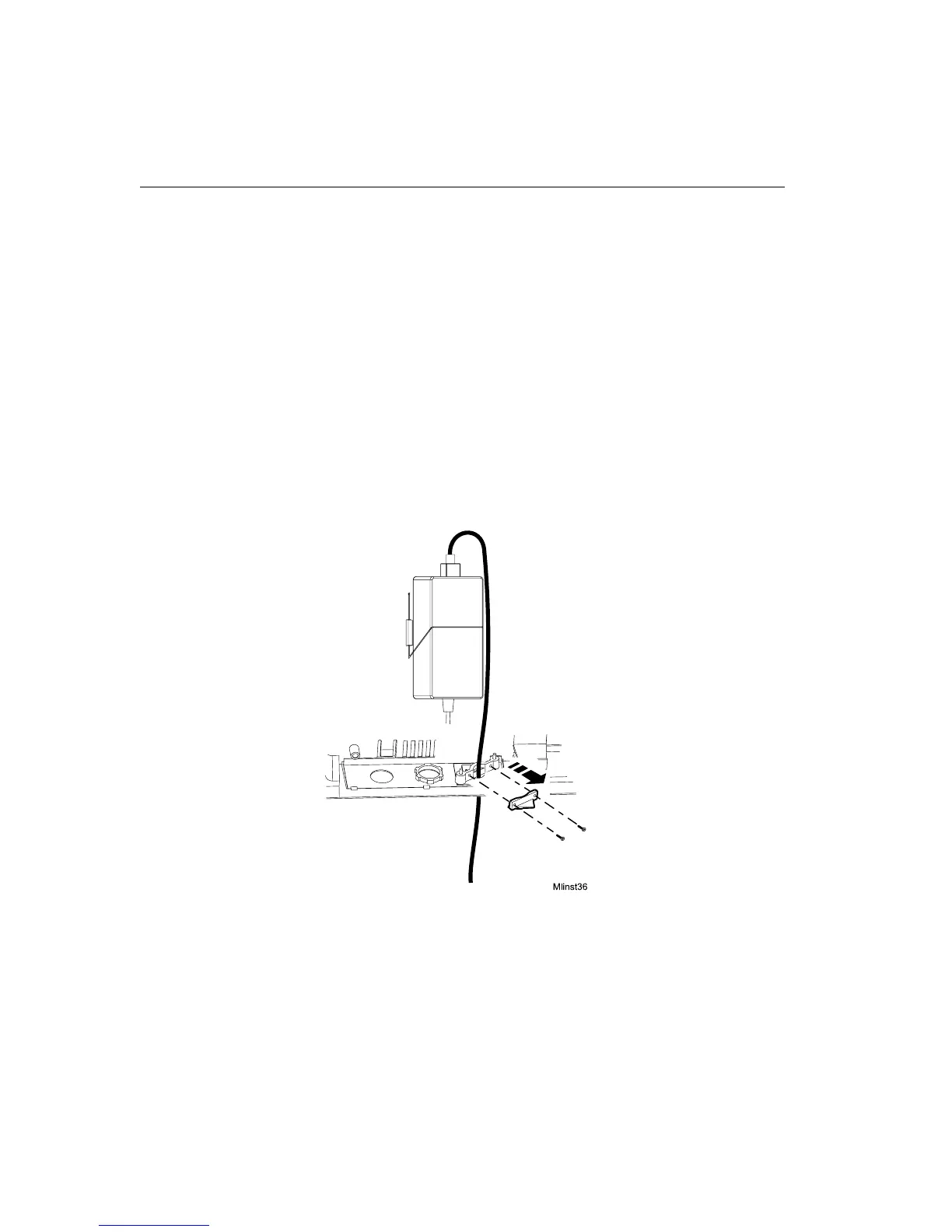
a. Unplug the transformer from the AC power source. If you plugged the
timeclock into an external outlet, disassemble the strain relief clip at the
power cord’s point of entry into the timeclock. See the following
illustration.



 To Next Page