Servicing the Timeclock
Series 4000 Badge Timeclock User’s Guide 4-23
9. Press ENTER to save the settings and return to the Maintenance Mode screen.
10. Press the Symbology Setting soft key and use the On and Off soft keys to
indicate the type of bar codes used on your employees’ badges. This allows
the timeclock to read the badges properly.
11. Press ENTER to save the settings and return to the Maintenance Mode screen.
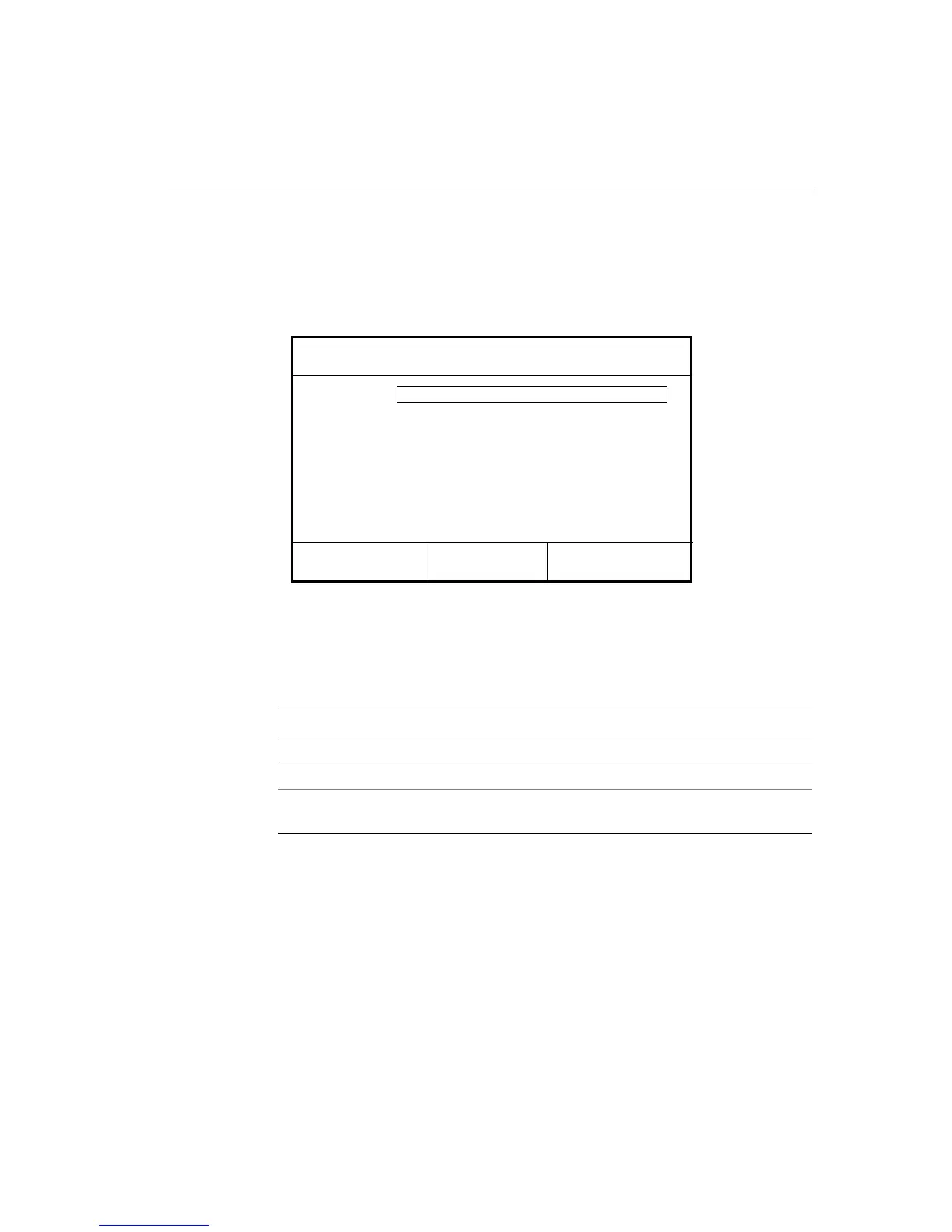
12. To create a password that allows access to the Maintenance Mode screen in
the future, press the More soft key and then the Change Password soft key.
Complete the following fields:
13. Press ENTER to save the password and return to the Maintenance Mode
screen.
14. Press ESC to exit Maintenance Mode and return to the idle screen.
Settings Description
Old Password Enter the old password, if there was one.
New Password Enter the new password.
Verify Password Enter the new password again to verify that you entered it
correctly.
Code 3-of-9:
Symbology Setting
On Off
Off
UPC-A:
Off
12-of-5:
On
Code 128:
Off
UPC-E:
Off
EAN-13:
Off
EAN-8:
Off
Codabar:
Off



 To Next Page