Chapter 4 Maintaining the Timeclock
4-38 ADP, Inc.
Replacing the Badge Reader Cover
1. Open the timeclock’s cover by using the security wrench to loosen the
security screw on the right side of the timeclock.
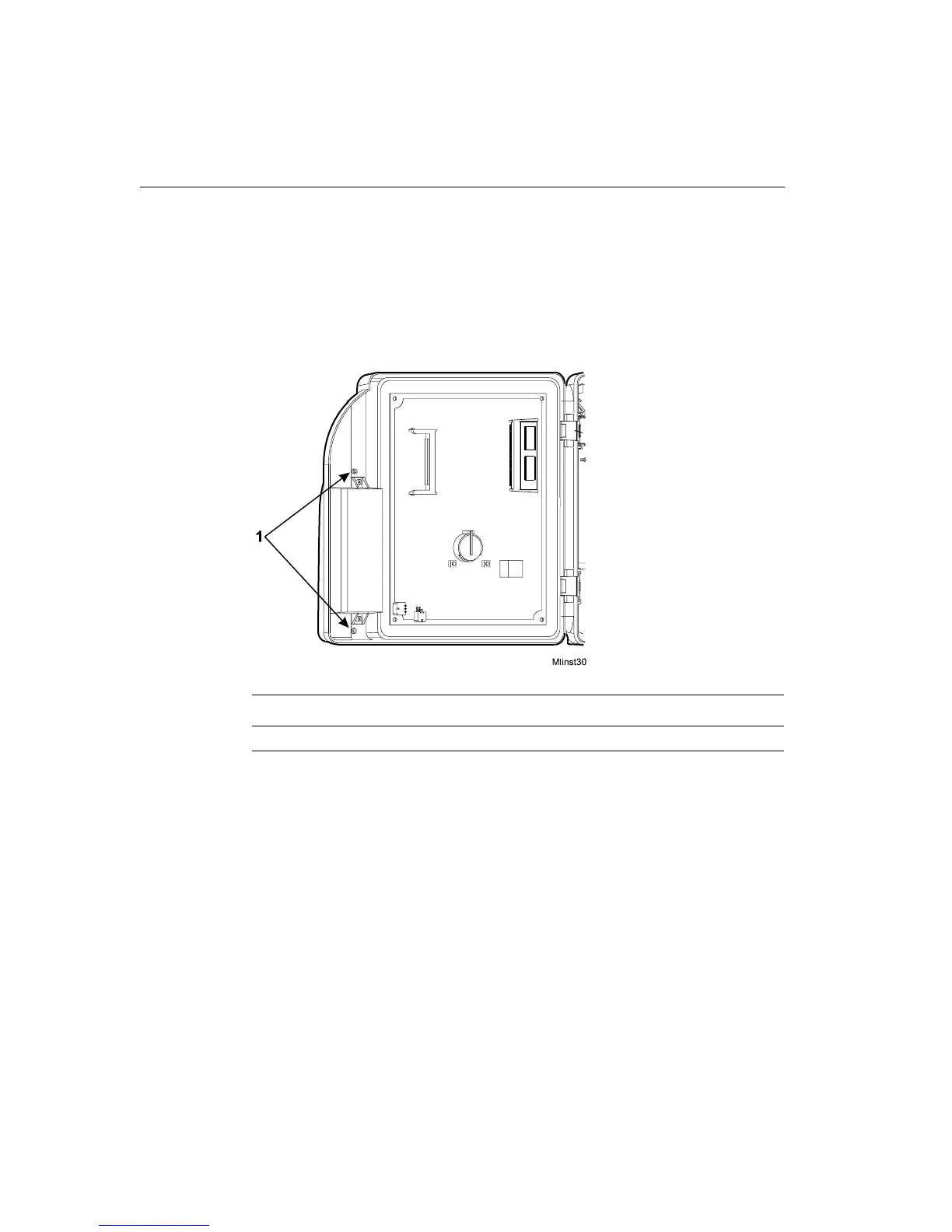
2. Use a Phillips screwdriver to loosen the two captive screws inside the
timeclock cover, that hold the badge reader cover in place.
Number Description
1 Screws that hold the badge reader cover in place



 To Next Page