Chapter 4 Maintaining the Timeclock
4-20 ADP, Inc.
Performing Basic Configuration at the Series 4000 Timeclock
Whenever you restore the Series 4000 timeclock to the factory defaults, you must
complete the basic configuration settings on the timeclock before you can restore
the timeclock’s overall configuration from the host application.
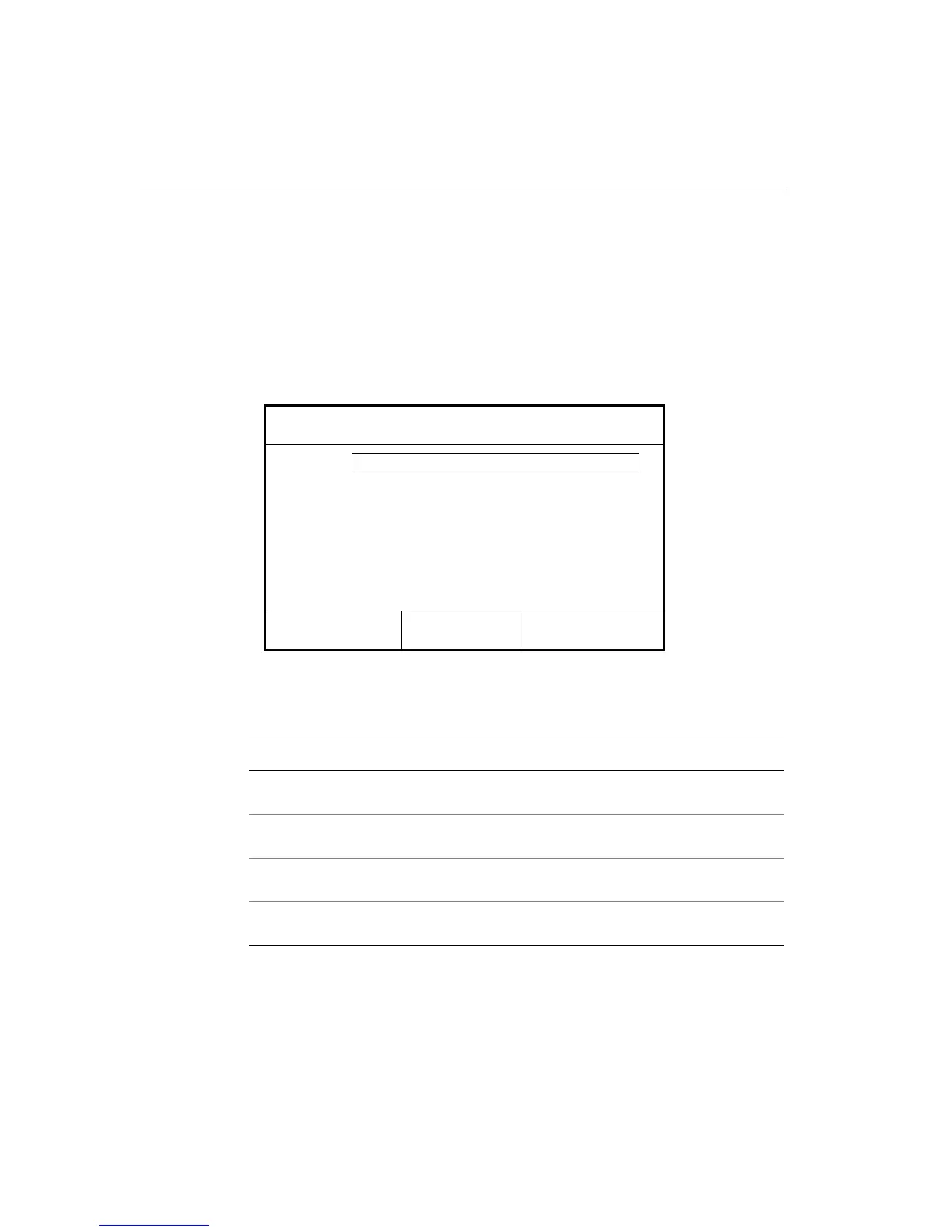
When the Series 4000 timeclock is first powered on and initializes (“boots up”),
the Communications Setting screen appears:
1. On the Communication Setting screen, complete the following fields, with
the help of your network administrator:
Settings Description
Device ID Enter an ID number (at least six digits) for the timeclock. The host
application uses this number to identify the timeclock.
IP Address Enter the IP address, including the periods, assigned to the timeclock
by your system administrator.
Gateway Enter the IP address, including the periods, of the default device that
forwards data to the host application. This field holds up to 15 digits.
Subnet Mask Specify a number that identifies a subnetwork so that an IP address
can be found on a LAN. This field holds up to 15 digits.
Device ID
Changing comm settings causes a reboot!
Gateway
IP Address
Subnet Mask



 To Next Page