Chapter 3 Manager Mode Transactions
68
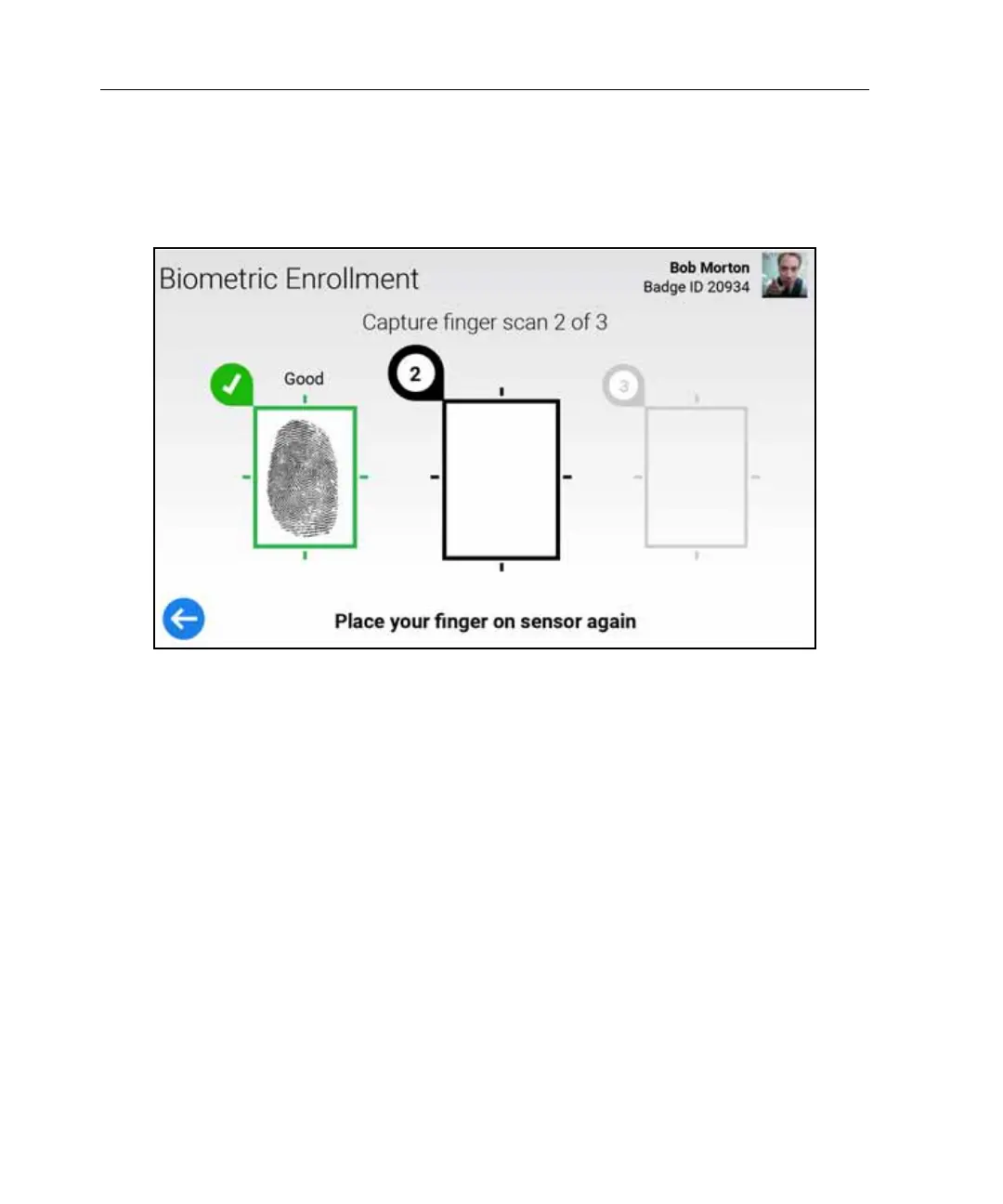
The results pages vary, depending on the enrollment score: Good, Fair, or Poor.
Good Enrollment
After a few seconds, this screen times out.
Fair Enrollment
Do one of the following:
•Tap Retry. Return to step 2. Re-scan the same finger, and try to achieve a
Good enrollment.
•Tap Change Finger. Return to step 1 and select a different finger.
• If you have tried enrolling each finger, without achieving a Good Enrollment,
tap Accept Best. Go to “Confirm Fingerscan.”



 To Next Page