Biometric transactions: Kronos Touch ID Plus
69
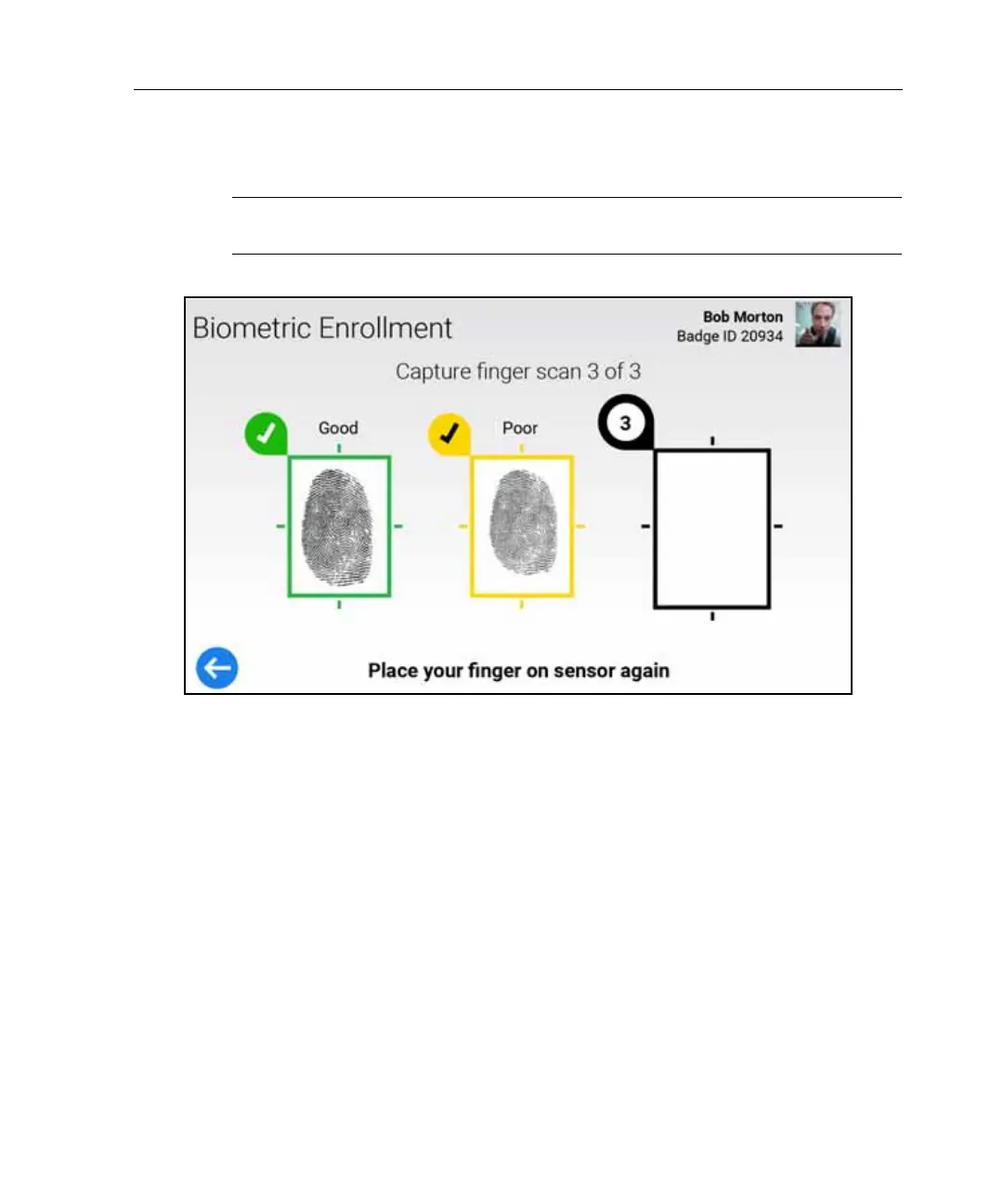
Poor Enrollment
Note: A low Quality score might indicate that your finger is too dry. Moisten it
using the PreScan® fingertip enhancer pad.
Do one of the following:
•Tap Retry. Return to “Capture Fingerscan.” Re-scan the same finger, and try
to achieve a Good enrollment.
•Tap Change Finger. Return to “Select Finger to Enroll” and select a different
finger.
• If you have tried enrolling each finger, without achieving a Good Enrollment,
tap Accept Best.



 To Next Page