3. LUBRICATION SYSTEM
OIL PUMP/OIL FILTER ROTOR
REMOVAL
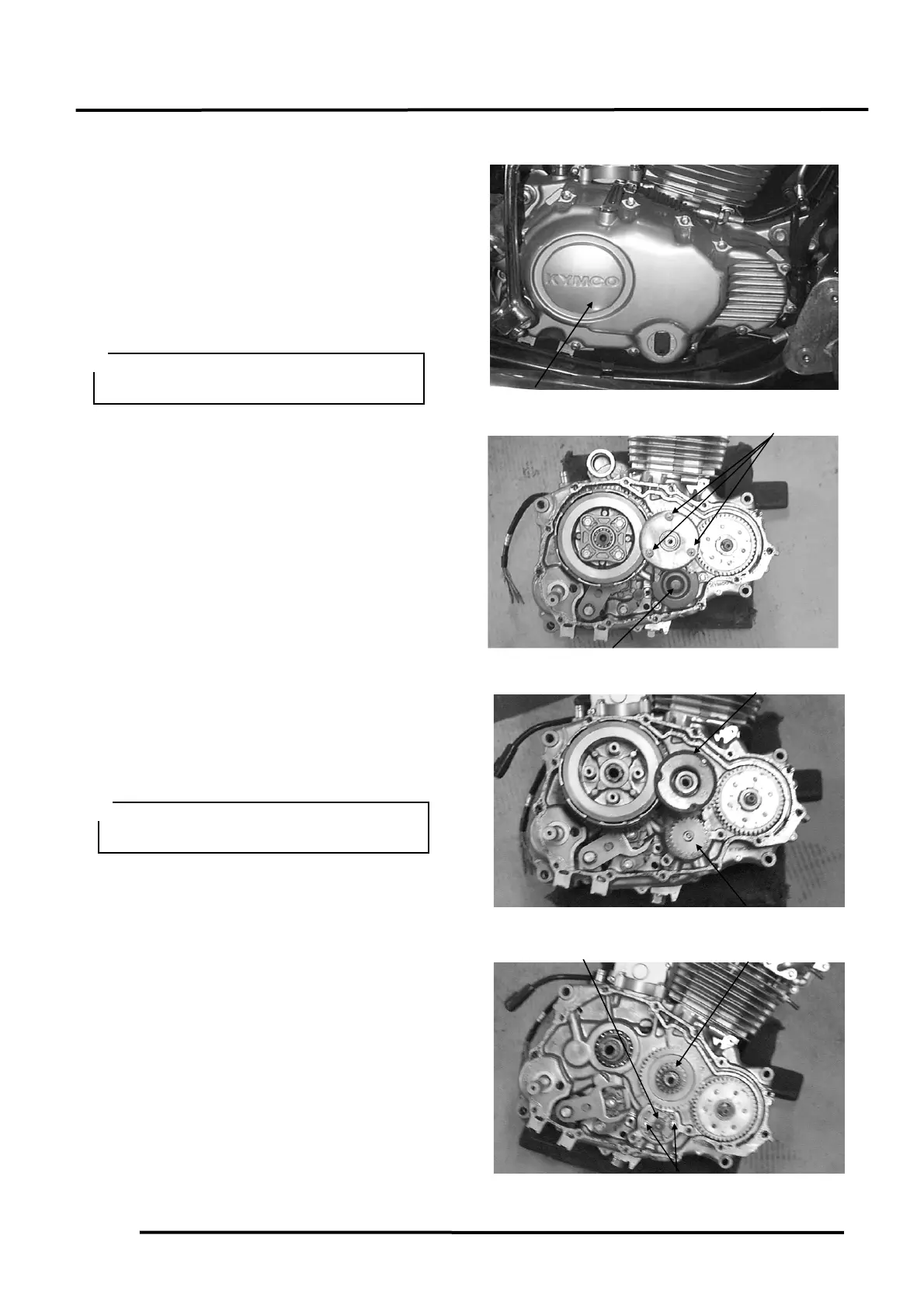
1. Remove the kick lever.
2. Disconnect the clutch cable.
3. Remove the right crankcase cover bolts
and right crankcase cover.
4. Check the cover gasket, oil seal and O-ring
for oil leaks or damage. Replace with new
ones if necessary.
Remove the three screws attaching the oil
filter rotor cover to remove the cover.
Remove the oil filter rotor lock nut with a
square socket and then remove the washer
and oil filter rotor.
Remove the oil pump gear cover.
Remove the 6mm nut on top of the oil pump
driven gear.
Remove the oil pump driven gear and chain.
Remove the two oil pump mounting bolts.
Remove the oil pump body.
When installing, make sure to use a new
right crankcase cover gasket.
During installation, install the washer
with the mark “OUTSIDE” facing up.





 To Next Page