Applications and Entertainment 106
ARTISTS to show your music library sorted by artist.
ALBUMS to show your music library sorted by album.
SONGS to list all of your songs in alphabetical order.
PLAYLISTS to select a customized playlist you‟ve created.
GENRES to show your music library sorted by genre.
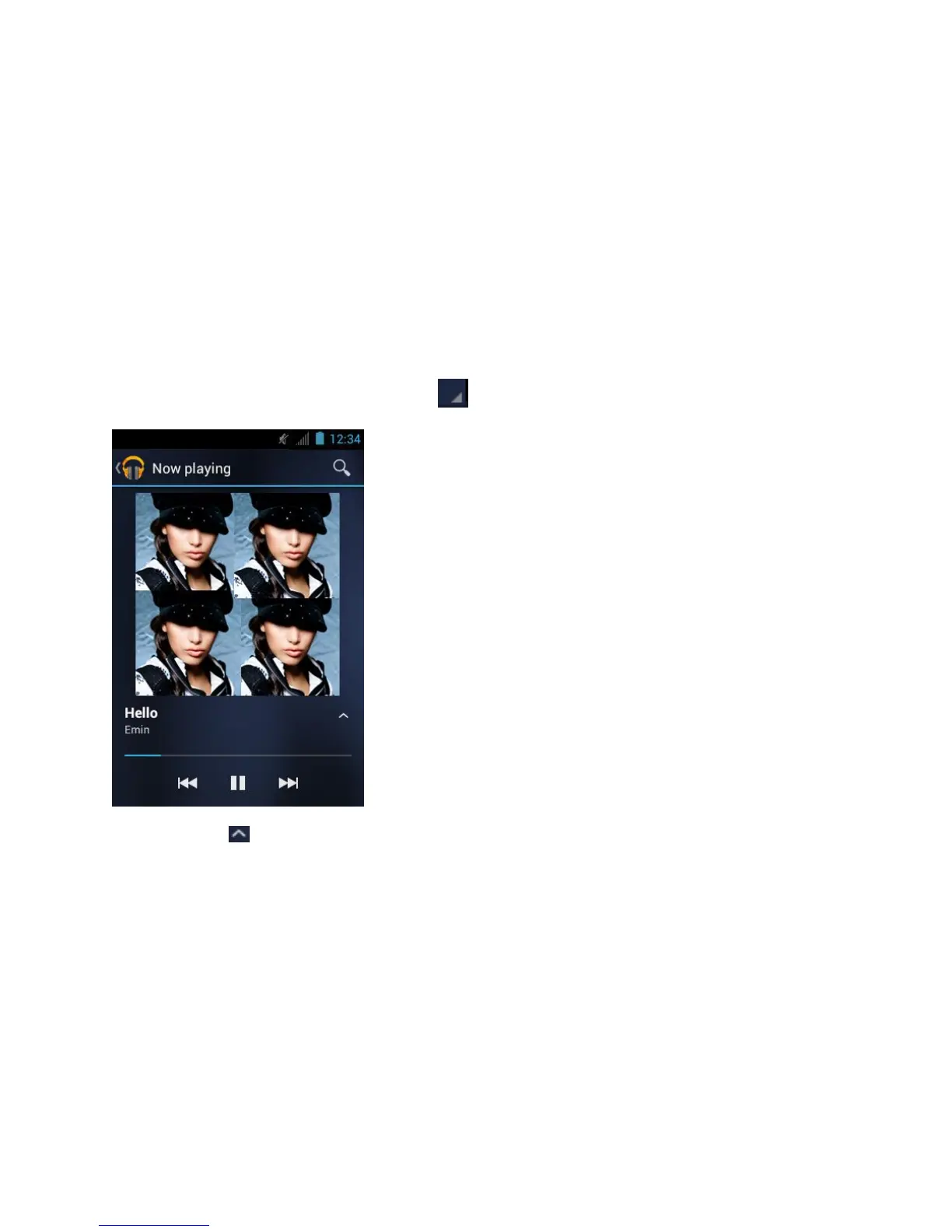
2. Touch a song in your library to play it. The Now playing screen opens.
- or-
Touch the triangular menu button next to an item and touch Play.
3. Touch to show options. The following options are available for the control:




 To Next Page