People 69
Save a Phone Number
You can save a phone number to People directly from the phone dialpad.
1. Press Home , and touch > .
2. Enter a phone number and press Menu , and touch Add to contacts.
3. To add the number to an existing entry, scroll through the list and touch the entry or
touch Find contacts to find the entry. To add a new entry, touch CREATE NEW
CONTACT.
4. For an existing entry, select a number type for the new number, and then touch OK.
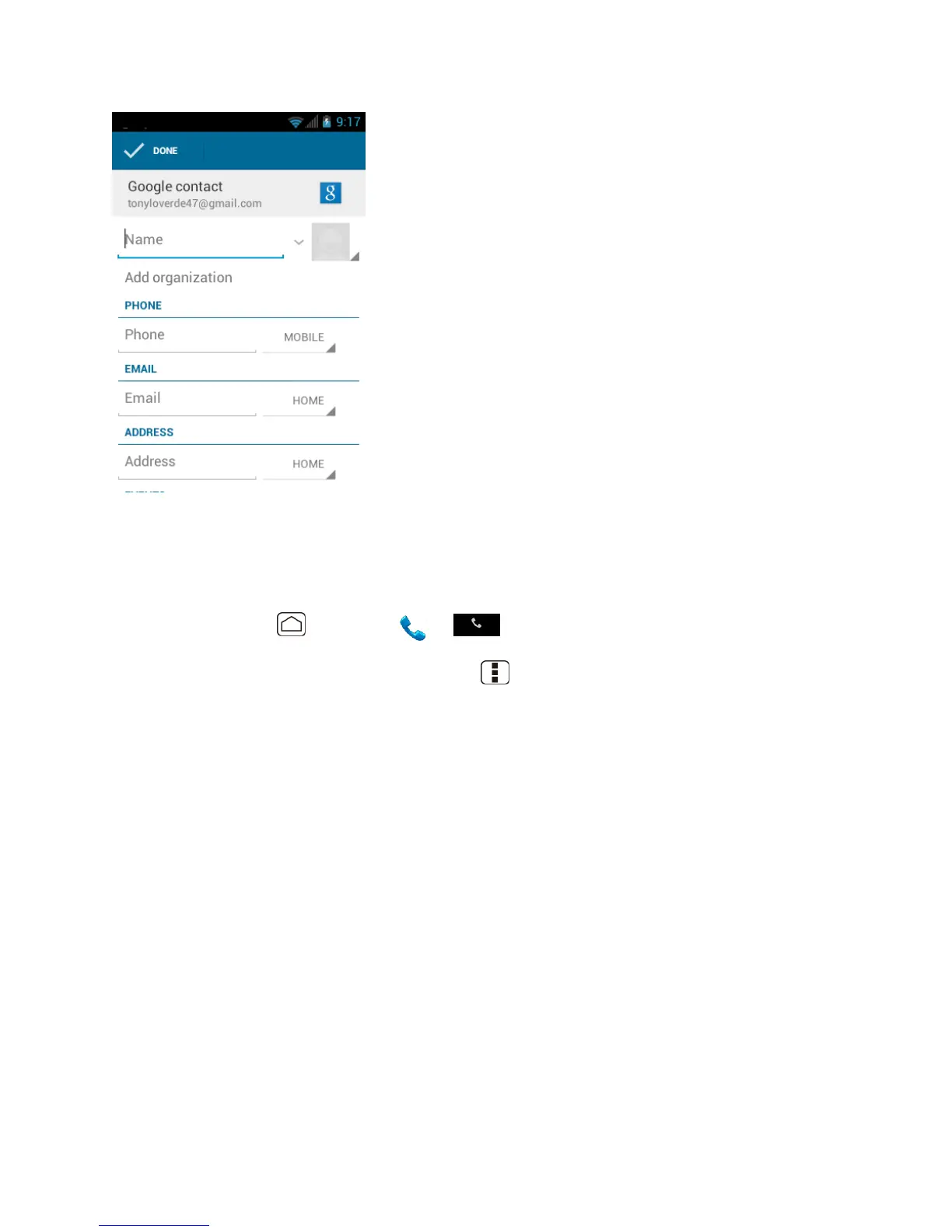
5. For a new entry, enter the name and any additional information, and then touch DONE.
See Add a New People Entry.
Edit a People Entry
Once you‟ve added an entry, you can add or edit any of the information in the entry, assign a
caller ID picture, customize it with a unique ringtone, and more.
Add or Edit Information for a People Entry
Assign a Stored Picture to a People Entry
Assign a New Picture to a People Entry












 To Next Page