Tools and Calendar 142
Synchronize a Corporate Calendar
If you have set up a corporate account on your device, you can also synchronize corporate
calendar events on your device. Calendar events on your corporate account will also show in
Calendar if you chose to synchronize with the Exchange ActiveSync Server.
Clock & Alarm
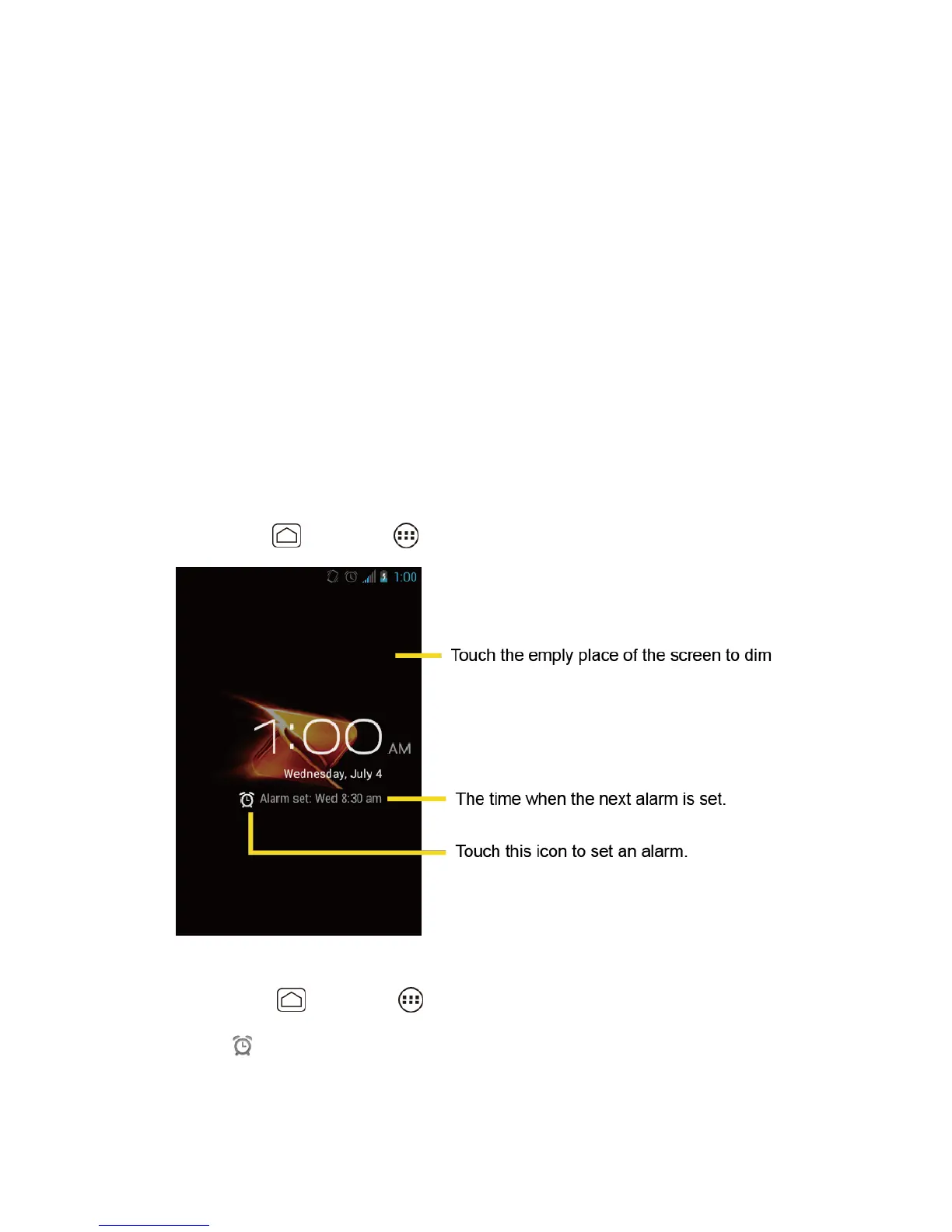
The Clock application functions as a desk clock that shows the date and time. You can also use
it to turn your device into an alarm clock.
Opening Clock
Setting an Alarm
Changing Alarm Settings
Opening Clock
The instructions below show how to open the Clock application.
► Press Home , and touch > Clock.
Setting an Alarm
1. Press Home , and touch > Clock.
2. Touch on the screen.












 To Next Page