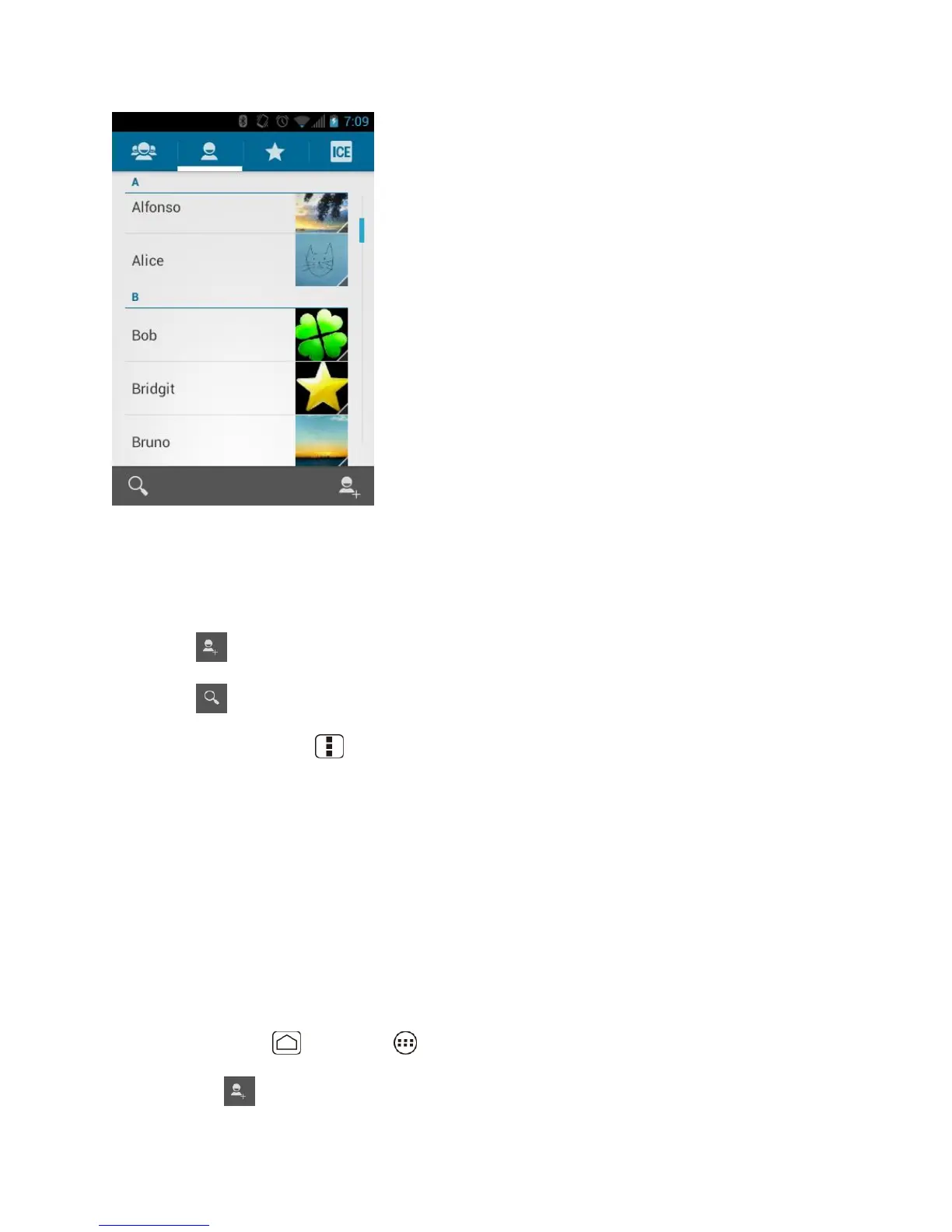
People 67
Scroll through the list to view all your entries. To see a specific entry, scroll to it and touch it.
People List Options
You can manage your entries from the People list.
● Touch to add an entry. See Add a New People Entry.
● Touch to search an entry.
You can also press Menu to display the People list options.
● Contacts to display: Selects the People list to be displayed. See Select People List.
● Import/export: Imports/exports entries from/to the microSD card.
● Accounts: Opens the Accounts & sync settings screen. See Accounts & Sync.
● Settings: Opens the Display options page. You can select how your entries are displayed.
See Display Options.
Add a New People Entry
Enter details such as name, phone numbers, email addresses, mailing addresses, and more.
1. Press Home , and touch > People.
2. Touch .












 To Next Page