Tools and Calendar 139
View Events
You can display the Calendar in daily, weekly, monthly, or agenda view. To change the
Calendar view, touch the month and year displayed at the upper left corner, and touch Day,
Week, Month, or Agenda.
The color of the events indicate the type of calendar that includes the event. To find out what
each color represents, press Menu , and then touch Calendars to display.
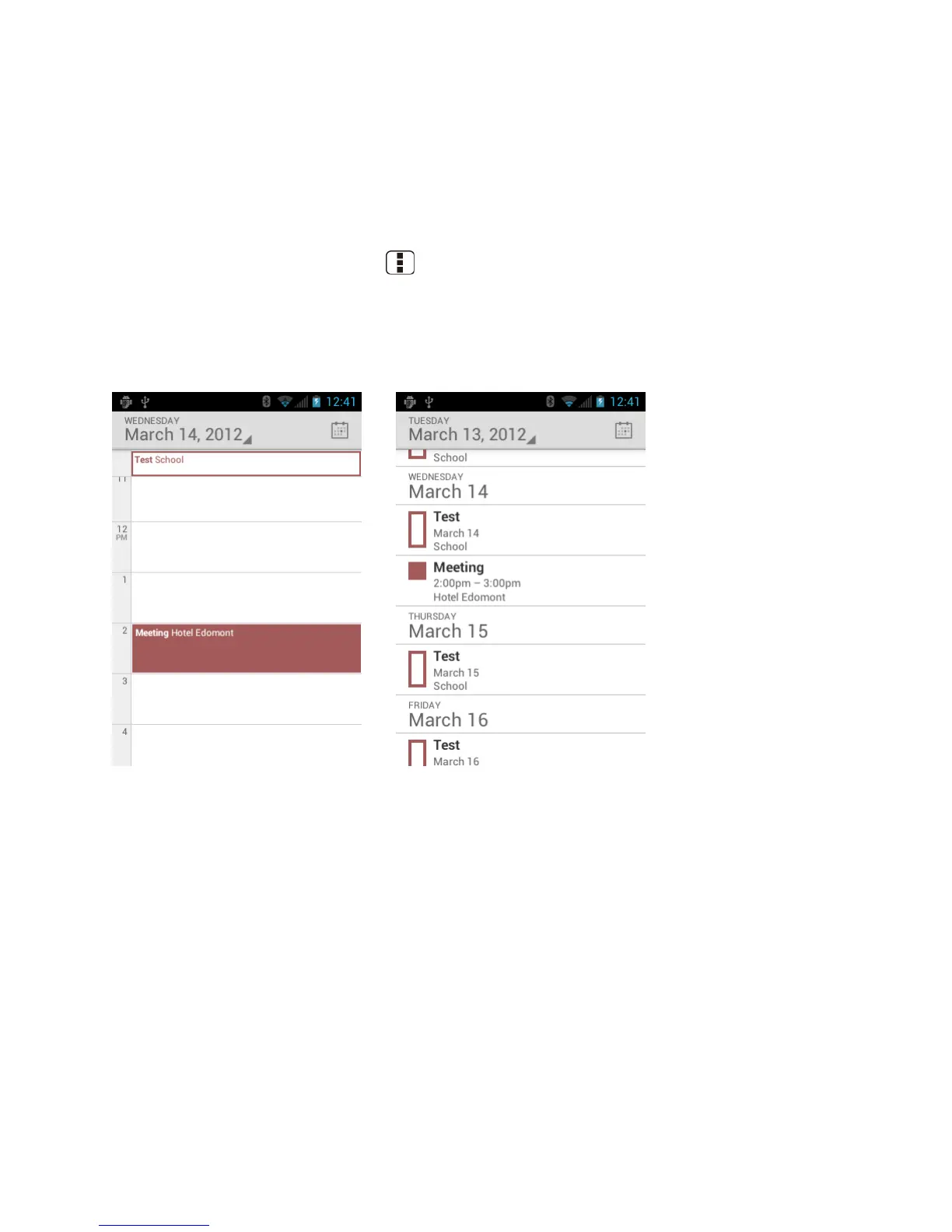
Day View and Agenda View
Day view displays a list of the events of one day. Agenda view shows a list of all your events in
chronological order.
When in Day view, slide left or right across the screen to view earlier or later days.
Week View
Week view displays a chart of the events of one week.












 To Next Page