Camera and Video 132
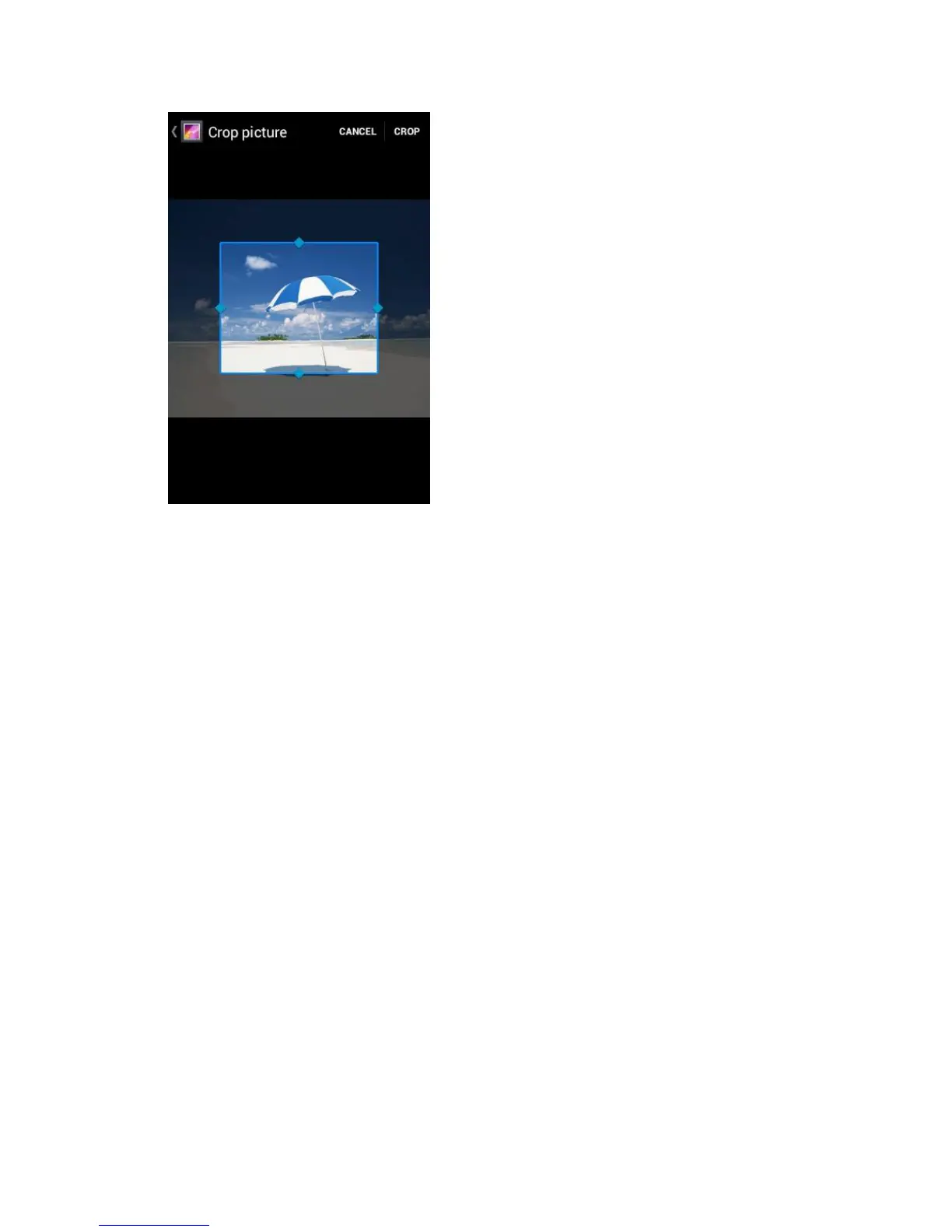
4. To adjust the crop box size, press and hold the edge of the box. When directional arrows
appear, drag your finger inward to or outward to resize the crop box.
5. To move the crop box to the part of the photo that you want to crop, drag the crop box to
the desired position.
6. Touch CROP to apply the changes to the picture.
The cropped picture is saved on the storage card as a copy. The original picture remains
unedited.
Share Photos and Videos
The Gallery application lets you send photos and videos using email or multimedia messages.
You can share photos on your social networks such as Picasa and share videos on YouTube.
You can also send them to another phone or your computer using Bluetooth.
Send Photos or Videos by Email/Gmail
Send Photos or Videos by Multimedia Message
Send Photos or Videos Using Bluetooth
Share Photos or Videos on Google+
Share Photos on Picasa
Share Videos on YouTube












 To Next Page